A review of QiPOWER's smart earpick 'QE-1' that allows you to see inside your ear with 3 million pixel high resolution

If you're an ear pick lover, you've probably wanted to try cleaning your ears while looking inside your own ears. However, for those who feel embarrassed about having others look inside their ears, going to an ear, nose, and throat doctor or visiting an ear pick specialty store where you can see inside your ears can be a big hurdle. With QiPOWER's smart ear pick ' QE-1 ,' you can clean your ears to your heart's content while looking inside your ears using a dedicated smartphone app, so we decided to try out the actual product that arrived at our editorial department to see what it was like.
QE-1 Entry Model - QiPOWER Earpick with Camera | Product Information | Maxevis Smart Earpick Japan Official Website
Below is a video of the ear cleaning video taken using the smart earpick 'QE-1' and the dedicated app. If you are not familiar with ear cleaning videos, please watch at your own risk.
I tried cleaning my ears while looking inside my ears with QiPOWER's smart earpick 'QE-1' - YouTube
The packaging for the QE-1 smart earpick looks like this. It comes in two colors: black and white, and the one I received this time was black.
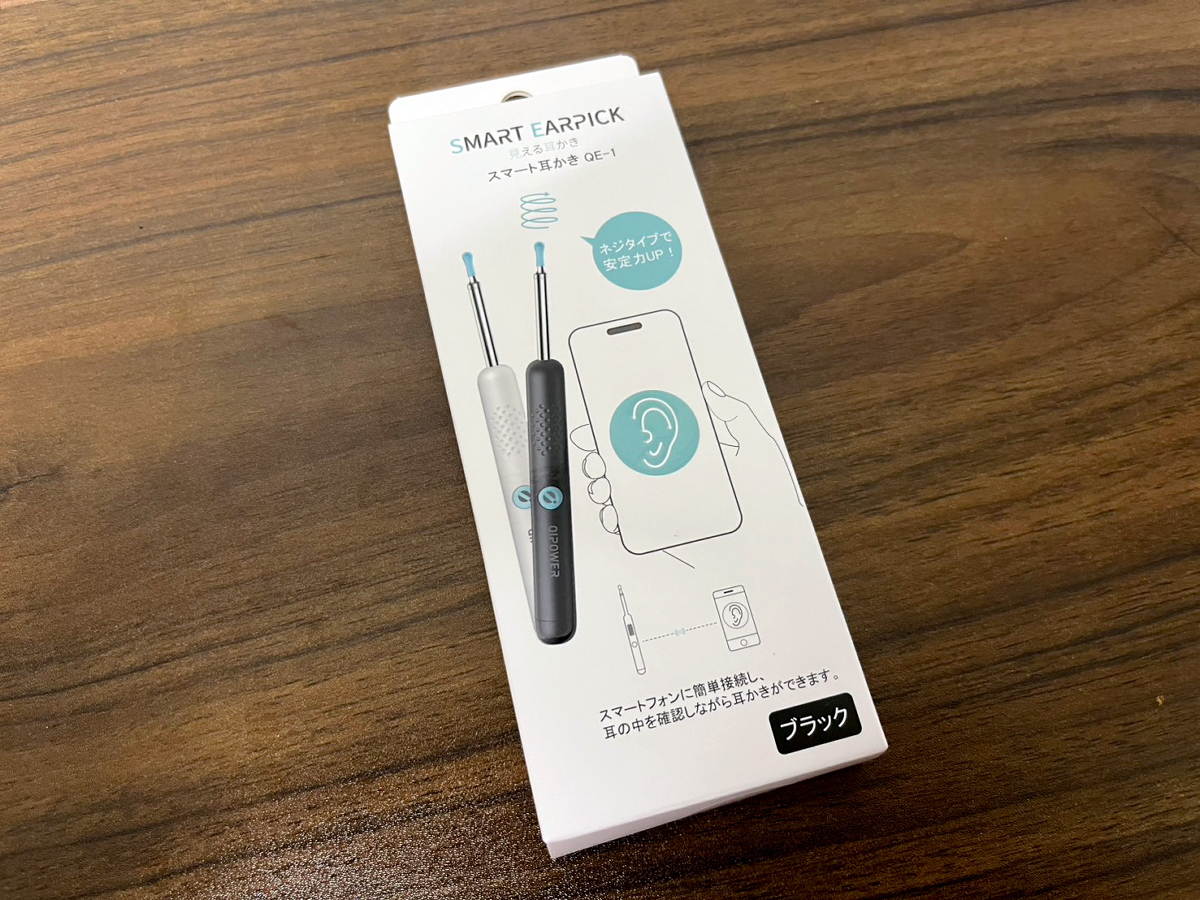
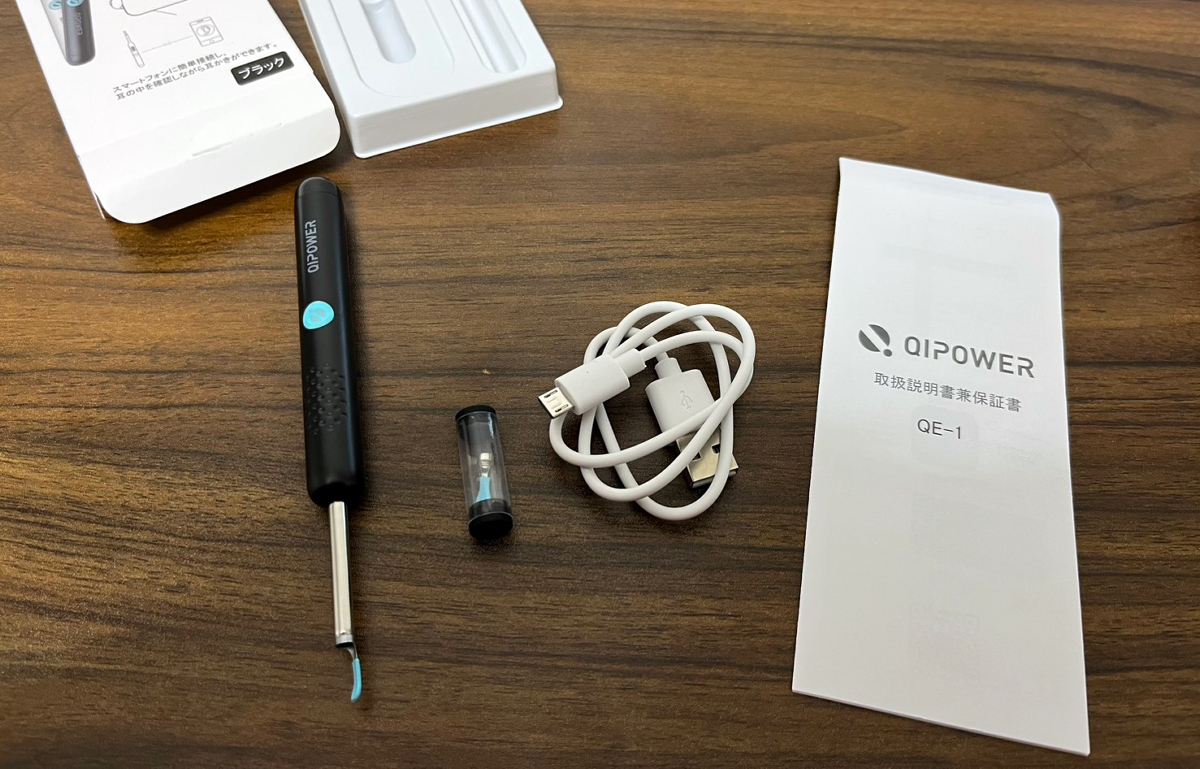
Inside is the 'QE-1' main unit with the earpick head (L) attached, a storage case containing the earpick head (S), a Micro-USB charging cable for charging the main unit, and an instruction manual/warranty card.
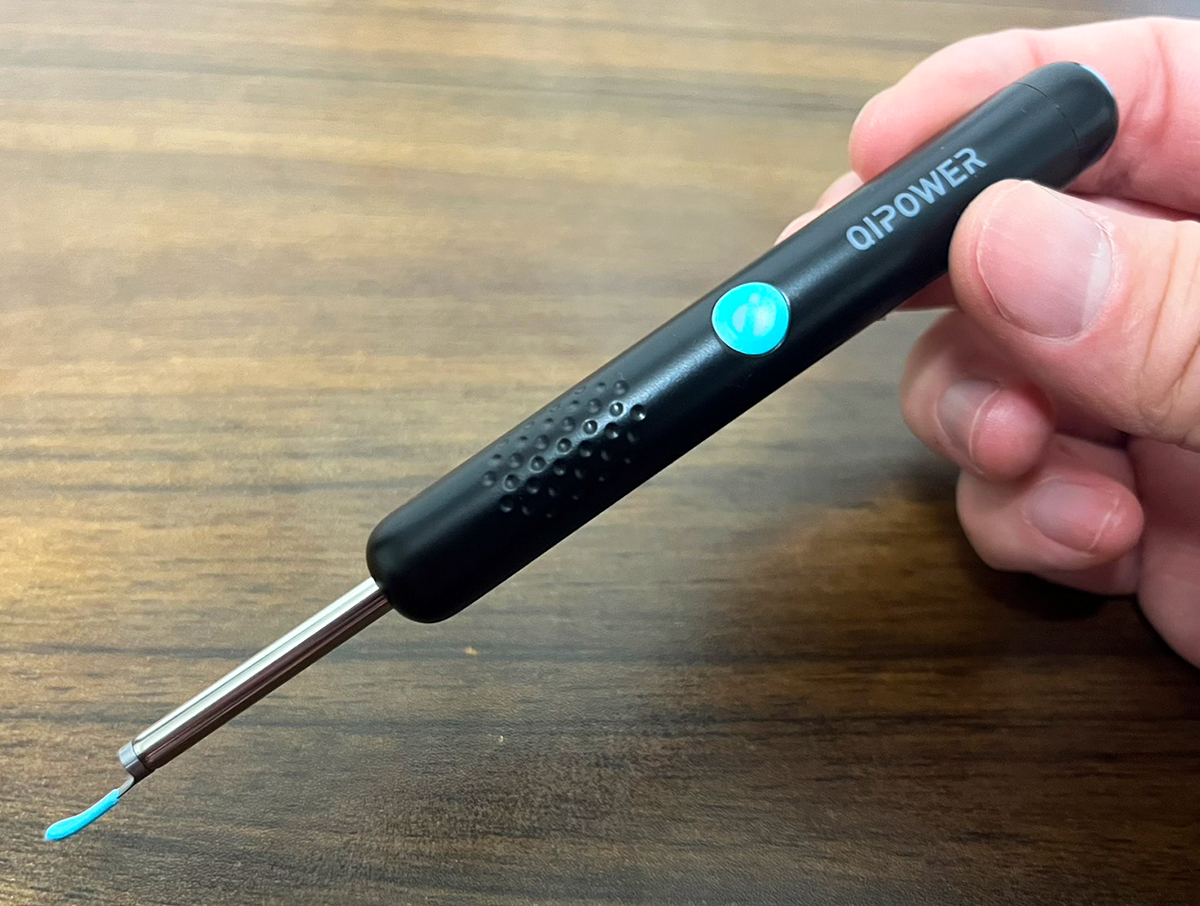
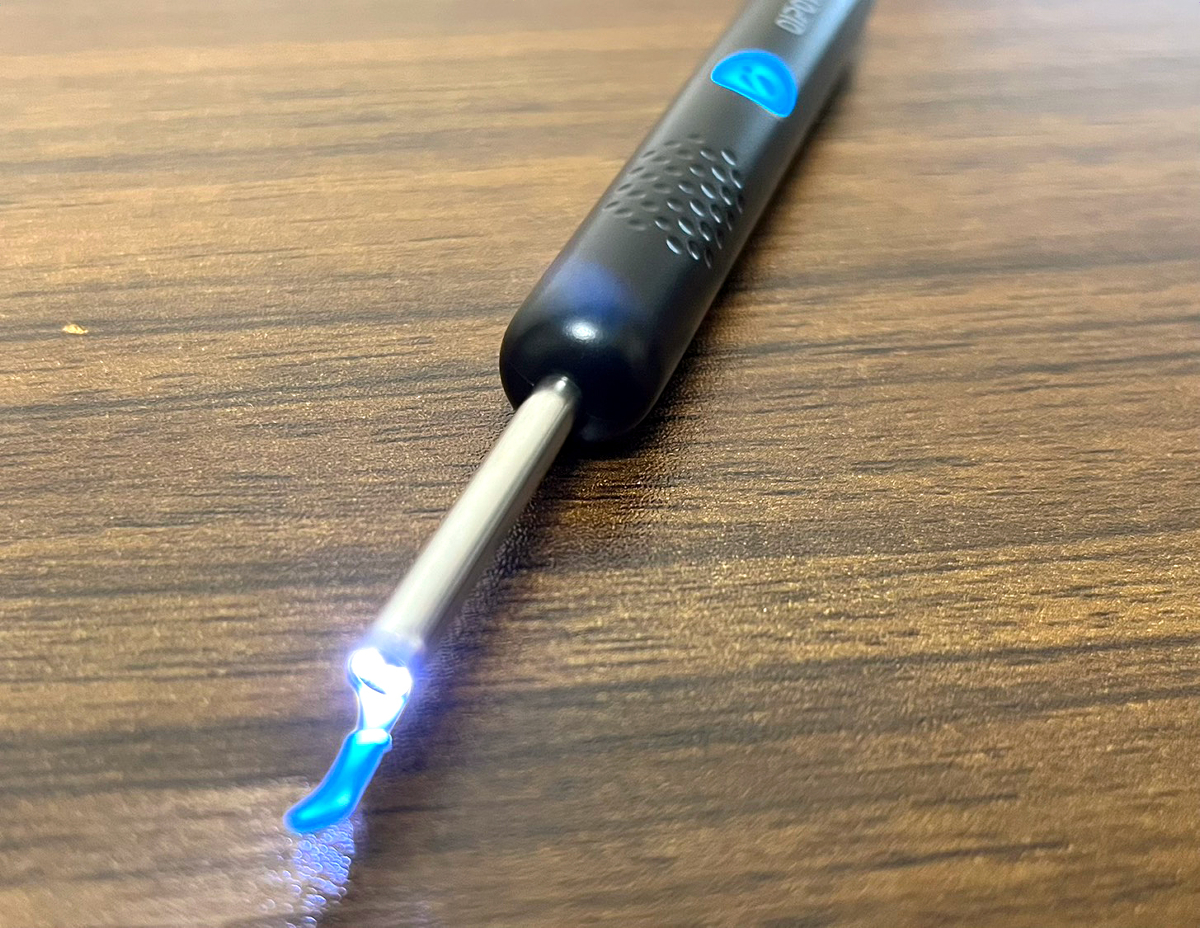
The main body looks like this. It has a perforated grip for easy grip.
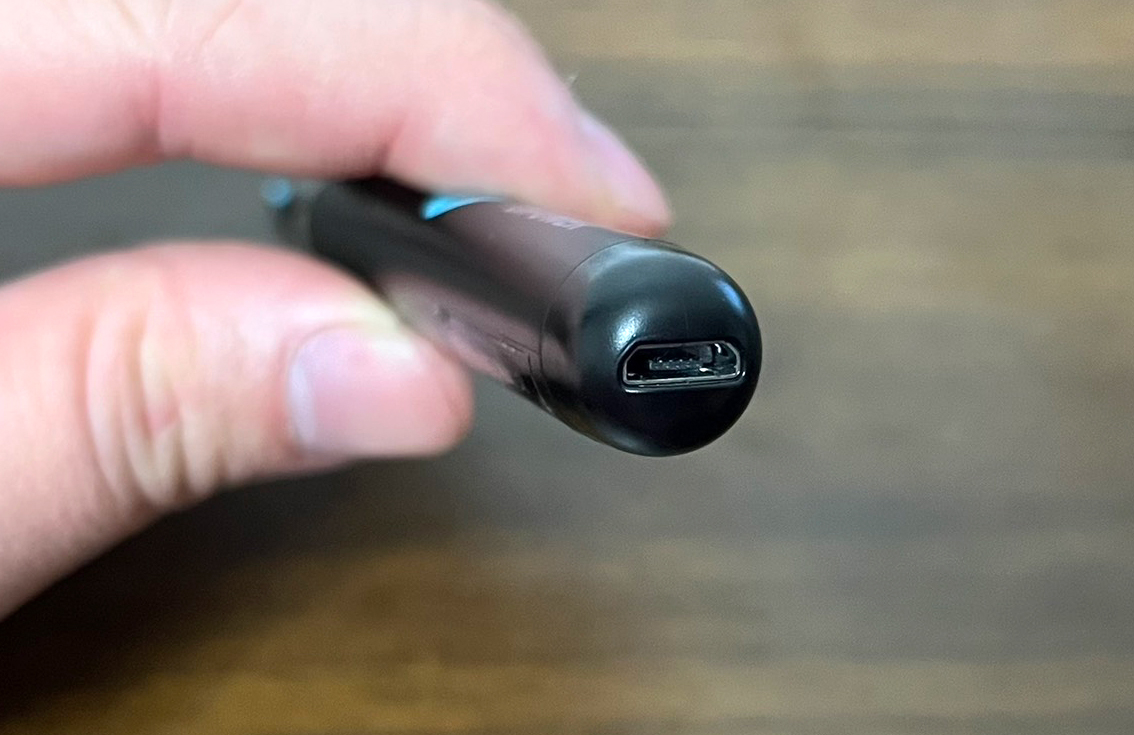
The Micro-USB port is located on the top of the device.
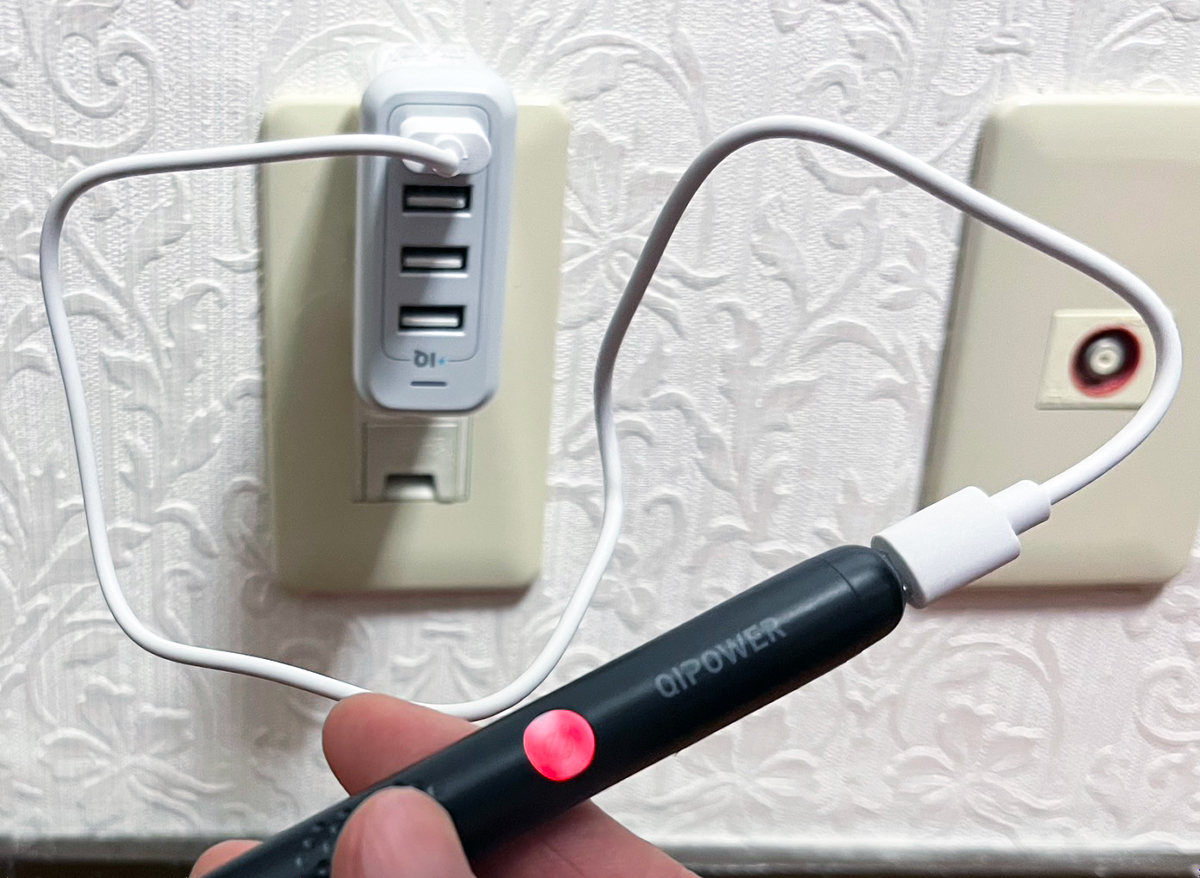
A USB Type-A adapter is not included, so you'll need to provide one yourself. When you connect the Micro-USB charging cable, the light on the device will turn red.
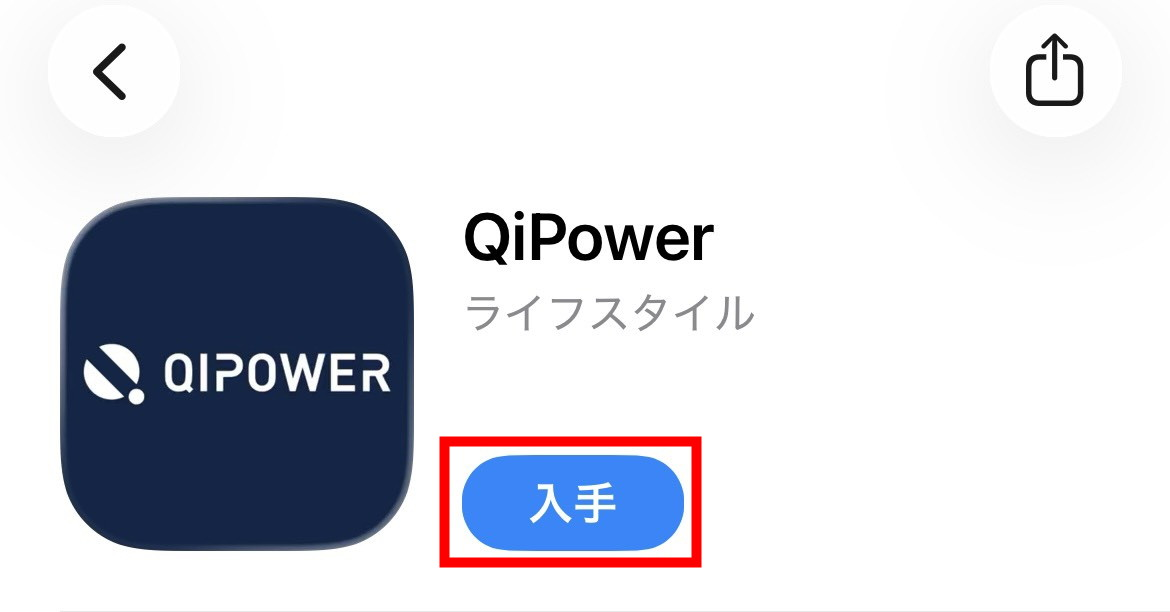
The 'QE-1' is an earpick that connects to the dedicated app 'QiPower.' The 'QiPower' app is available for both
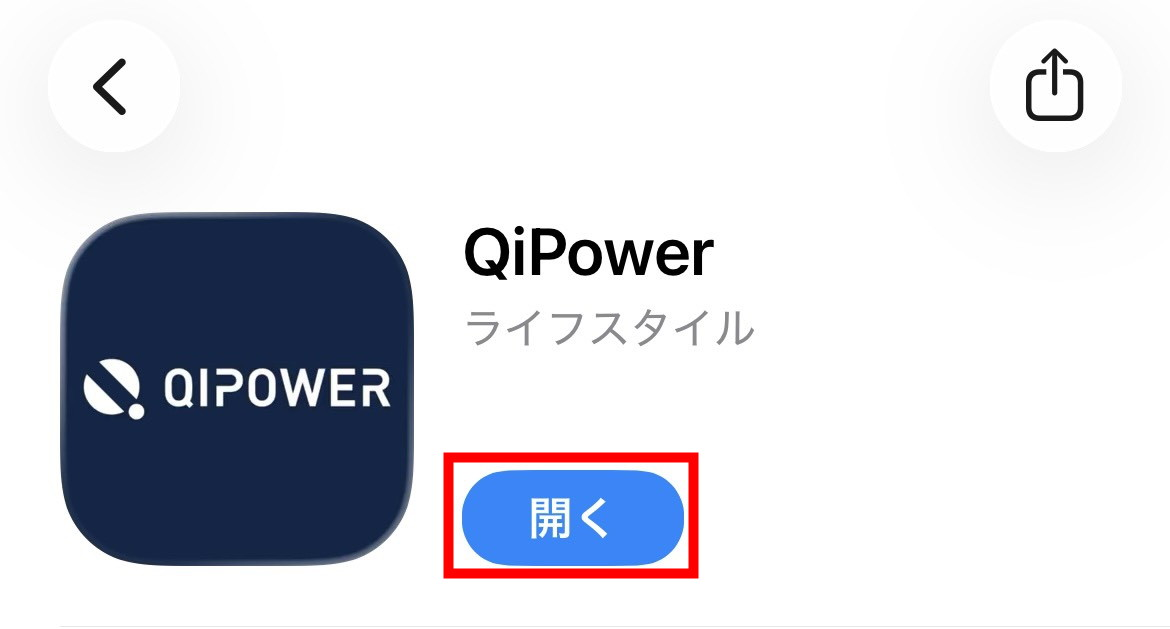
Once the installation is complete, tap 'Open.'
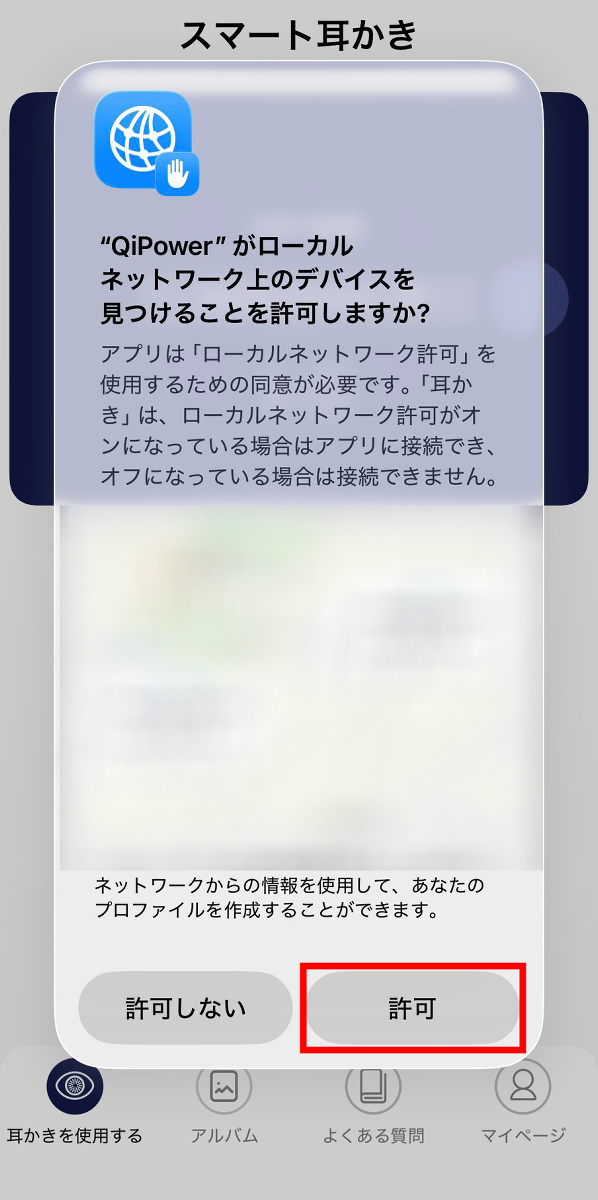
You will be asked 'Do you want to allow QiPower to find devices on your local network?' Tap 'Allow.'
Press and hold the button on the QE-1 to turn it on.
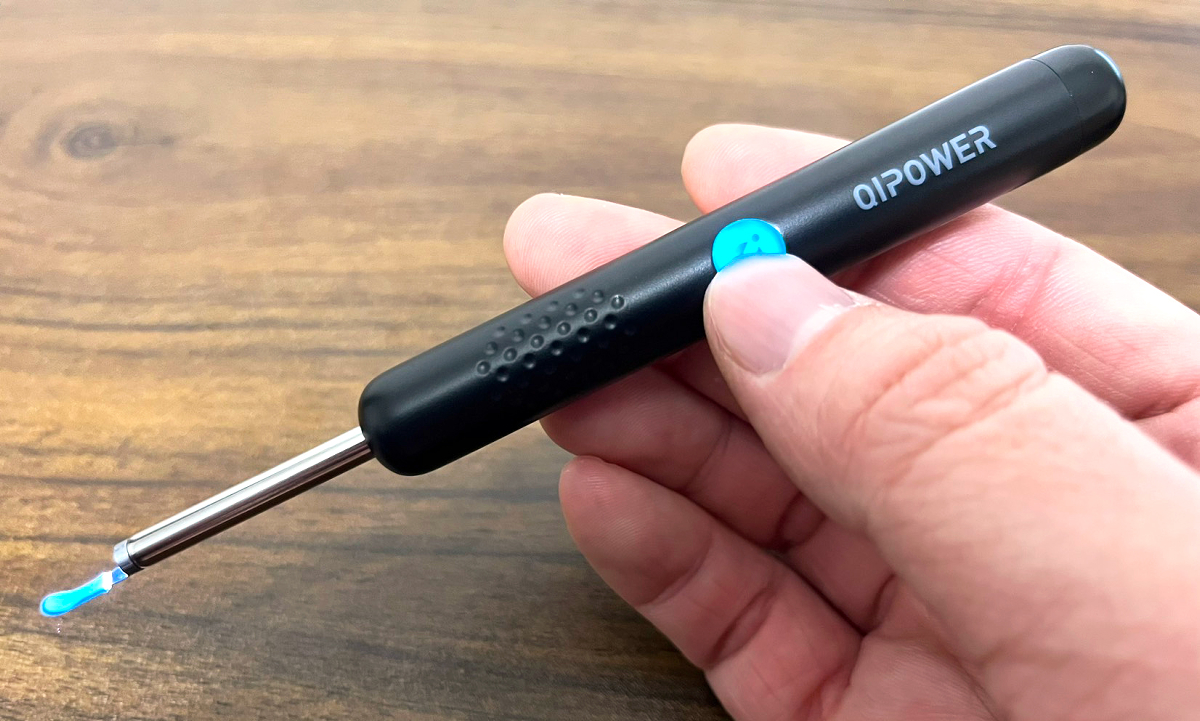
When the power is turned on, the button on the main unit will flash and the six high-brightness LEDs on the tip of the main unit will light up.
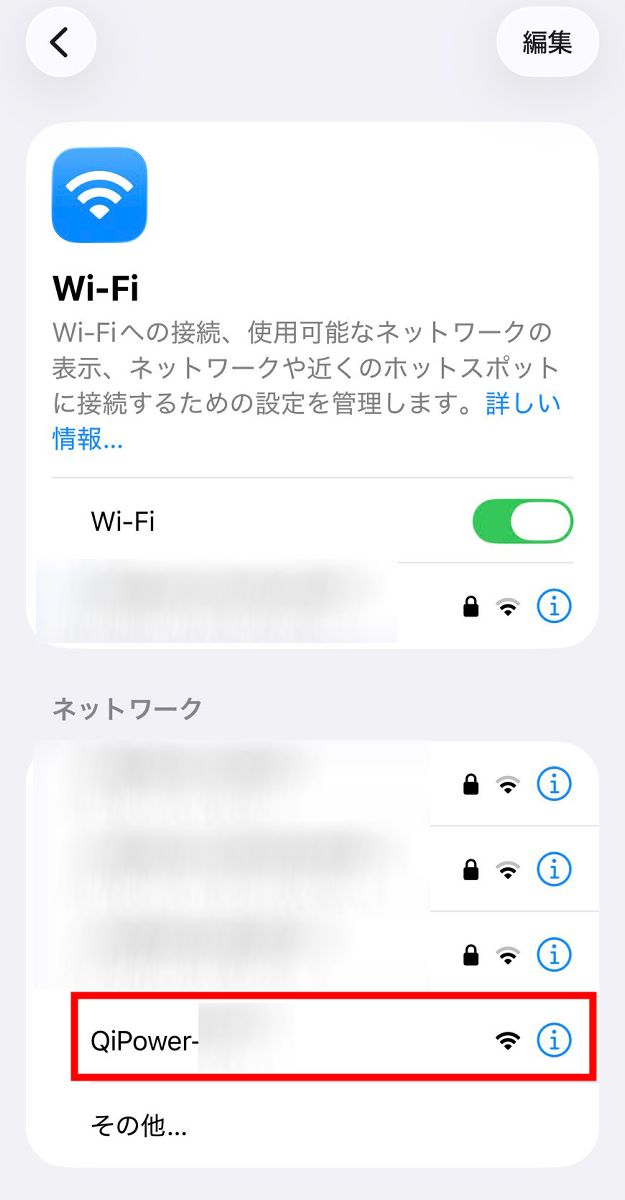
Open the Wi-Fi settings in iOS Settings and tap 'QiPower-○○○○.'
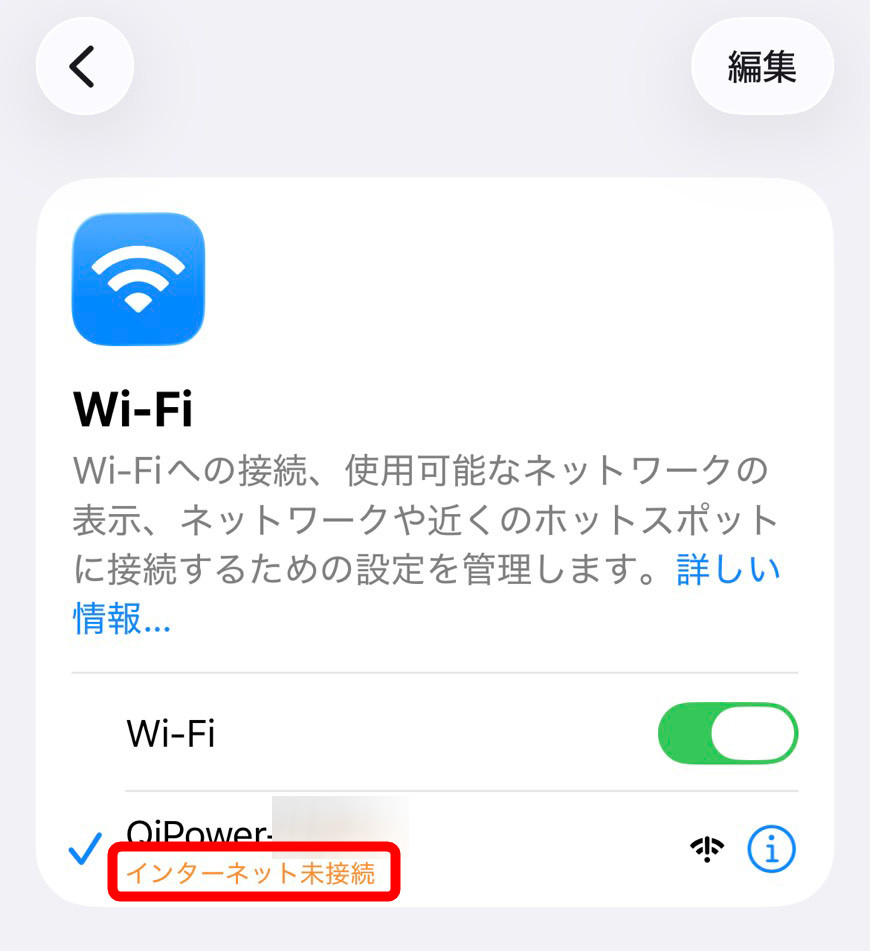
It will say 'Not connected to the Internet', but this is OK.
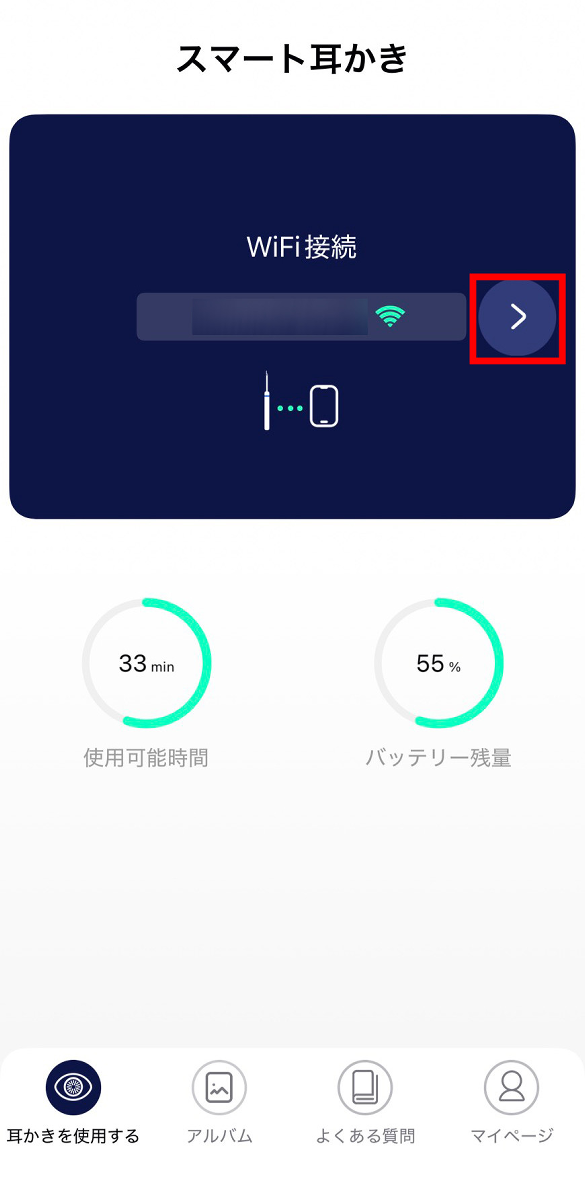
When I opened the QiPower app again, the remaining charge and available time for the ear pick were displayed. Tap ']'.
The camera image at the tip of the earpick is displayed. From this screen, you can switch between the wide-angle lens and focus lens, switch between right ear mode and left ear mode, take photos, record videos, and more.
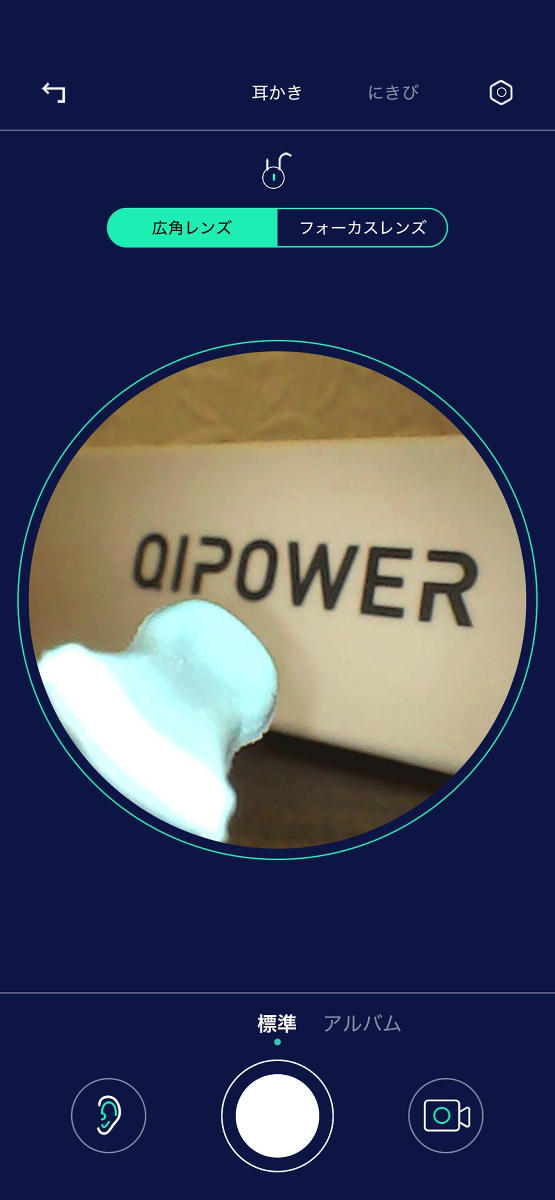
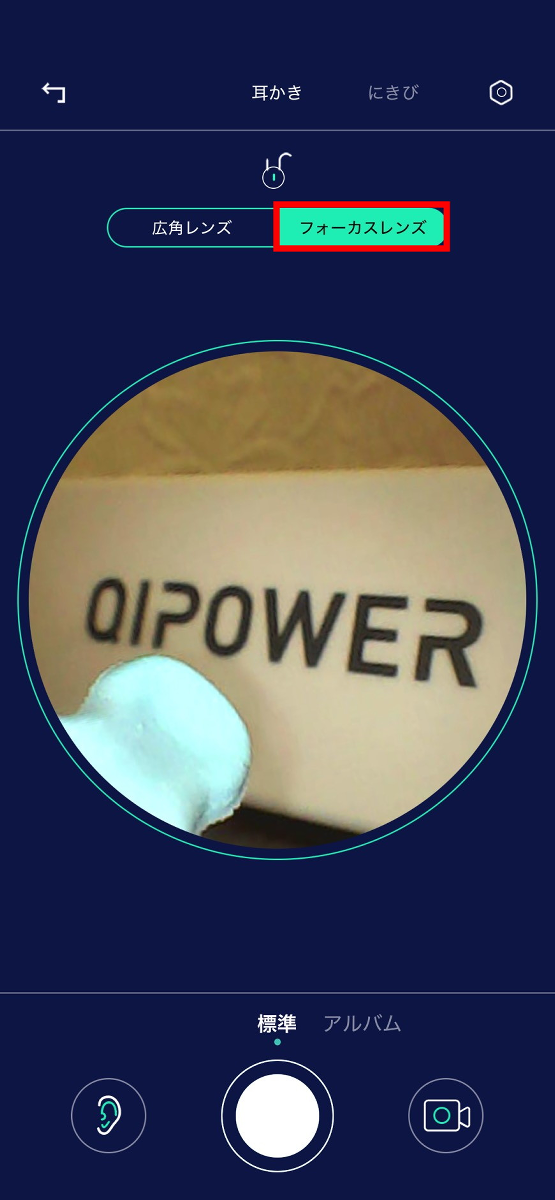
The default setting is the wide-angle lens, but tapping 'Focus Lens' will slightly enlarge the image.
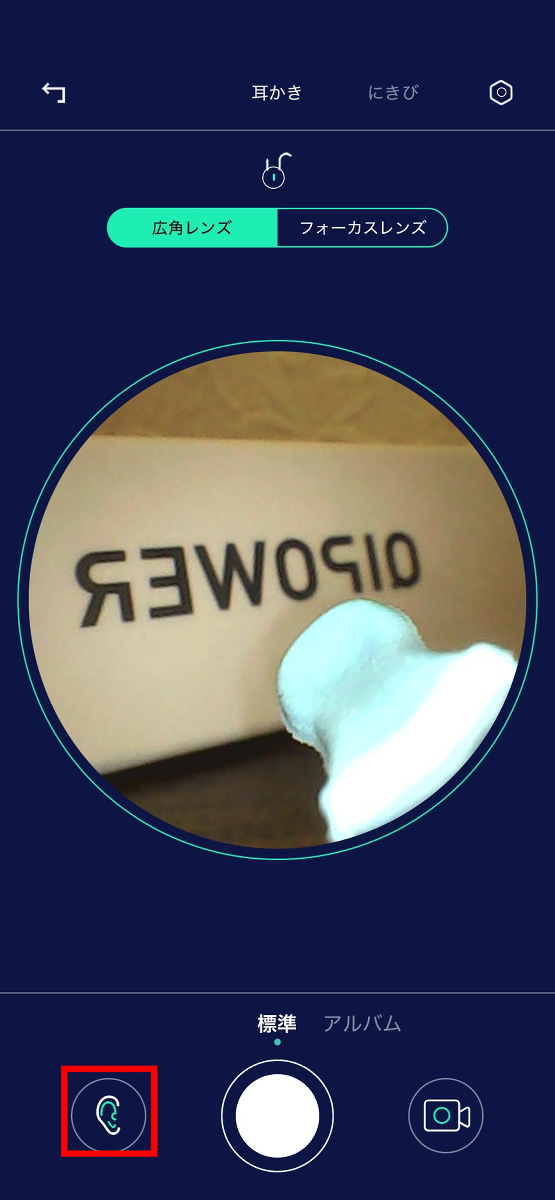
You can switch between right-ear and left-ear modes by tapping the 'ear icon' on the bottom left of the screen. The image will be inverted.
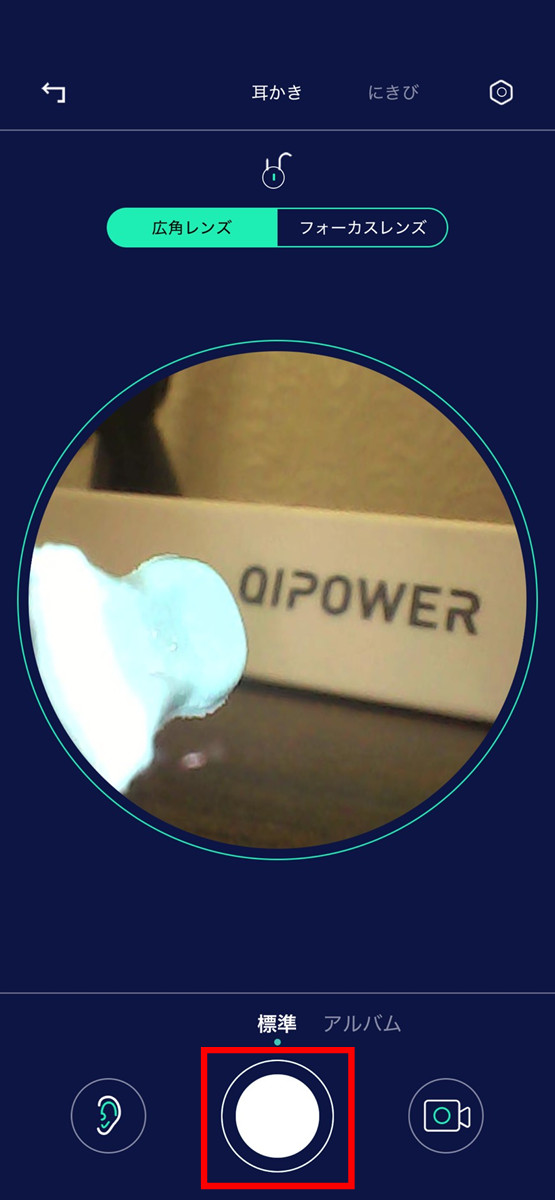
Tap the circle in the middle of the bottom of the screen to capture the image that is currently being displayed.
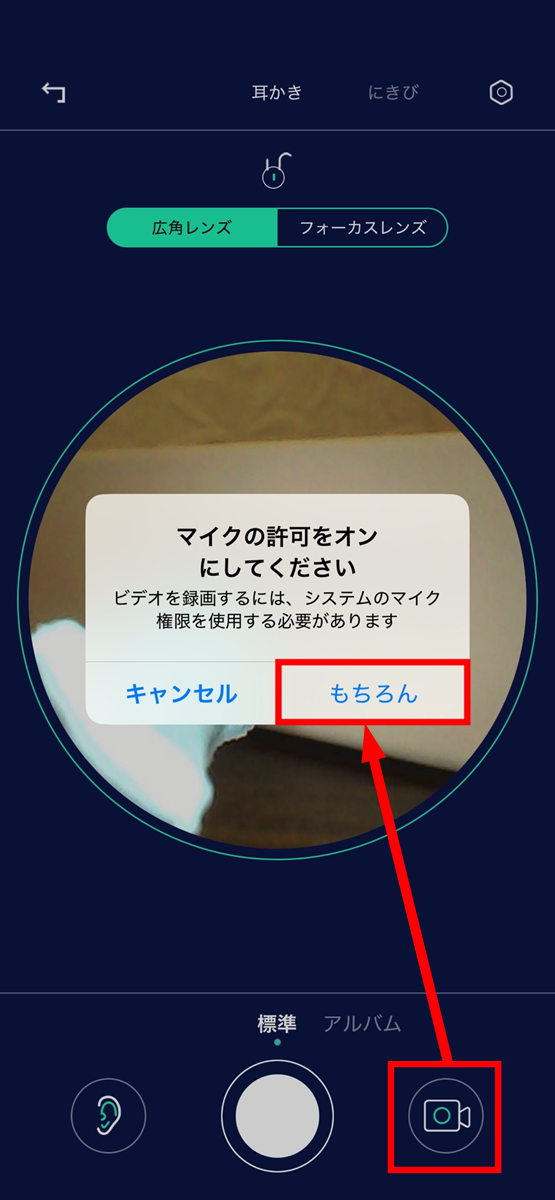
When you tap the video camera button on the bottom right of the screen for the first time, you will see a message saying 'Please turn on microphone permission,' so tap 'Of course.'
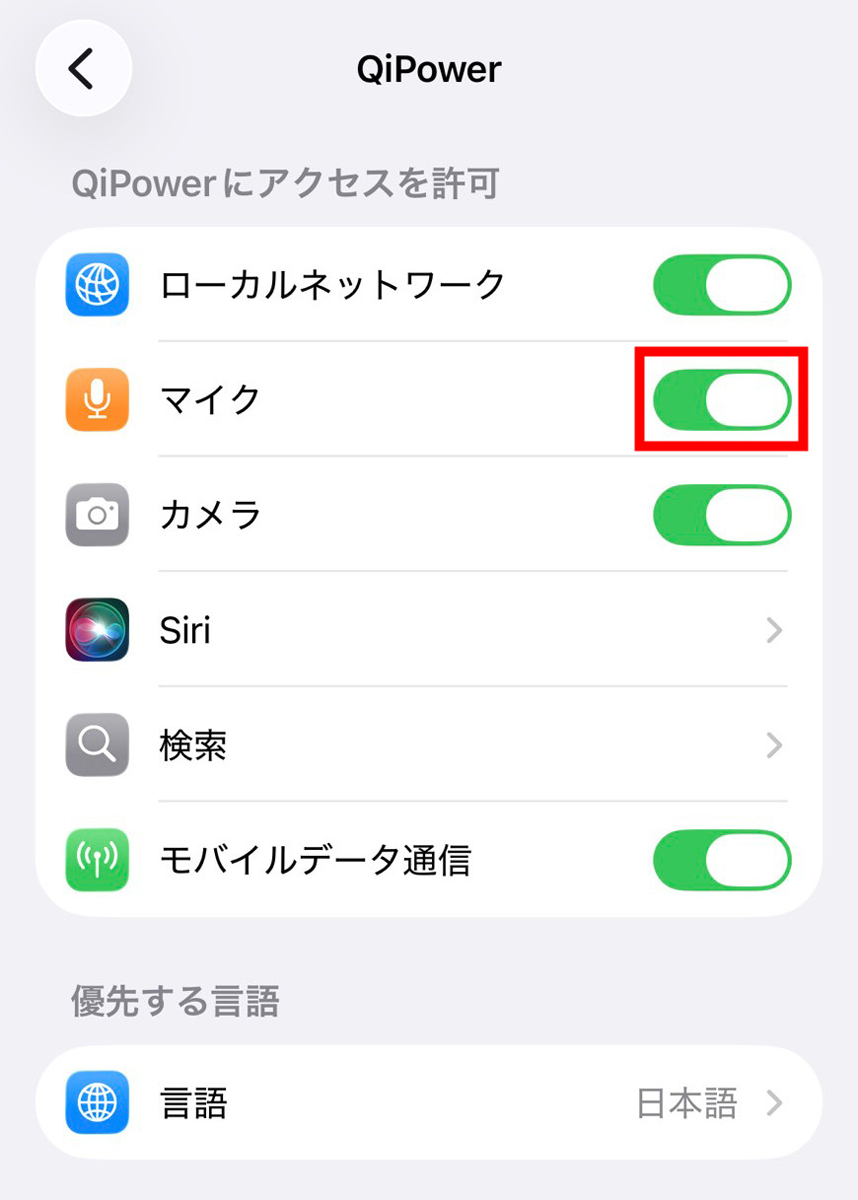
The access permission settings will open automatically, so turn on the microphone option. It will not automatically return to the original screen, so you can just reopen the 'QiPower' app yourself.
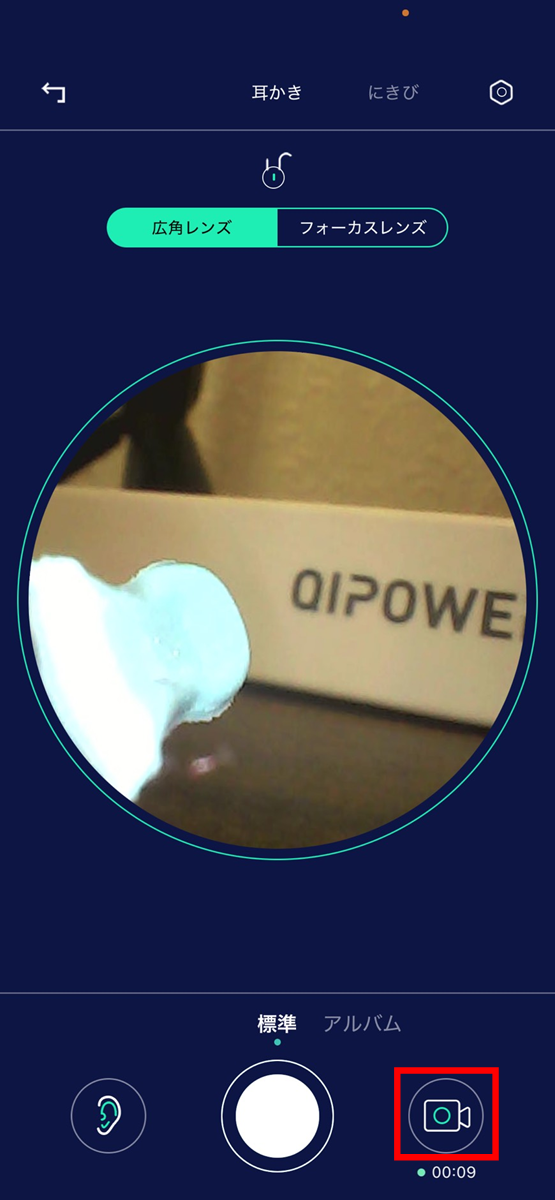
Tap the video camera button at the bottom right of the screen again to start recording what you see. Tap again to stop recording.
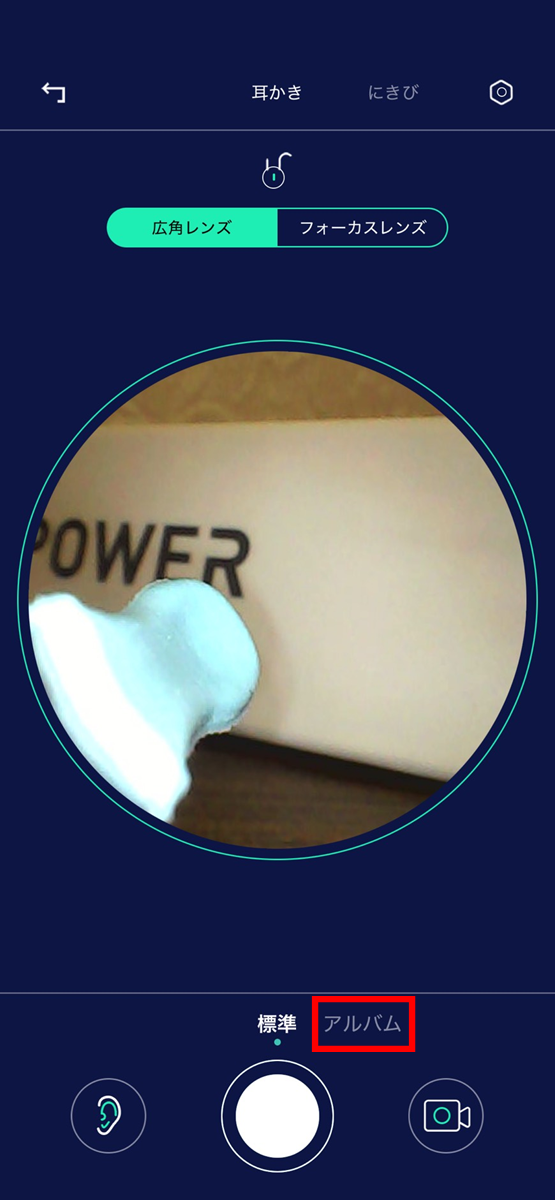
You can check the photos and videos you have taken by tapping 'Album.'
The photo tab looks like this:

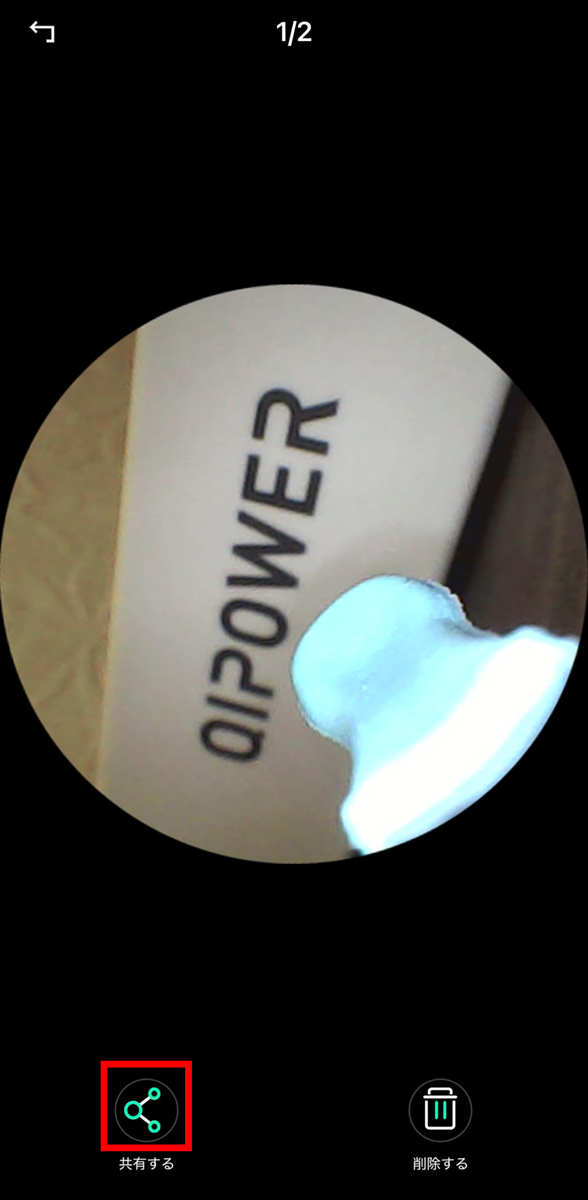
If you want to save an image to your device, open the content you want to save from 'Album' and tap 'Share' in the bottom left.
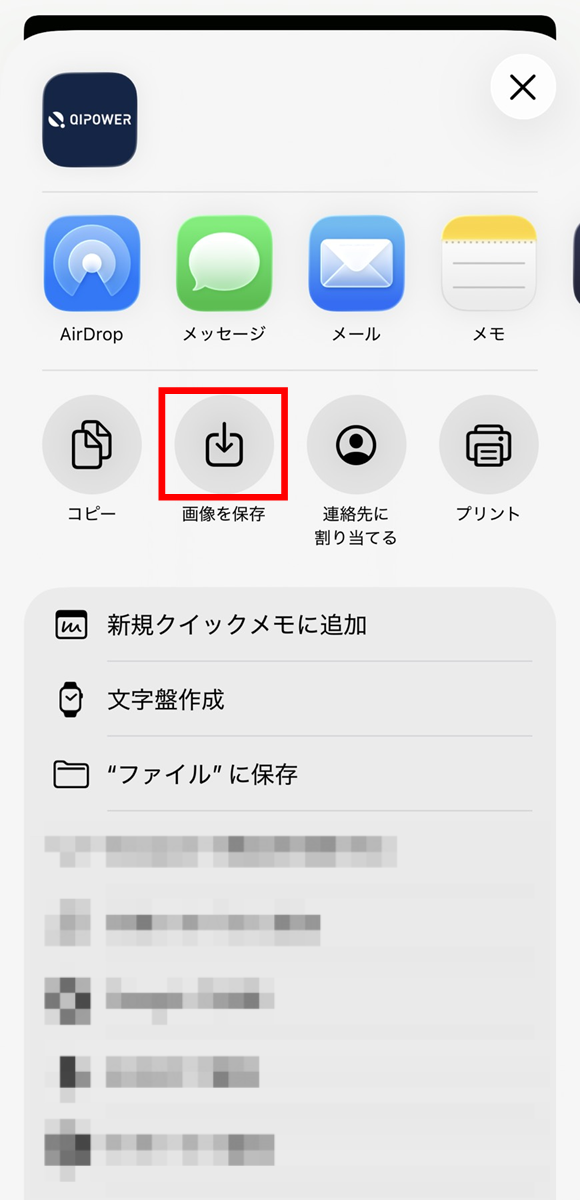
Just tap 'Save image'.
You can check the videos you have taken in the Video tab. The method for saving them to your device is the same as for images.

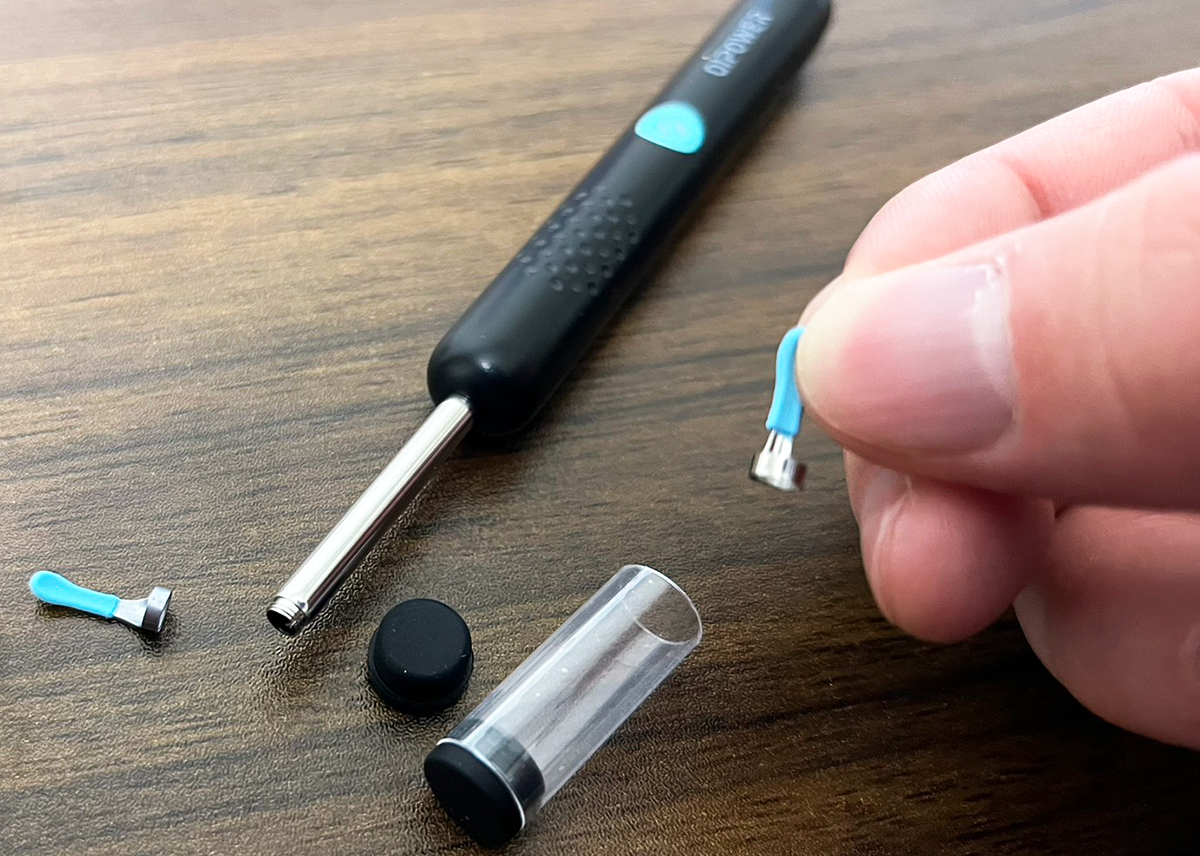
Now we'll actually use the earpick. Before using the earpick, first check the size of the earpick head. The earpick comes with an L-size head, so if you find it too big for your ears and difficult to use, you'll need to replace the earpick head with an S-size.
The earpick head is screw-type, so it won't come off while you're using it, and it's easy to remove. Simply replace the removed earpick head with the small earpick head included in the storage case and store it in the storage case.
When I actually tried it out, the image quality was higher than I expected, and it looked great. The image transmission speed was 20 fps, but it didn't feel inconvenient and I got the impression it was displayed in real time. It was my first time using an earpick while looking inside my ear, and it was great to be able to pinpoint the exact spot where earwax was building up. I also thought the lens might be cold when I put it in my ear, or that it might get hot as I used it, but the temperature control function, which maintains the device at 25°C to 35°C, worked well, so I never felt uncomfortable with it being 'too cold' or 'too hot' during use.
However, even though you can see where there is earwax, the structure of your ear means that you can't reach it no matter how hard you try, which can be frustrating. I also noticed a drawback: the lens position makes it difficult to see the area near the entrance of the ear. Also, the ear spoon is made of soft silicone, so if you normally use a wooden ear pick, you may find it difficult to remove earwax.
In addition, when we asked some editorial staff members who don't usually use ear picks to try it out, they gave us comments such as, 'I want to play with this with my family and friends, so it's helpful that the ear pick head and lens can be washed with water,' 'When I clean my children's ears, I'm worried that I might damage them if I put the pick too far in, but with this it seems like that will be fine,' and 'I like watching ear picking videos on YouTube, so I'm glad that I can easily do similar things.'
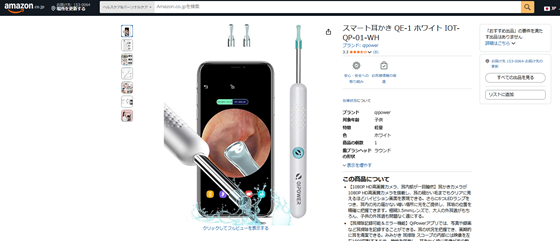
The 'QE-1' can be purchased at electronics retailers such as Edion, K's Denki, and Joshin, as well as on Amazon.co.jp's marketplace for 3,700 yen including tax.
Amazon.co.jp: QiPower Smart Earpick QE-1 White IOT-QP-01-WH: Drugstore
https://www.amazon.co.jp/exec/obidos/ASIN/B0BHBZQRSD/gigazine-22
You can also get the smart earpick 'QE-1' from the gift article below.
GIGAZINE Winter gift release project 'Answer the questionnaire and take them all!' - GIGAZINE
Related Posts: