TubeSync: Automatically download and sync YouTube channels and playlists to your local computer for free

TubeSync is an open source software project that saves all videos subscribed to
meeb/tubesync: Syncs YouTube channels and playlists to a locally hosted media server
https://github.com/meeb/tubesync
This time, we assumed a Windows environment and used Docker and Git Bash from Git for Windows . Go to your working folder and create two folders: 'tubesync-config' and 'tubesync-downloads.'
 mkdir tubesync-config
 mkdir tubesync-downloads
Next, create a new docker-compose.yaml file.
vi docker-compose.yaml
The contents are as follows.
 services:
 tubesync:
 image: ghcr.io/meeb/tubesync:latest
 container_name: tubesync
 restart: unless-stopped
 stop_grace_period: 30m
 Ports:
 - 4848:4848
 volumes:
 - ./tubesync-config:/config
 - ./tubesync-downloads:/downloads
 environment:
 - TZ=Asia/Tokyo
 - PUID=1000
 - PGID=1000
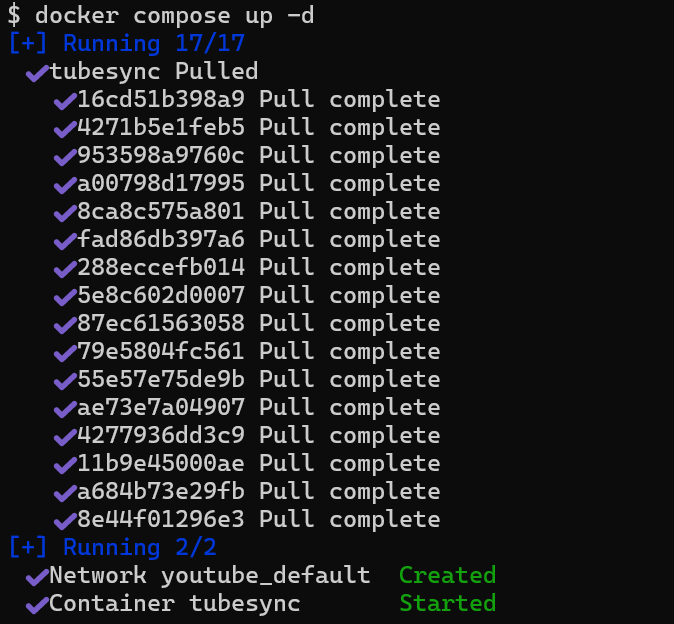
Once saved, start it with 'docker compose up -d'.
docker compose up -d
The container was downloaded and TubeSync started.
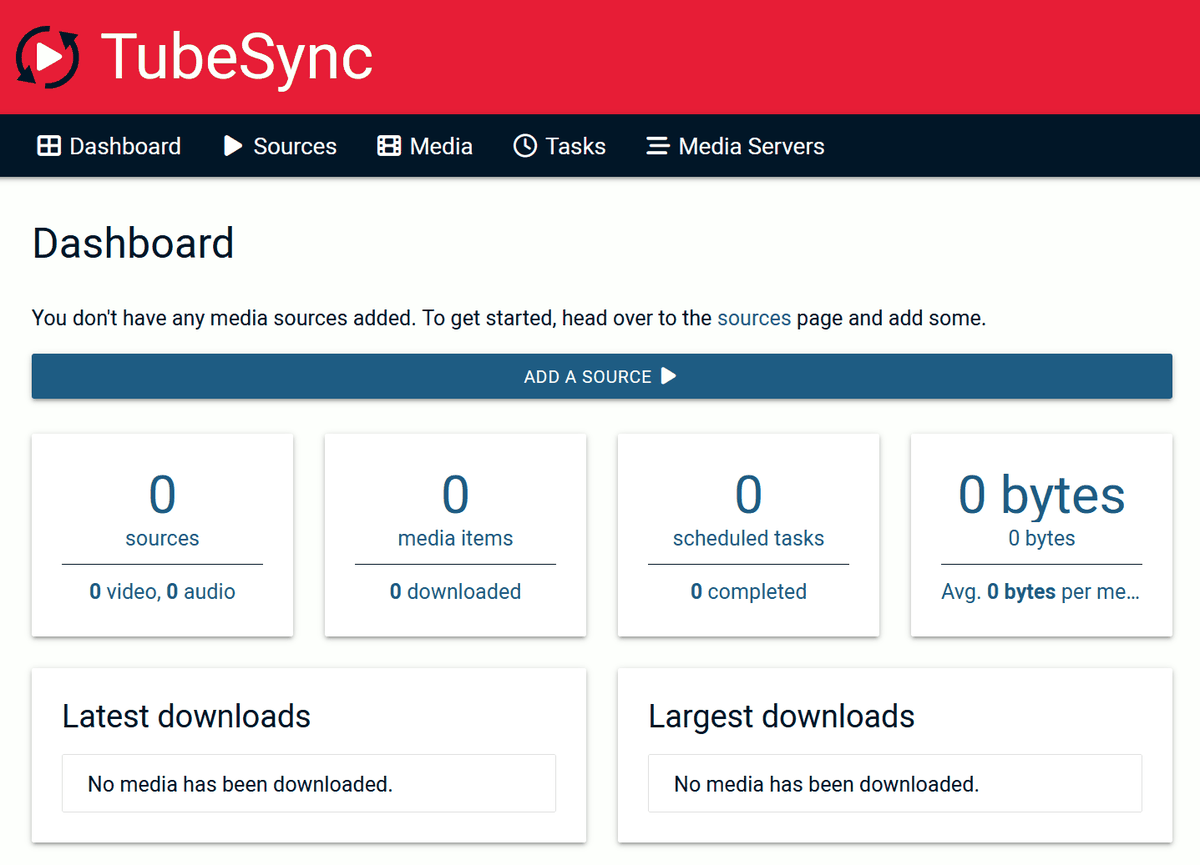
Open your browser and access 'localhost:4848' to see the dashboard.
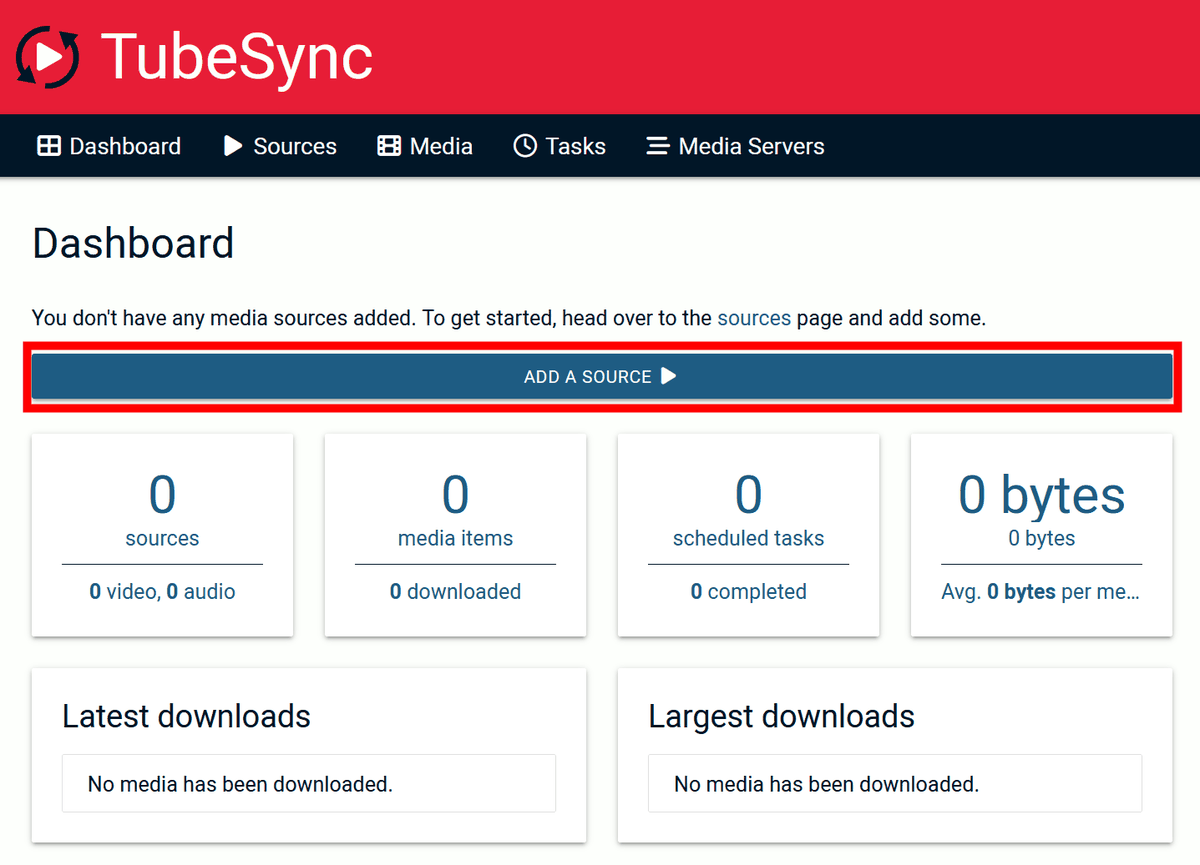
Click 'ADD A SOURCE' to add YouTube as the source to be synchronized.
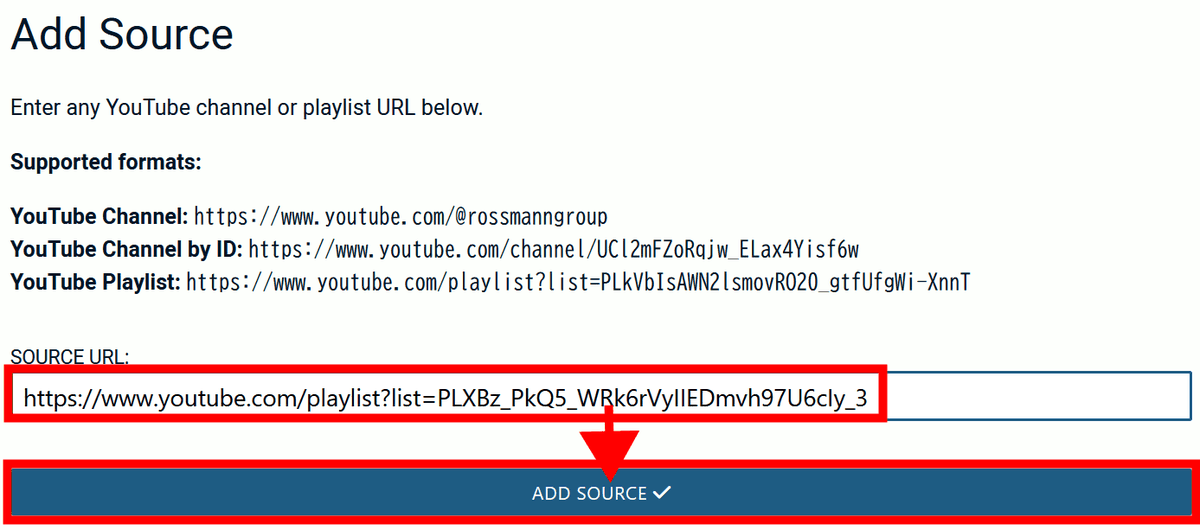
Next, click 'ADD SOURCE' to proceed.

Enter the channel URL, channel ID URL, or playlist URL and click 'ADD SOURCE' to go to the settings screen.
Set the conditions for the video you want to download, save format, update frequency, etc., then click 'ADD SOURCE +' to save.
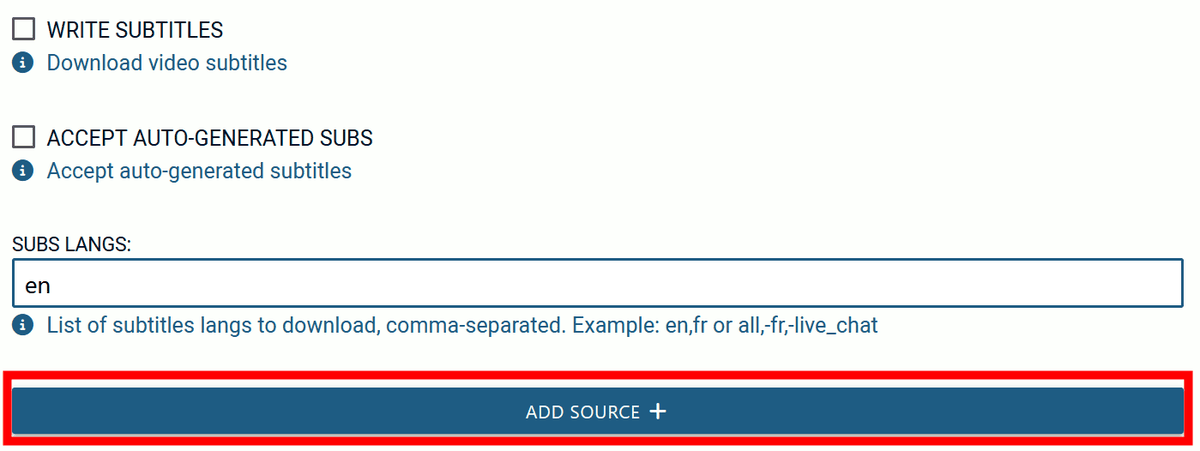
Source added.

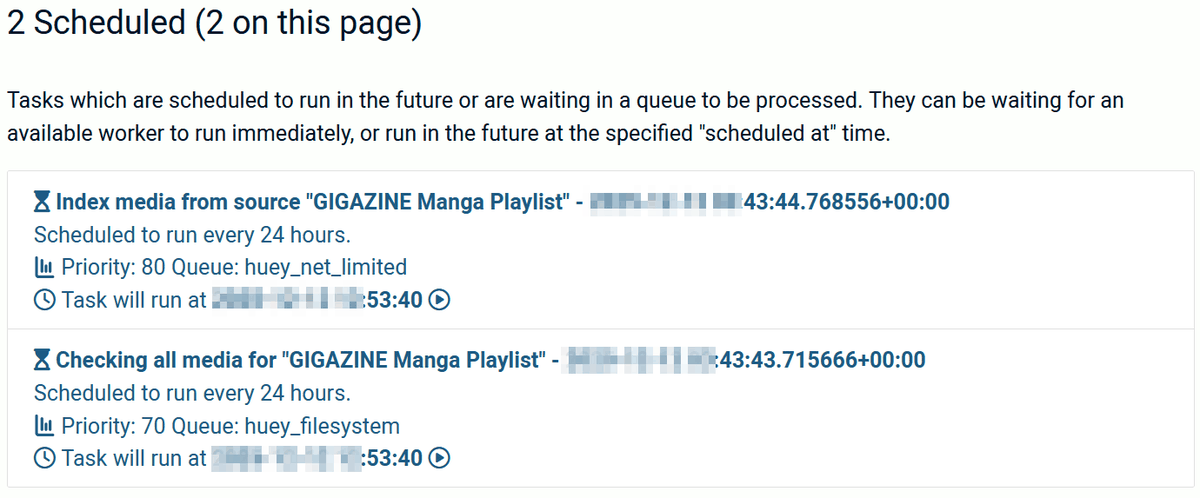
Tasks will be added automatically, so click 'Tasks'.

The indexing and download schedule has been registered. The task will start in 10 minutes, so please wait a while.
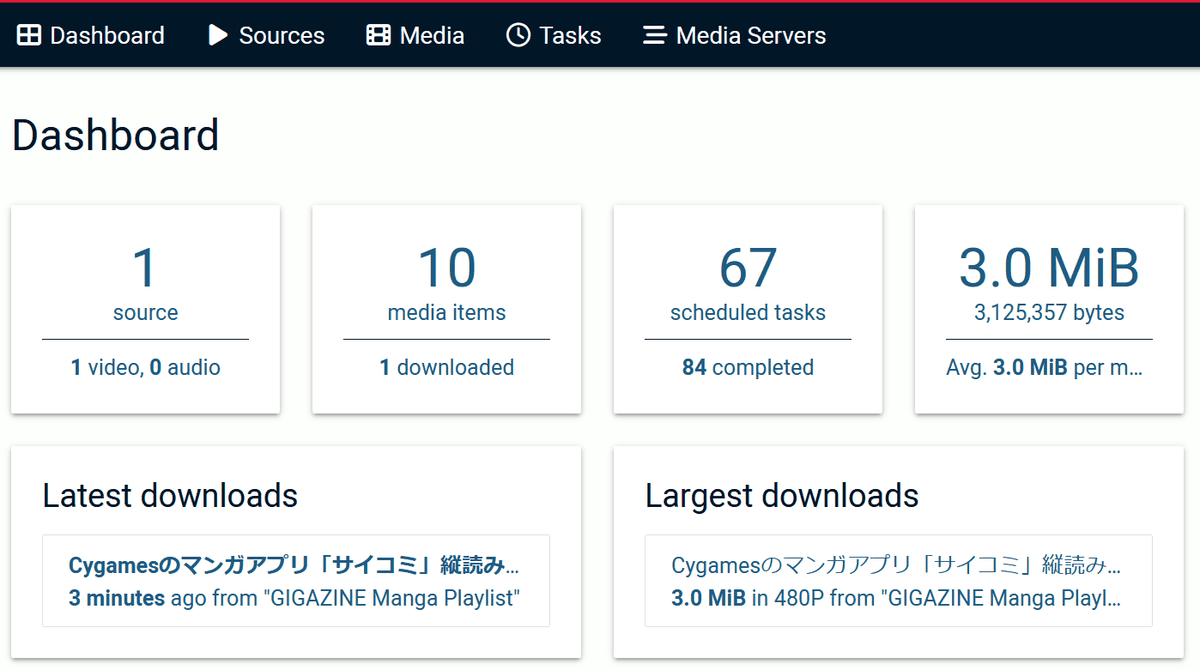
When I checked the dashboard 30 minutes later, 10 items were registered and one download had been completed.
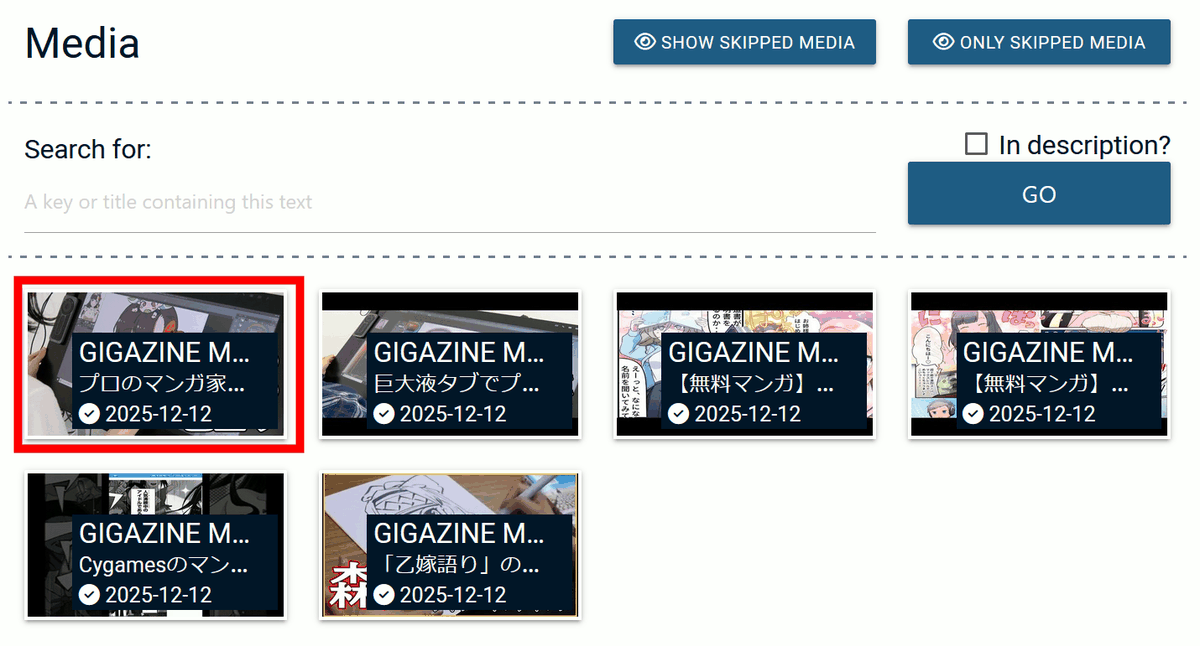
Two hours later, I checked and found that six videos had been downloaded, so I went to the video list from 'Media.'

Thumbnails of downloaded videos are displayed. Click on a video to...
It was played on a dedicated video player screen.

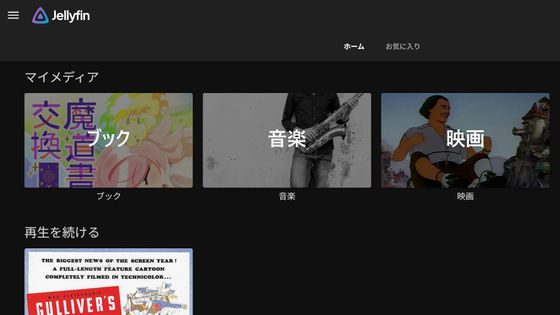
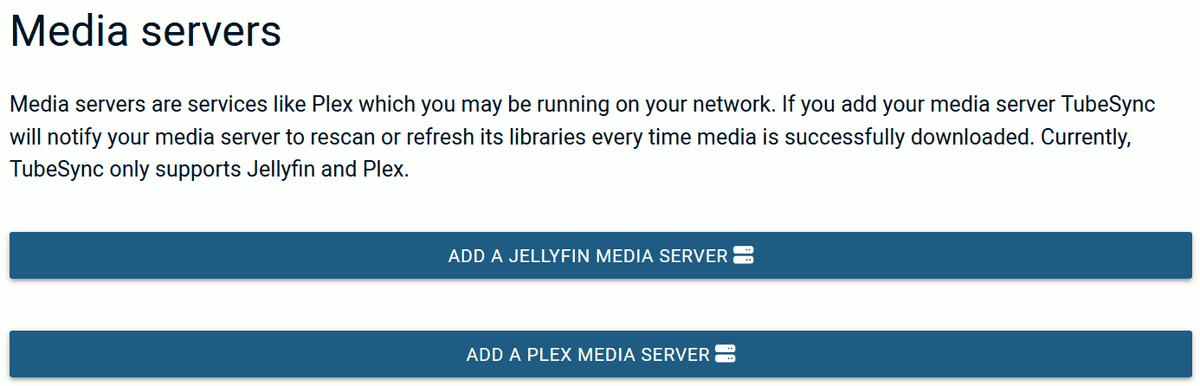
In addition, the captured videos can also be distributed in conjunction with media servers such as
Related Posts: