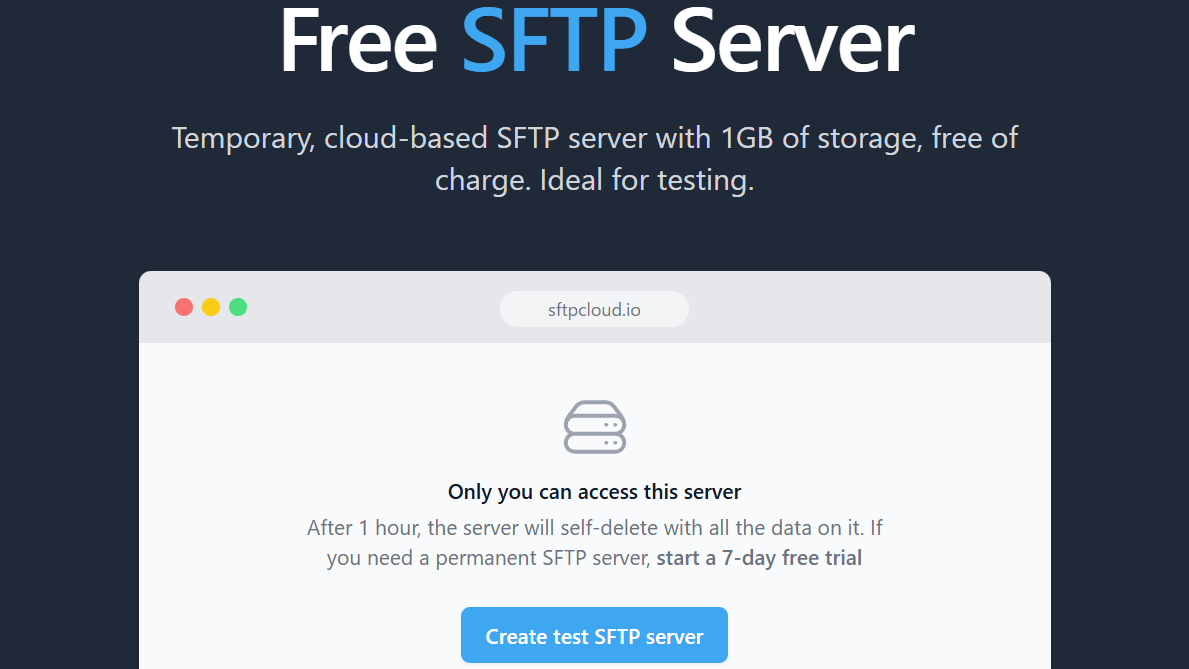
SFTPCloud's 'Free SFTP Server' lets you create a free 1GB temporary SFTP server
One way to send files over the internet is to use
Free SFTP server: online SFTP server for testing - SFTPCloud
https://sftpcloud.io/tools/free-sftp-server
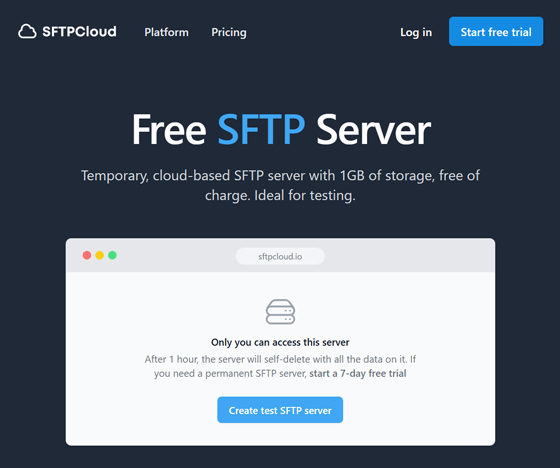
◆How to create a free SFTP server
Access

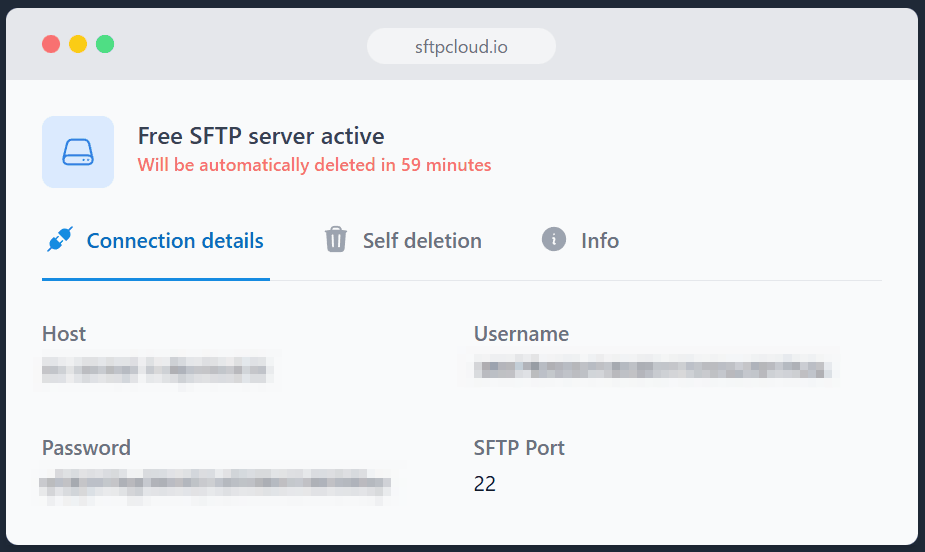
The SFTP server will be created in a few seconds and the destination host name, user name, and password will be displayed.
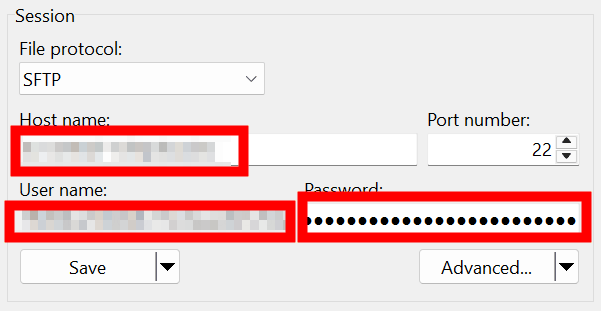
Configure the SFTP client software and connect.
Once the connection is established, the directory on the SFTP server you are connected to will be displayed.

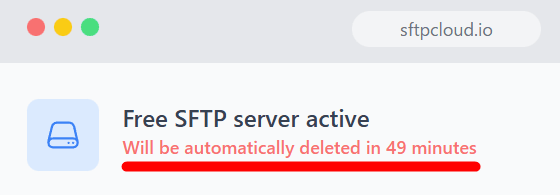
The server will be maintained for 60 minutes after creation. The remaining time will be displayed.
◆Main features of Free SFTP Server
- Create a free cloud-based SFTP server instantly.
・Maximum capacity is 1GB.
- The server will be maintained for 60 minutes after creation.
- The created server is private and can only be accessed by users with issued credentials.
If you want to keep files permanent or exchange files larger than 1GB, you will need to use the paid version of SFTPCloud .
Related Posts:

in Web Service, Review, Posted by darkhorse_logmk