Zundamon SRE is an alarm clock that screams, 'The production is on fire because of your senior's crappy code!' and makes it impossible to go back to sleep.
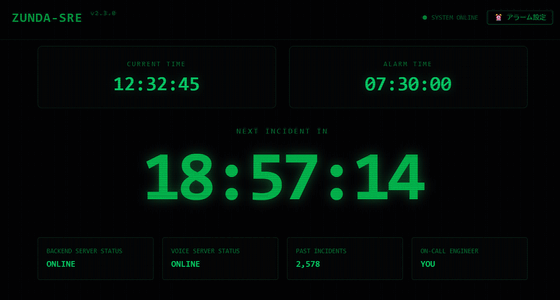
Even if you try to wake up by turning your alarm to a loud volume or a voice that wakes you up, you tend to get used to it and end up falling back asleep. For those people, app developer
Zundamon SRE
https://incident-driven-wakeup.std9.workers.dev/
I made an alarm clock app that makes Zundamon shout 'The production is burning because of your crappy code!' every morning #Nuxt - Qiita
https://qiita.com/alclimb/items/e303cf655373992f61f4
I wrote the first day of the Qiita Advent Calendar 2025✨
— Hikaru @ Independent Developer ✨ (@hikaru_firecamp) December 1, 2025
This is a web alarm app that wakes you up every morning with a 'fictitious error report' from Zundamon.
Nuxt 4 + Convex
・Daily error generation with Gemini 2.5 Flash ・Super fast streaming with my home GPU server (VOICEVOX) #Qiita #ShittyApp #AdventCalendar https://t.co/E1I3dLtlG3
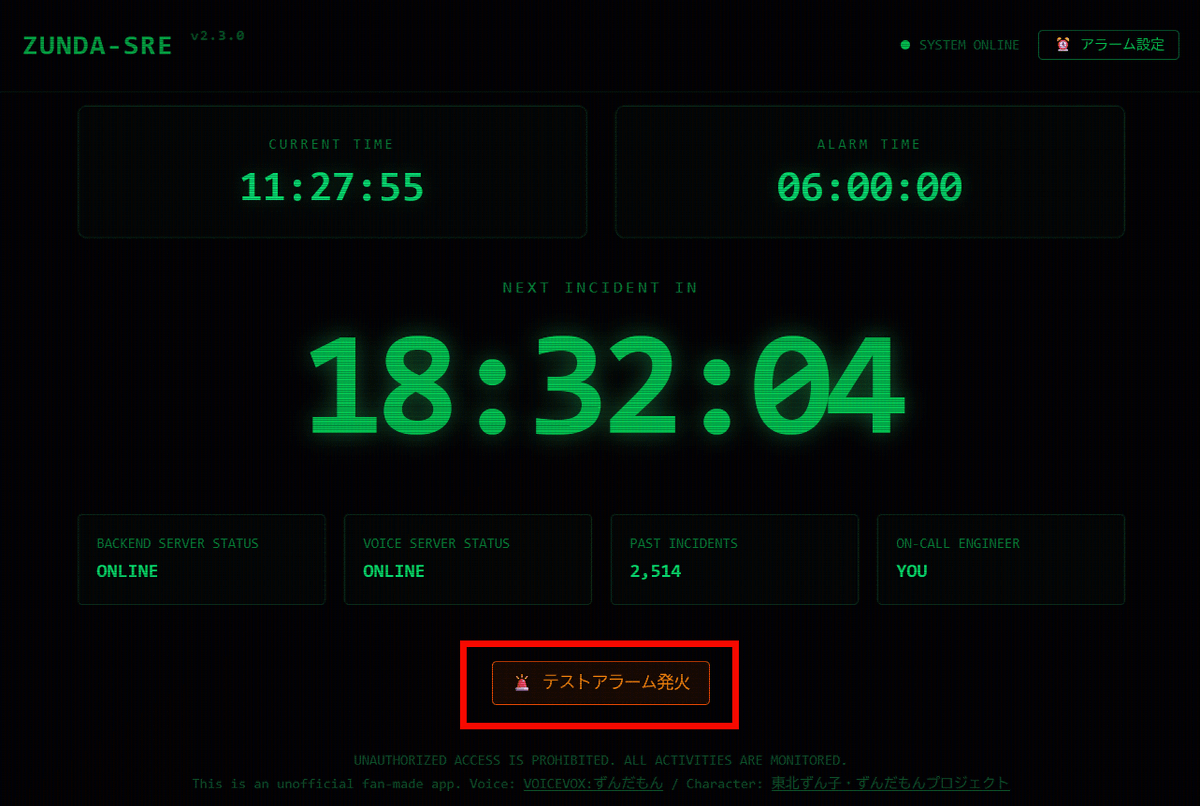
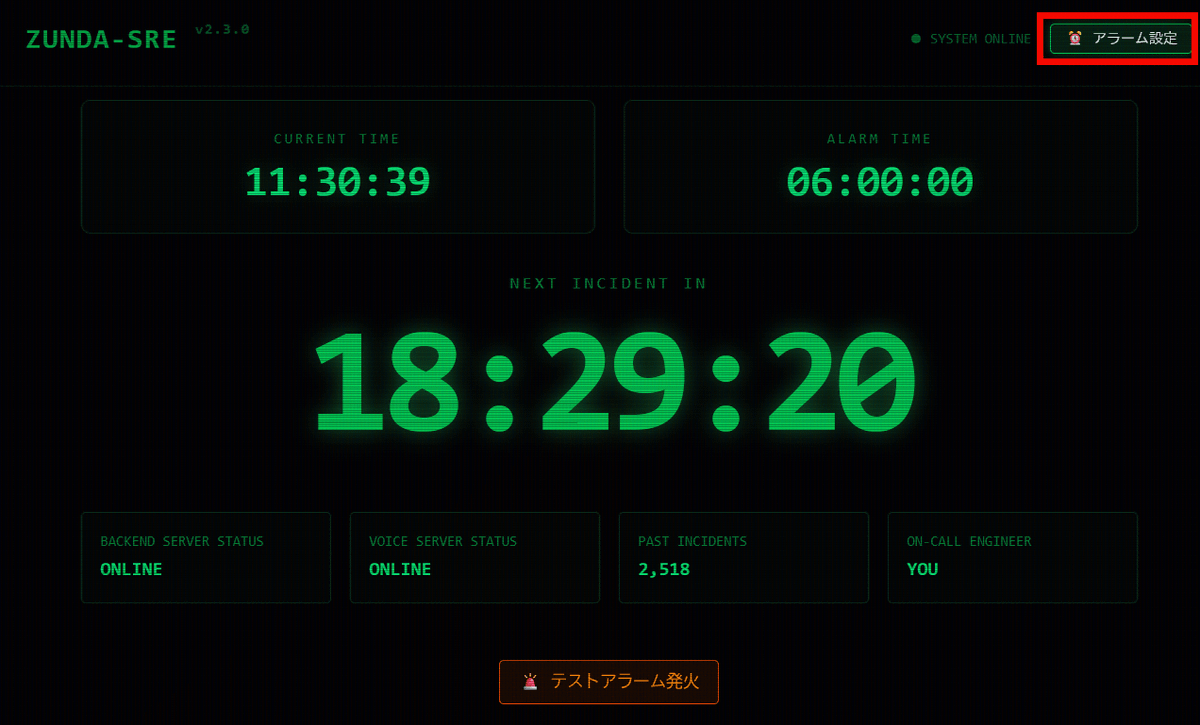
Zundamon SRE can be used for free from your browser. Once you access Zundamon SRE , you can click on 'Test Alarm Firing' to hear what kind of alarm will sound.
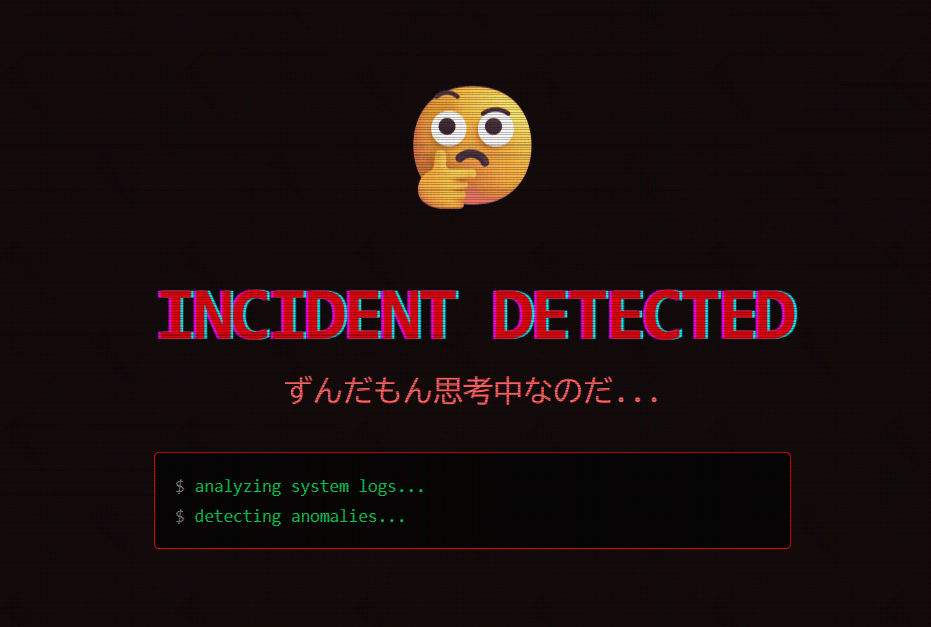
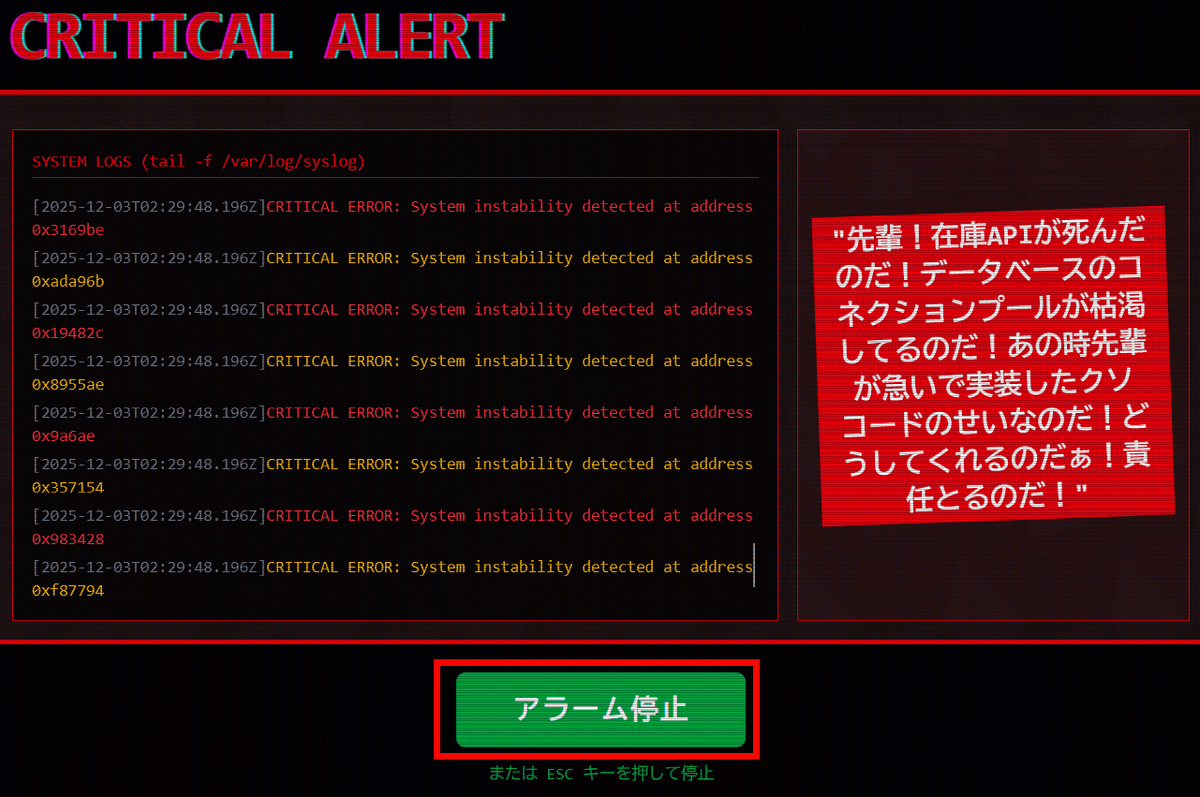
'INCIDENT DETECTED' and 'I'm thinking...' will be displayed, so wait a few seconds.
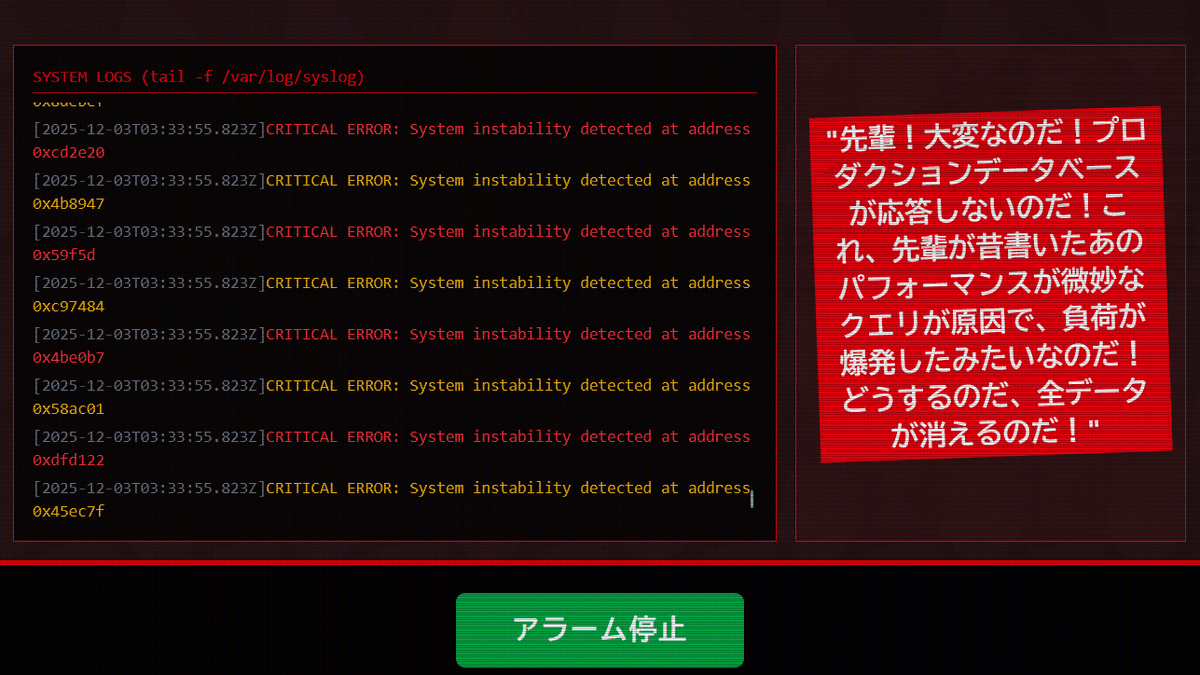
Along with the alert sound, Zundamon repeatedly cries in a tearful voice, 'Senior! The inventory API is dead! The database connection pool is depleted! It's all because of the crappy code you rushed to implement back then! What are you going to do about it? You have to take responsibility!' This alert sound uses
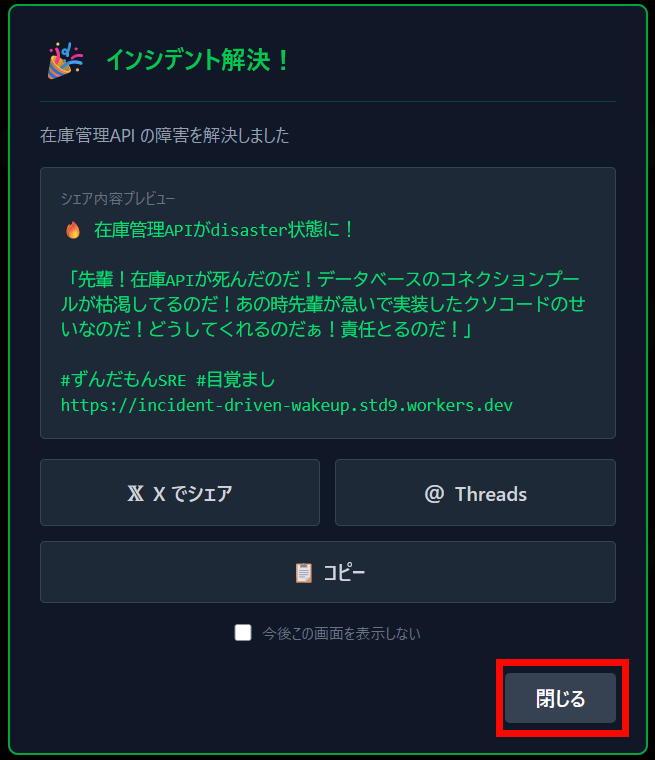
When you stop the alarm, the message 'Incident resolved!' will be displayed. You can also share the Zundamon message you just generated on X or Threads. Click 'Close' to close the window.
Next, let's set an alarm. By setting the time and leaving the browser open, a new alert and Zundamon sound will be generated when the time comes. Click 'Set Alarm' in the upper right corner.
Toggle on 'Enable alarm' and set the alarm time.
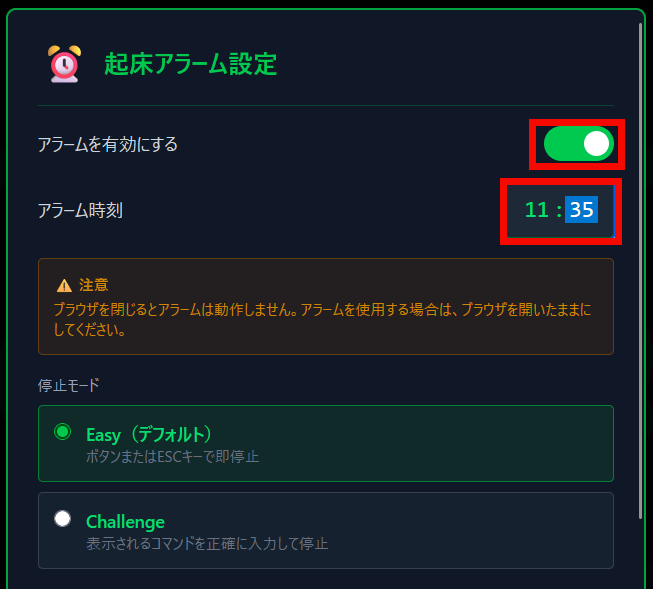
For 'Stop Mode,' select 'Easy,' which allows you to stop the alarm by clicking the alarm stop button or pressing the Esc key. You can also choose between 'Namidame,' in which Zundamon screams and cries, and 'Standard,' in which he reads the message emotionlessly.
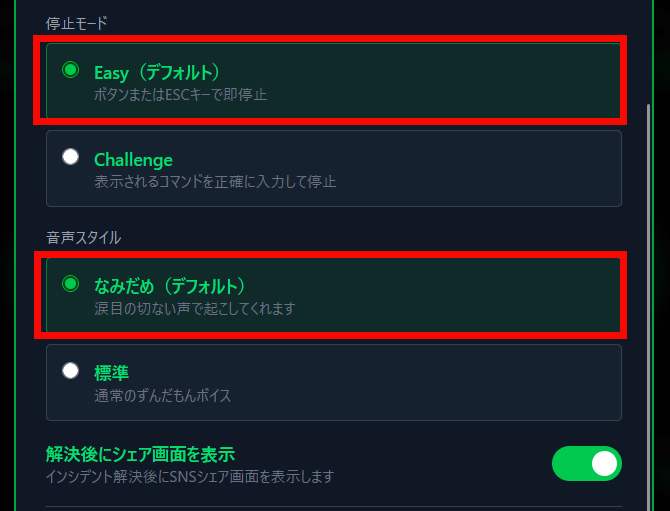
You can see how the alarm actually works by watching the movie below.
Also, if you select 'Challenge' from the 'Stop Mode', you will need to enter a command to stop the alarm, so you can wake up more forcefully.
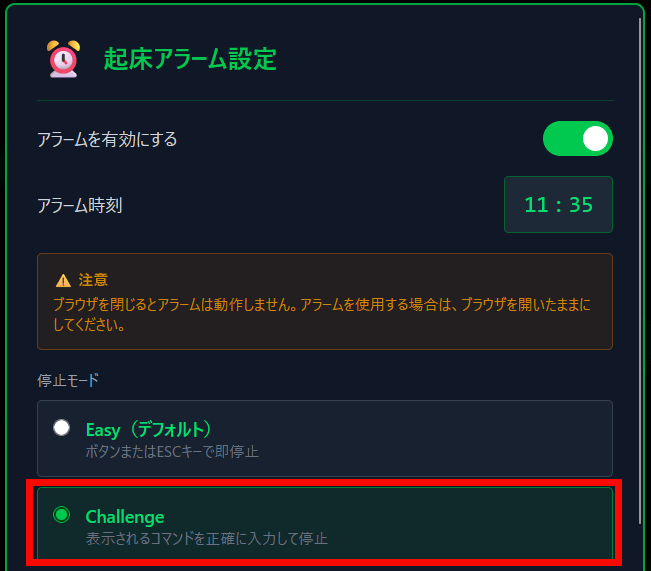
When I tried to sound the alarm with 'Challenge,' instead of a button to stop the alarm, I got the message 'Enter the following command to resolve.'
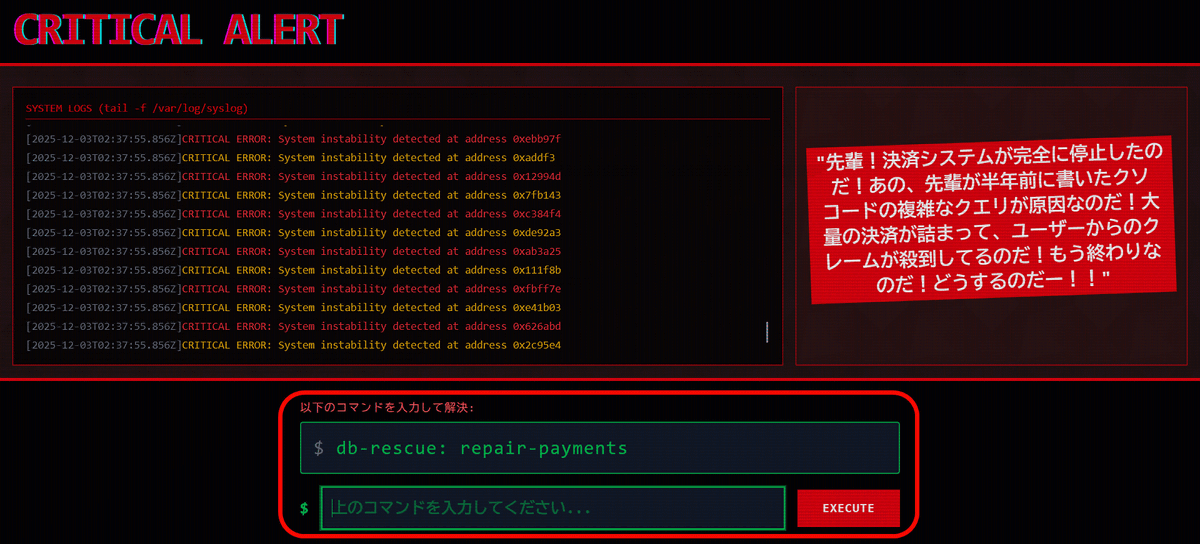
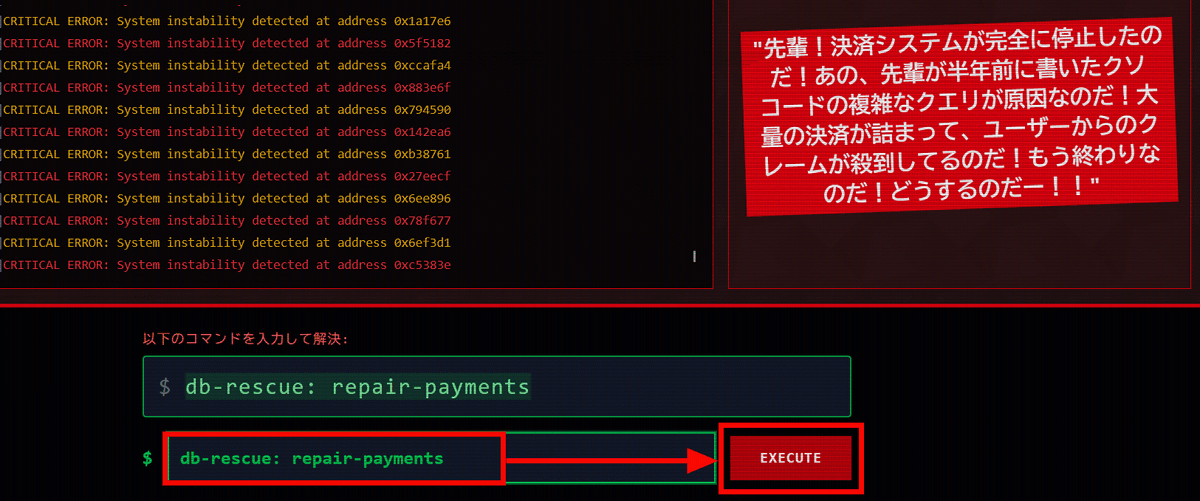
By listening to the alert sound and Zundamon's voice demanding responsibility, and accurately entering the commands displayed, you can stop the alarm while keeping your head awake.
According to developer Hikaru, all cloud costs for Zundamon SRE are covered by the free tier, but to prevent brains from getting used to the same alarm sound every day, he uses his home gaming PC to generate the Zundamon voice, which delivers 'fresh despair every day.' 'When someone uses it, the GPU catches fire and power consumption skyrockets, but please use it as much as you like,' Hikaru said.
Related Posts:




in AI, Video, Web Service, Review, Posted by log1e_dh