WordPress 6.9 officially released with improved block usability and performance

WordPress 6.9 was released on December 2, 2025. WordPress 6.9 includes many enhancements to help creators and site owners work more efficiently and collaborate better in teams.
WordPress 6.9: What's New for Site Owners and Bloggers
First, in terms of collaboration and content management, we've added block-level notes, which allow you to leave feedback directly on the specific block that needs fixing, with threaded conversations and resolved status tracking. Authors will also receive email notifications for new comments, ensuring no one misses a beat.
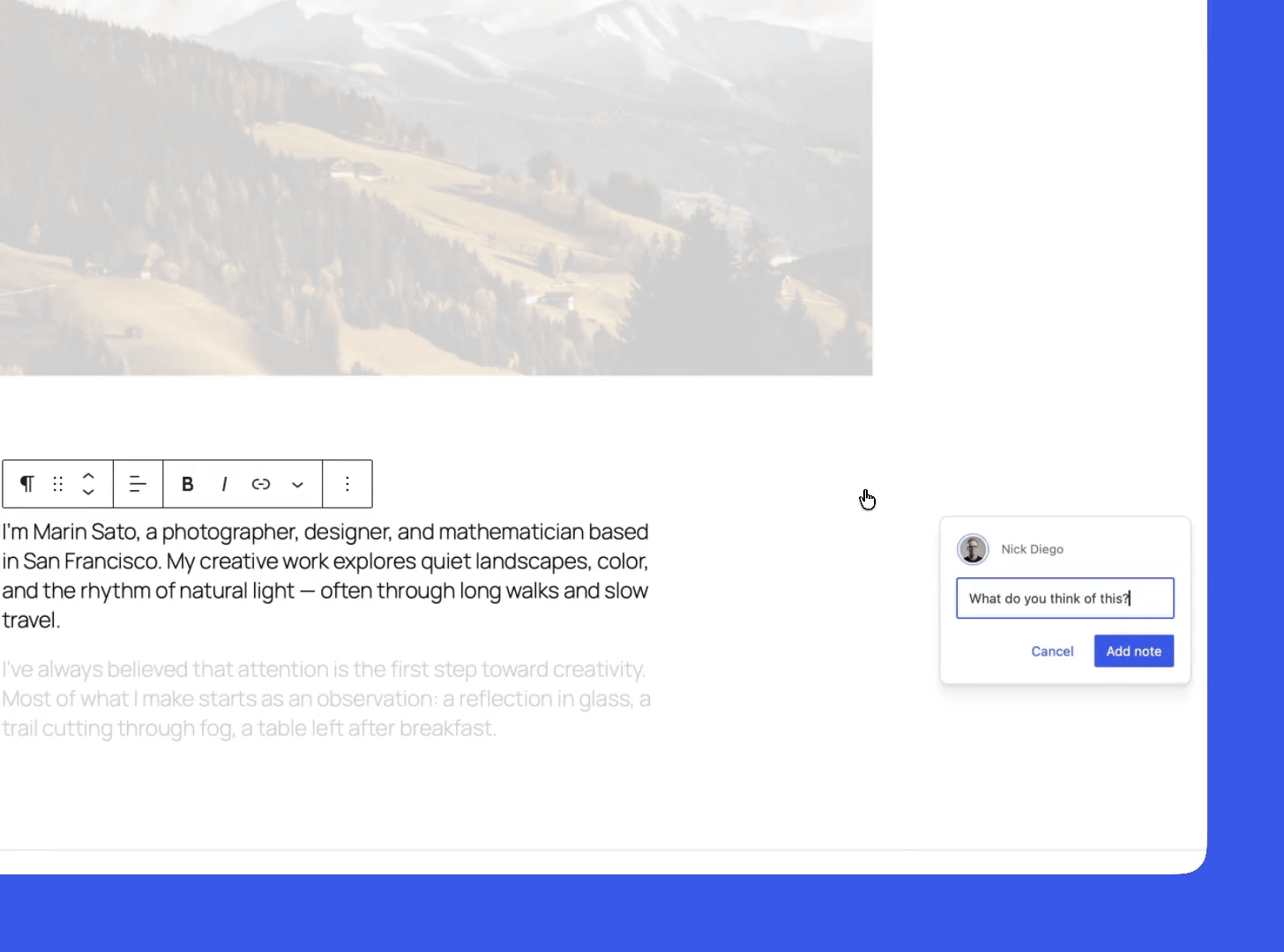
We've also introduced the ability to show or hide blocks, making it easier to reuse content by temporarily hiding seasonal promotions or regular announcements without having to delete them.
The editing screen has also been improved for ease of use, with a real-time preview of where blocks will be placed when dragging and dropping, making layout changes intuitive and less fussy. For more advanced settings, a UI has been added that lets you specify which types of blocks are allowed within a specific container.
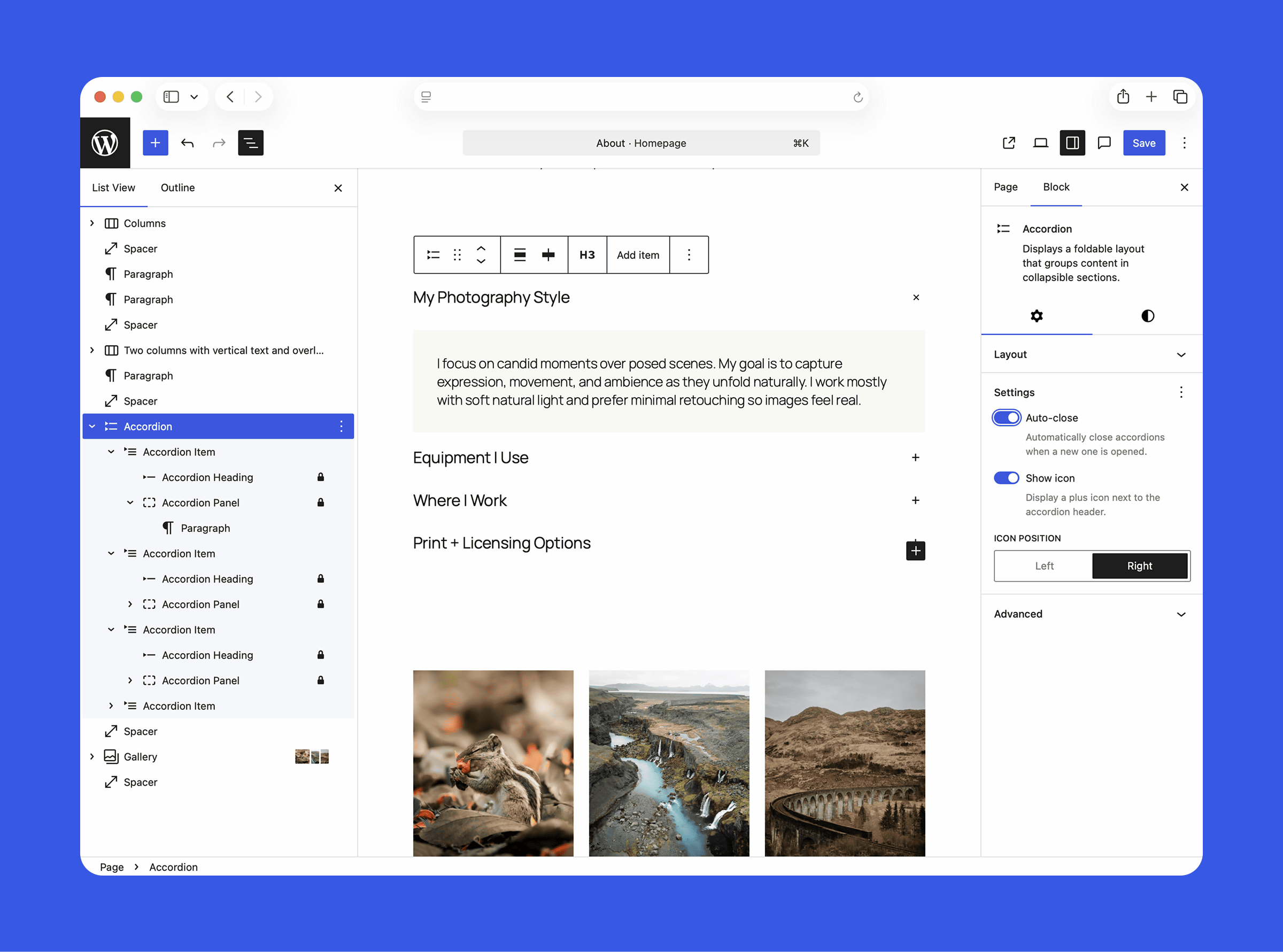
There are also a number of new blocks that will help you to express your content better. The Accordion block lets you create collapsible sections with headings and panels, making it ideal for setting up FAQs and other content without the need for a plugin.
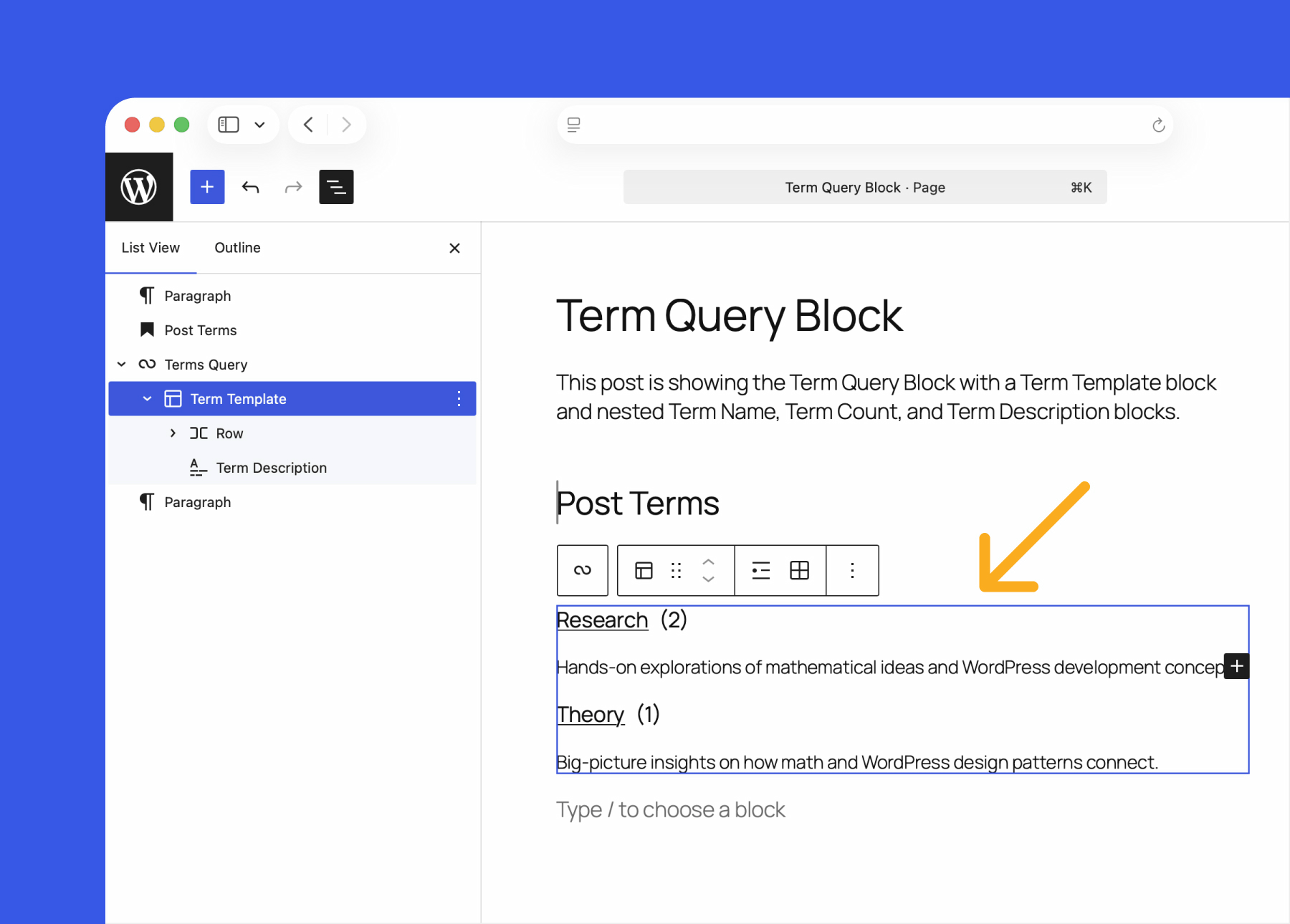
The Term Query block simplifies building categories and tags pages, with sorting and filtering capabilities. Related blocks include Term Template, Term Name, and Term Count.
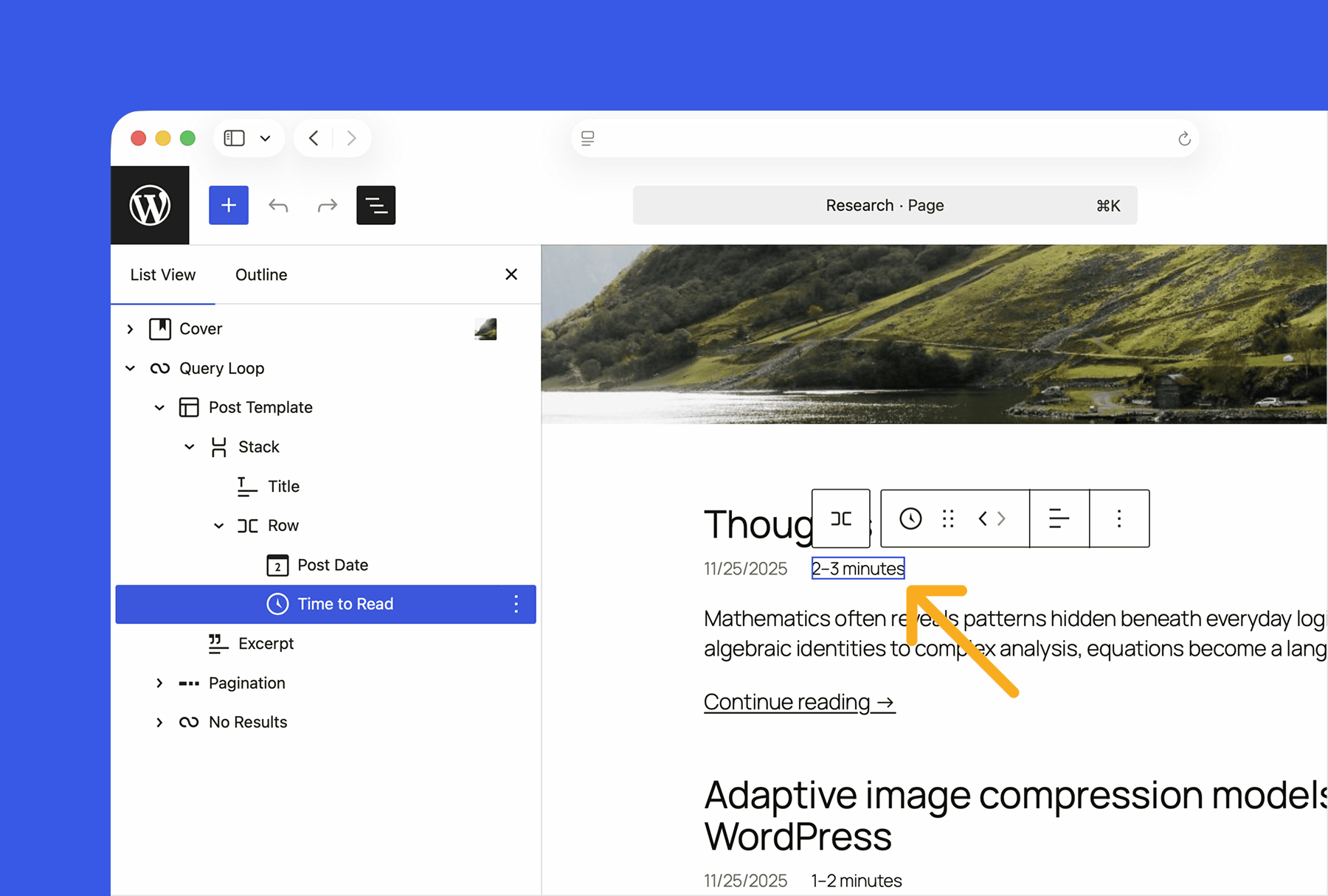
Additionally, to improve reader convenience, a block has been added that displays the estimated reading time of an article based on the number of characters.
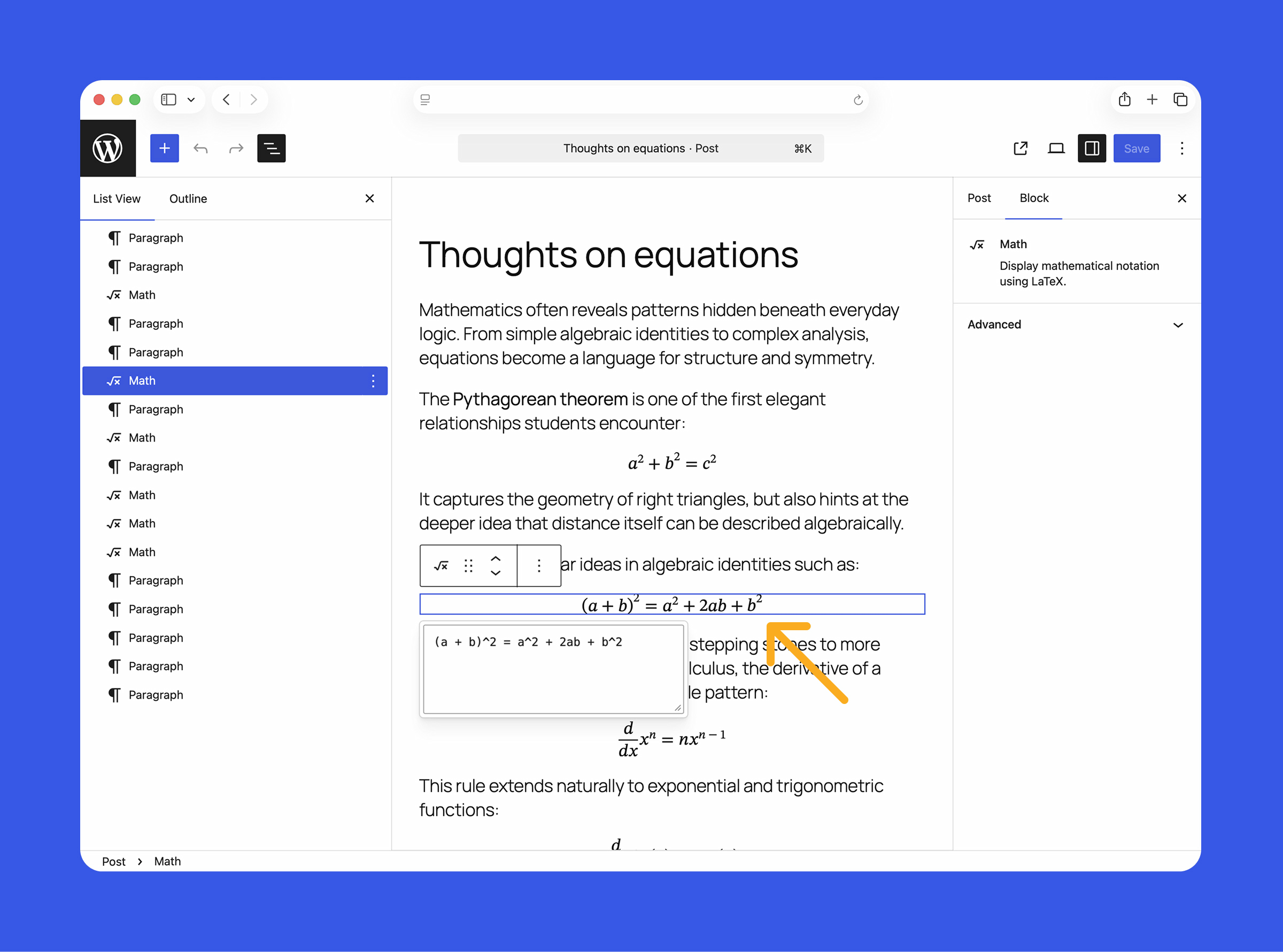
For technical and educational sites, we've introduced the Math Block, which lets you beautifully display mathematical formulas and symbols using LaTeX notation.
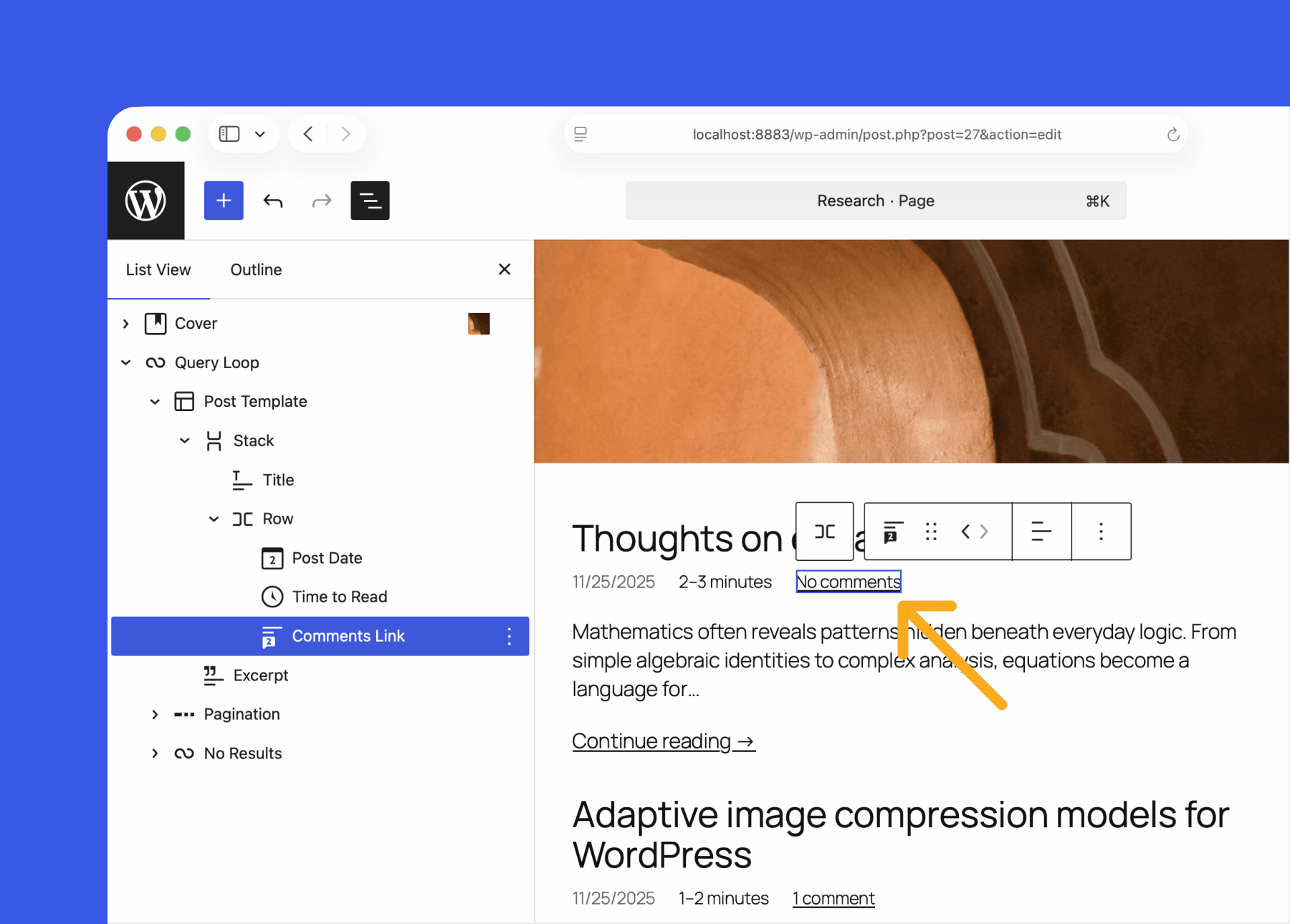
Additionally, the comment count and comment link blocks are now separated, allowing you to place the comment link wherever is most appropriate within the post.
When it comes to design and layout, a starter pattern modal that lets you easily call up reusable layouts is now displayed for all post types, not just static pages. Typography adjustments now include a setting to automatically stretch heading and paragraph text to fit the width of the container, allowing you to create neat headings without writing CSS.
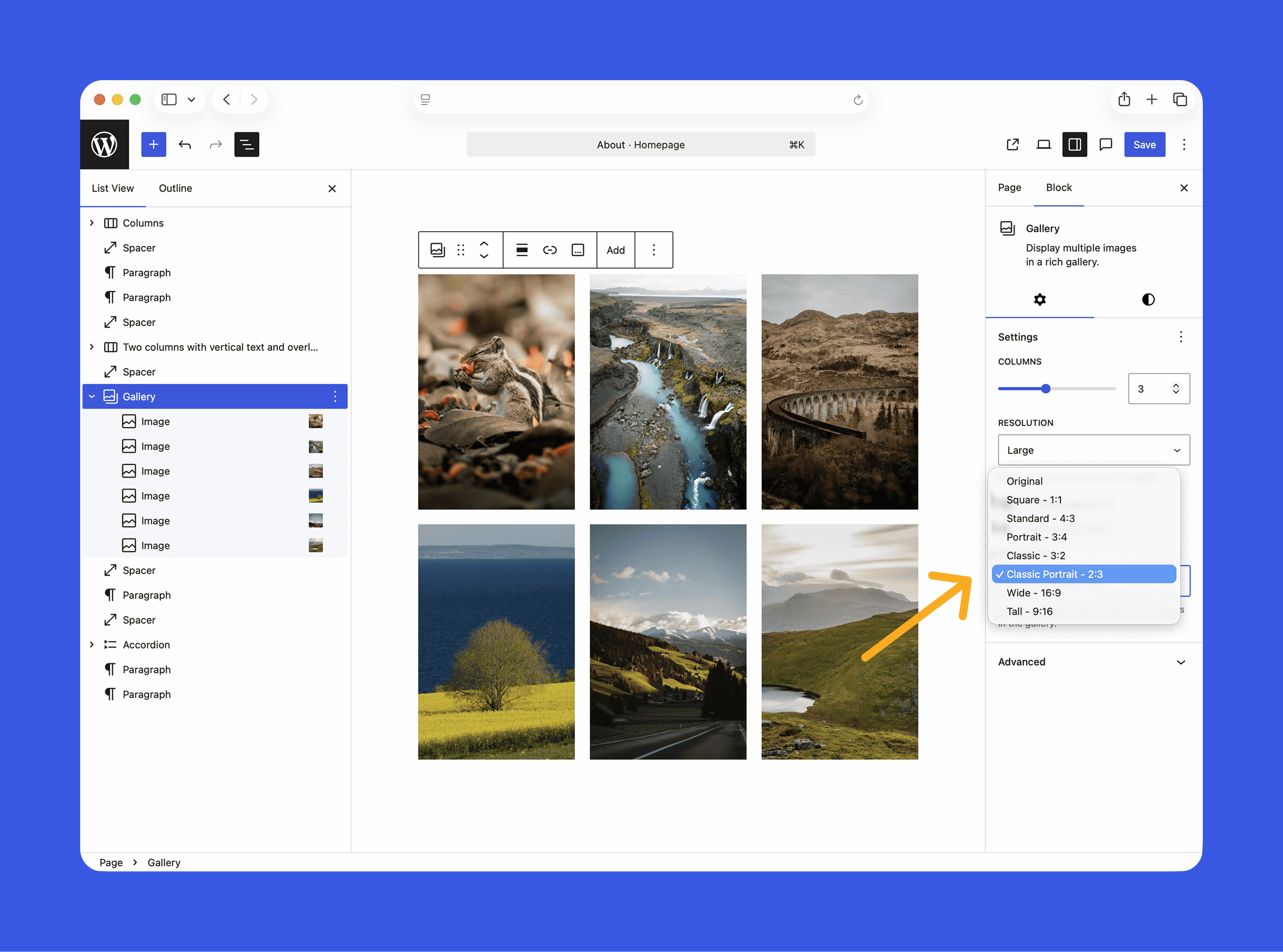
Image management has also been streamlined, with the Gallery block now allowing you to unify the aspect ratio of all images with one click from the sidebar, and the Cover block, which uses video backgrounds, now allows you to set a poster image to display while the video is loading, making it easier for users on slower internet connections.
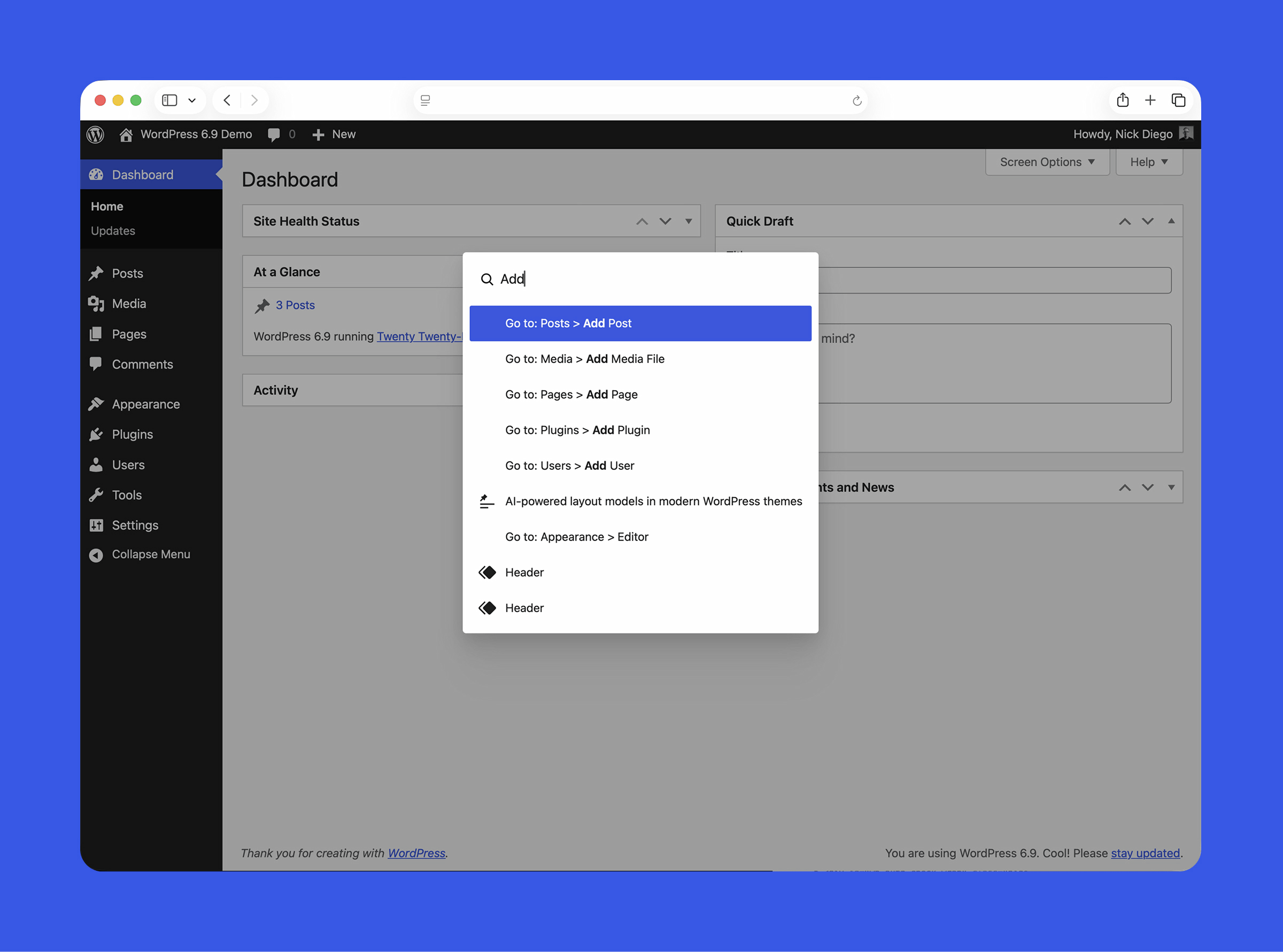
There are also some important updates to the admin and performance: the command palette is now available across the admin screens, not just the site editor, and you can now use the Ctrl or Cmd + K shortcut to quickly find and run functions from any screen.
In terms of performance, the site will be made faster without any special configuration. Specifically, technical improvements include on-demand block CSS, which loads only the block styles actually used on the page, WP-Cron optimization, and a template output buffer that optimizes HTML output to reduce unnecessary loading.
Related Posts:






in Software, Web Service, Posted by log1i_yk