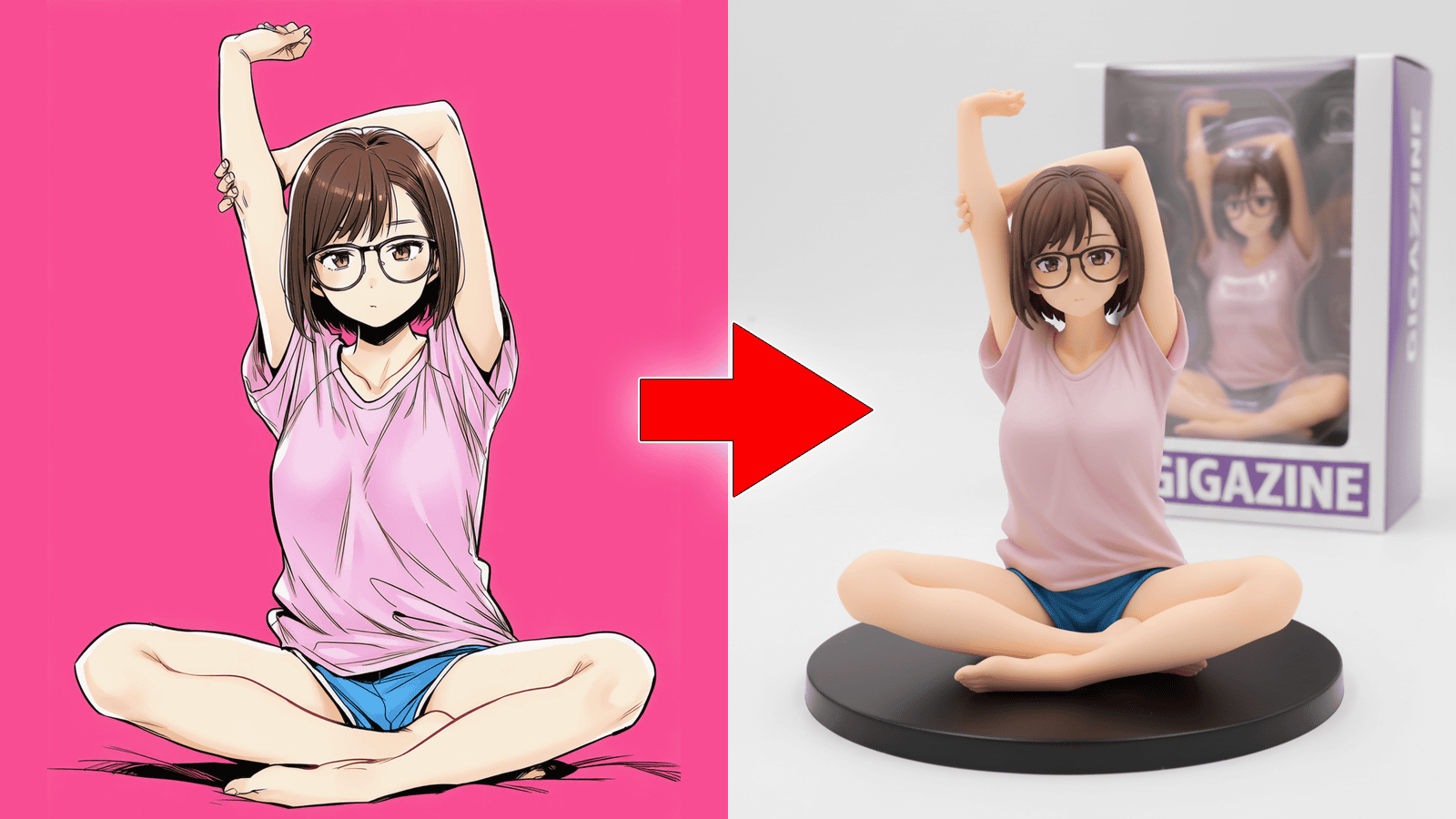
I tried using Gemini 2.5 Flash Image, an app for turning illustrations into figures without prompts.
Google released the image editing AI '
Nano Banana is so much fun that I decided to create an app specifically for turning it into a figurine.
— Tennen (@munou_ac) September 1, 2025
No prompt input required!
Just upload a reference image and press the generate button!
Repost this post to get a discount on the article. https://t.co/sR3Jp6gHm7
[Nano Banana] An app for turning illustrations into figures [No prompt input required] | Tennen | AI illustration creator
https://note.com/munou_ac/n/n88c01d6dd5b8
To use Tennen's dedicated app for turning illustrations into figures, you need to sign up for a paid membership as mentioned in the note article above, or purchase the paid portion separately. Also, please note that you must be a member of the paid subscriptions Google AI Pro or Google AI Ultra ; it cannot be used with the free plan.
Please note that Tennen's dedicated illustration figurine app only automates the generation of prompts to enter into Google Gemini. The Gemini 2.5 Flash Image is the only tool used to process the figurine image, and if you manually enter the prompt, you can process the illustration into a figurine image in Google Gemini without using the app.
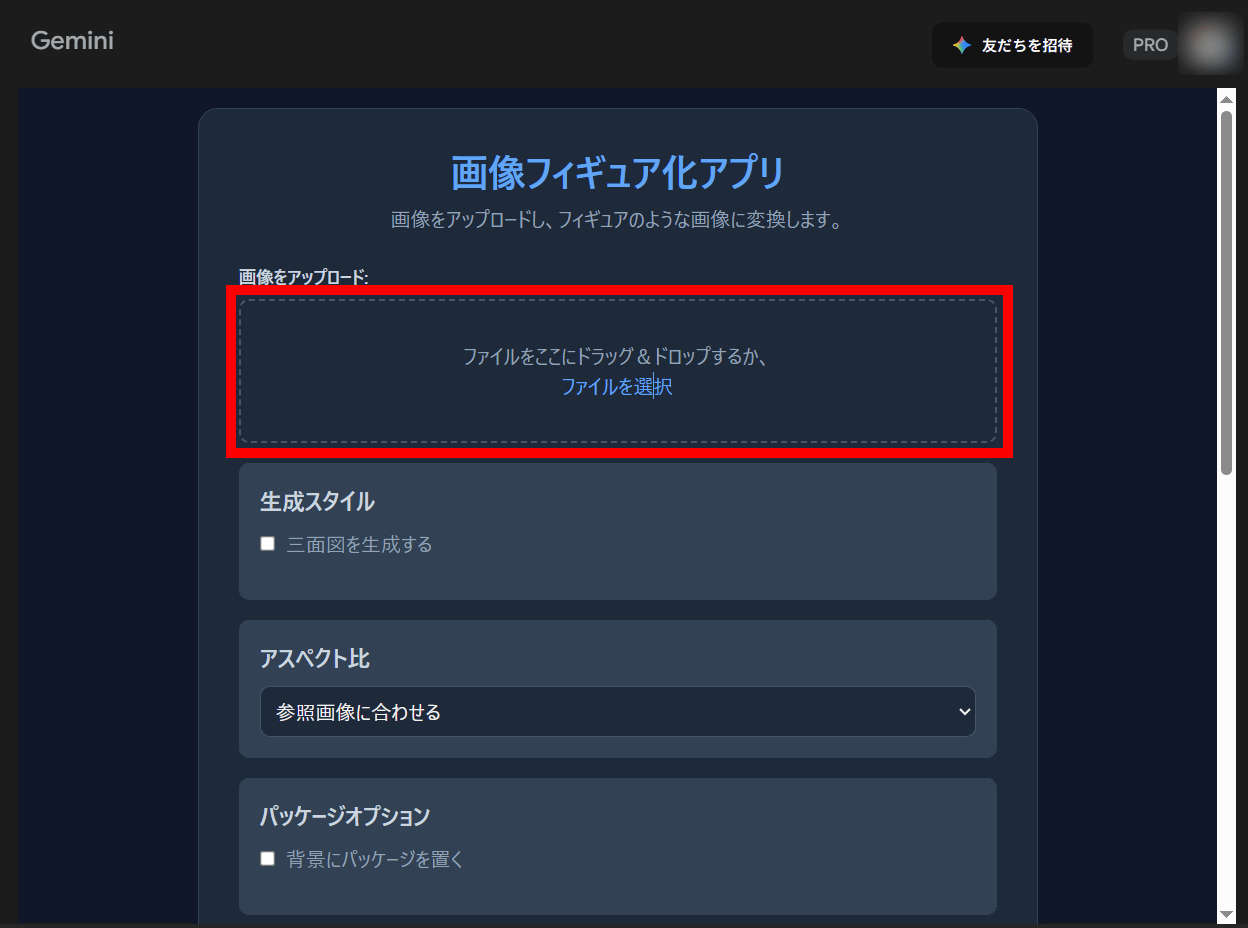
Clicking on the URL in the paid section will launch the app on Gemini Canvas. Click on the 'Upload Image' section and select the image you want to turn into a figure, or drag and drop the image file.
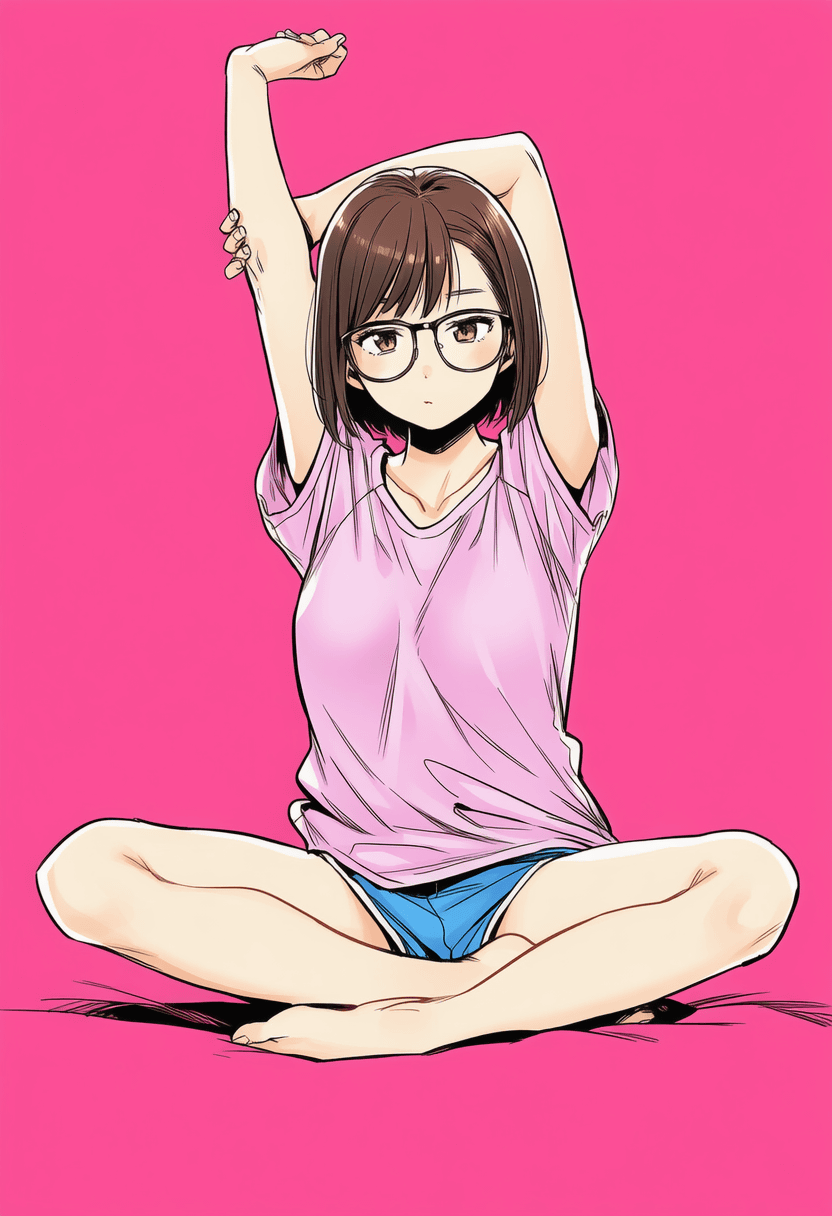
This time, we will try to process the following image generated by the generative AI.
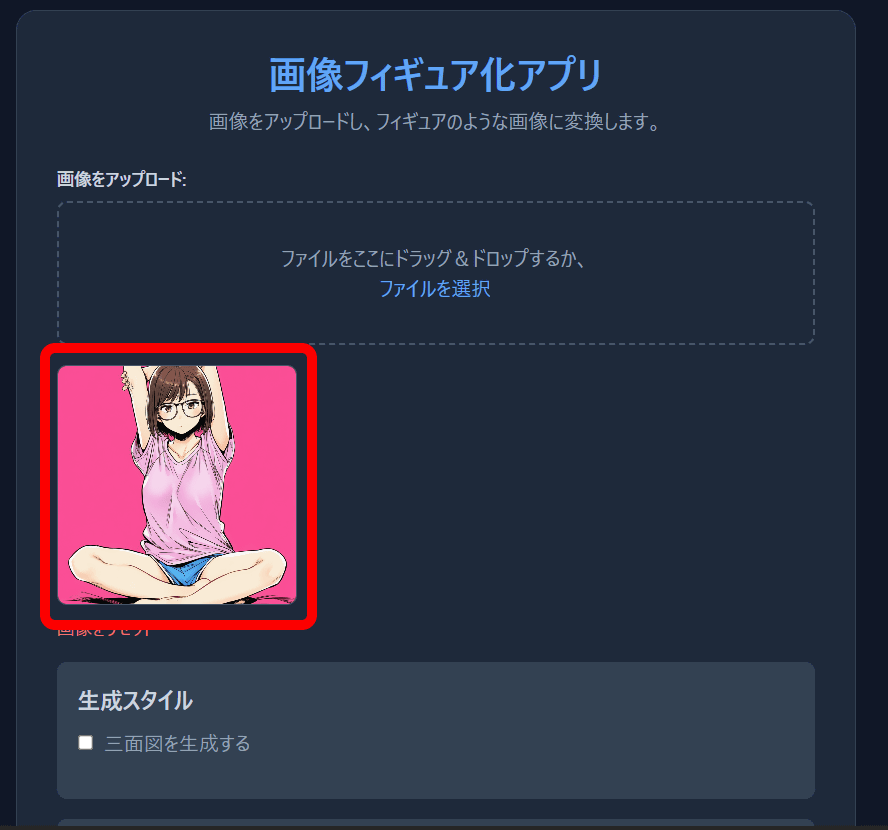
If loading was successful, the image was displayed.
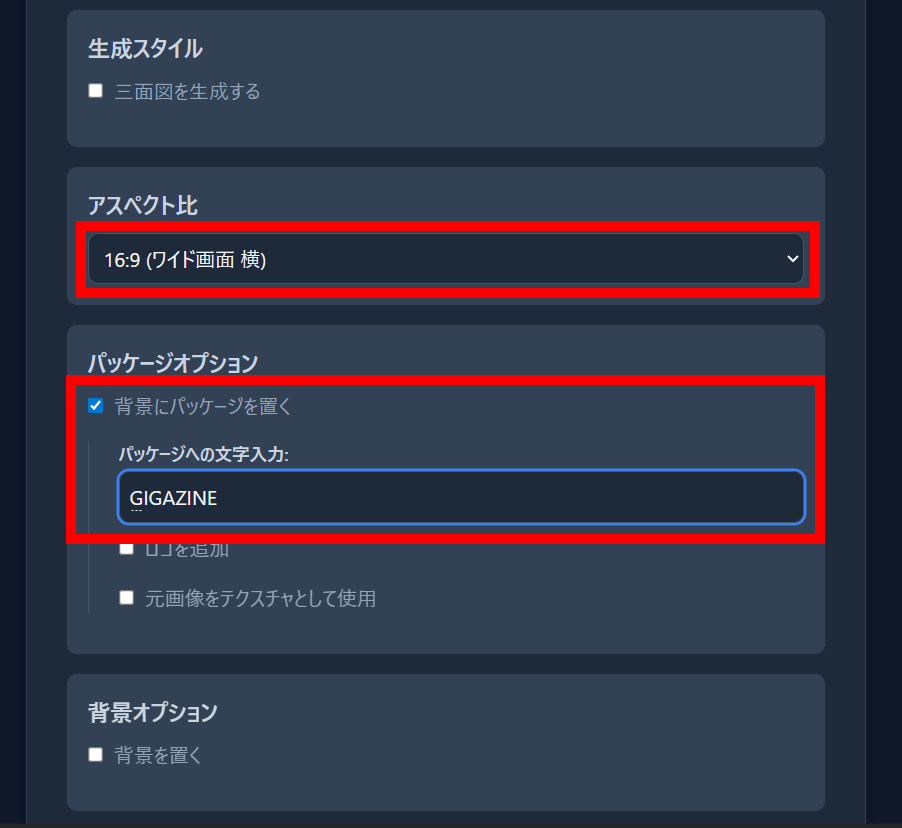
'Aspect Ratio' is the aspect ratio of the generated image; I selected '16:9 (widescreen landscape)' this time. 'Packaging Options' is a feature that generates packaging for the figure behind it. Check this box and enter the text to be displayed on the packaging.
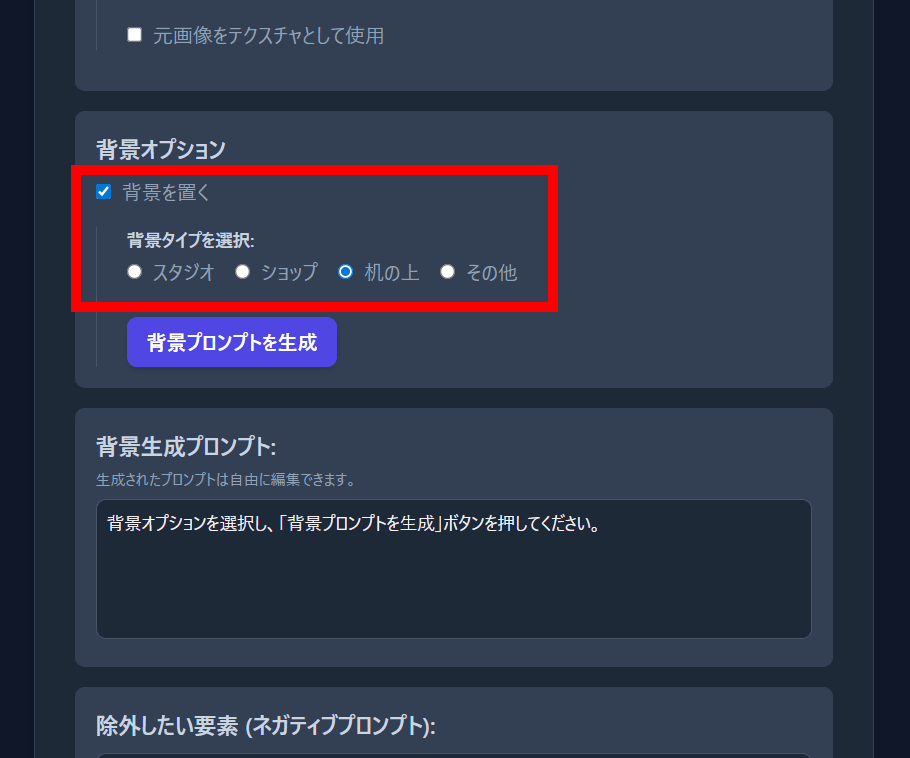
The background option allows you to set the background image. In this example, I selected 'On the desk.'
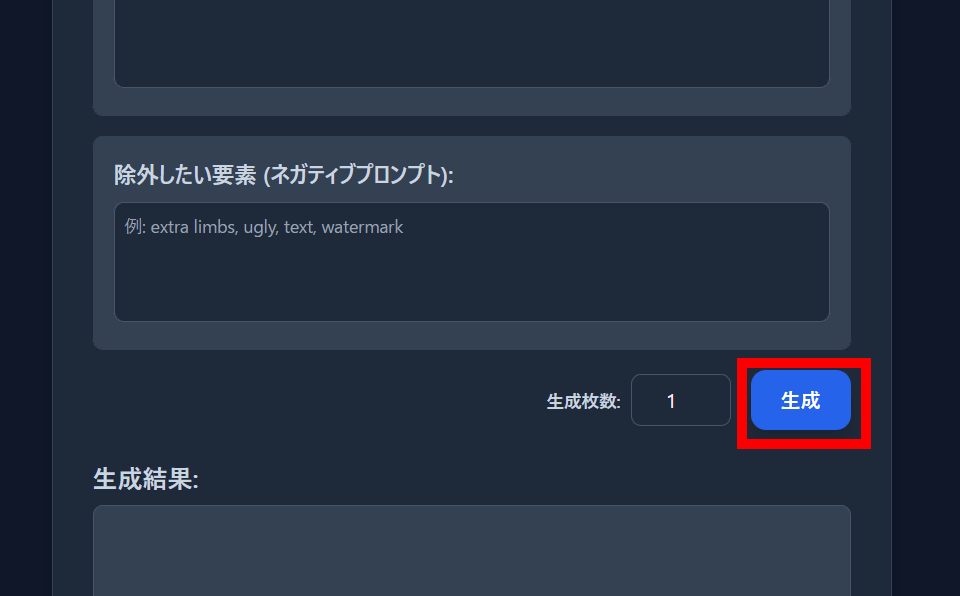
Finally, click 'Generate.'
The generated image is displayed.
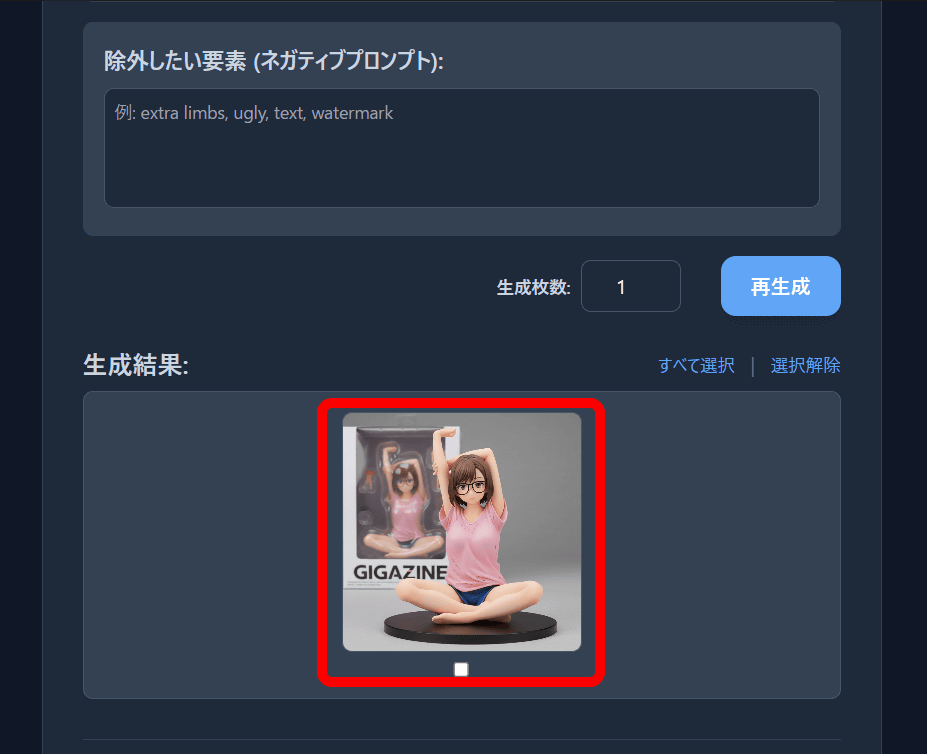
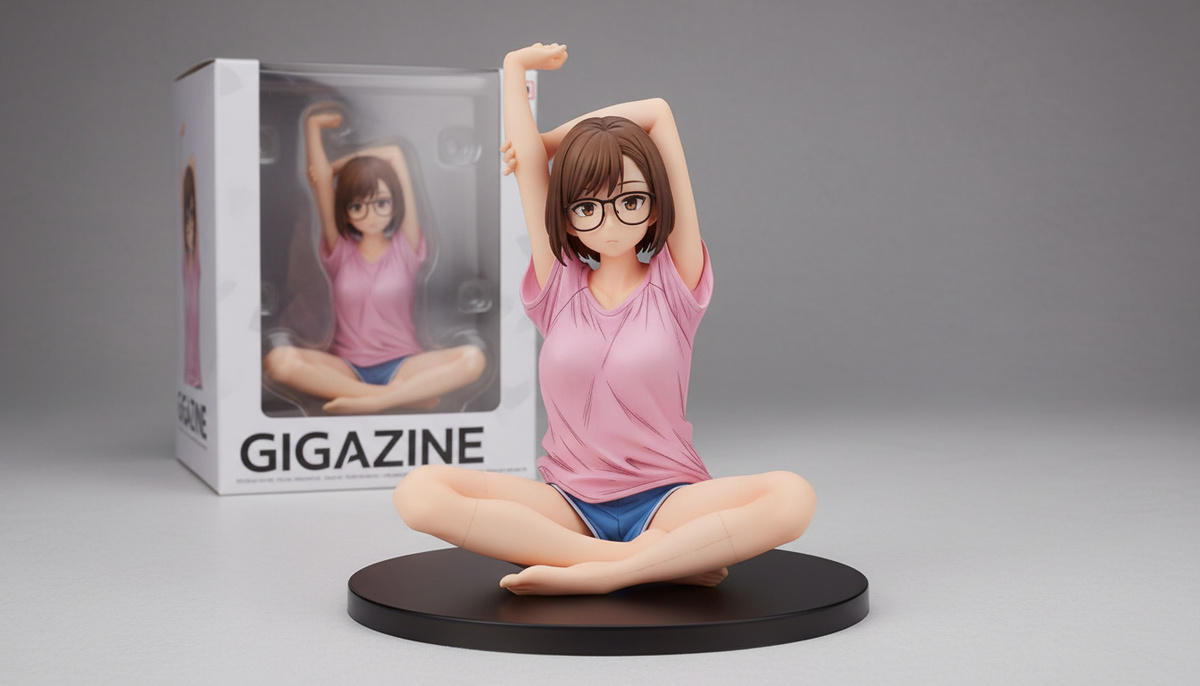
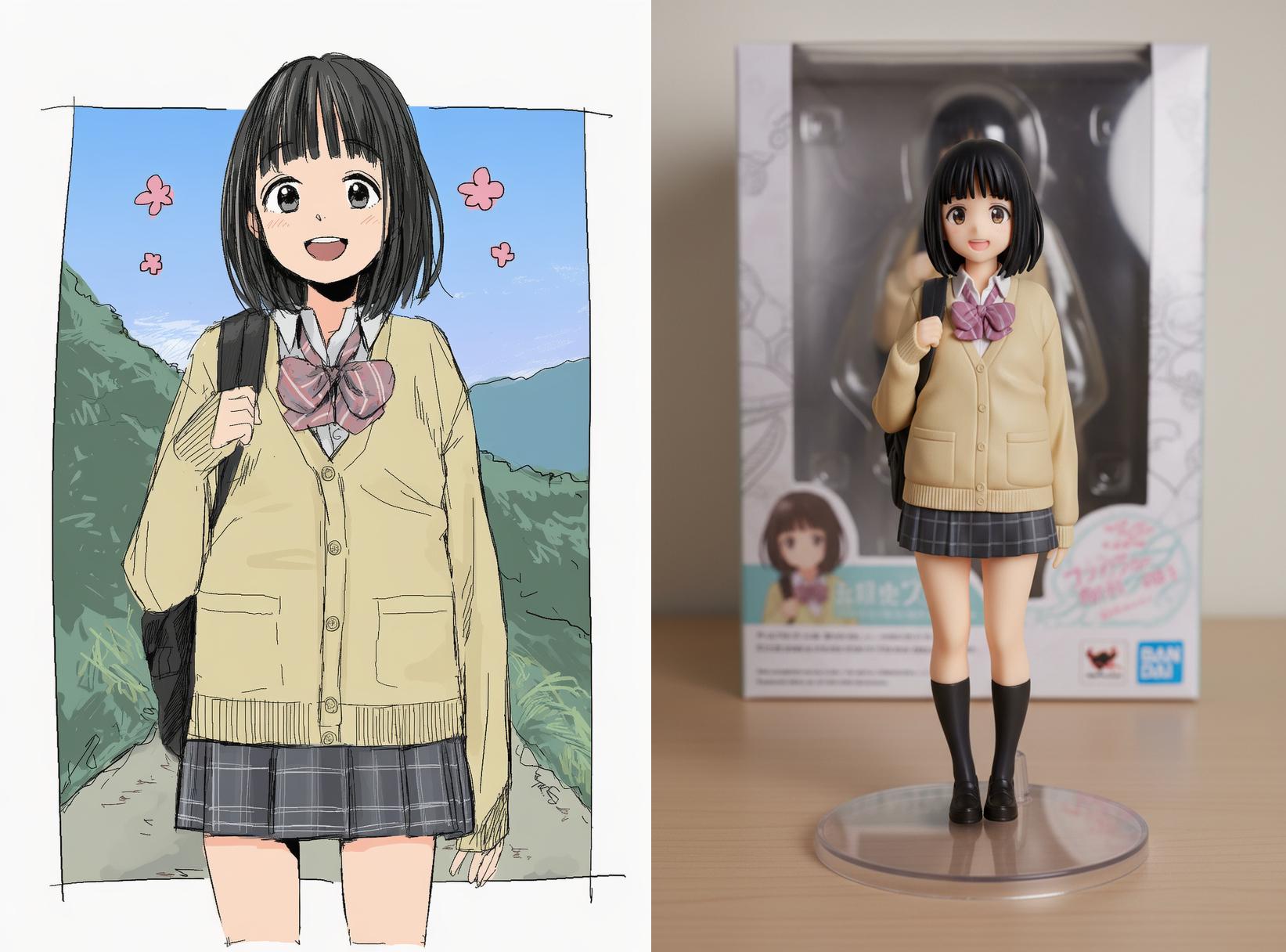
The generated image looks like this. It certainly looks like the figure 'if you faithfully recreated the original illustration, it would look like this,' and it has the texture of a real photo. The package behind it is a windowed box with a blister case, a design that is typical of figure packaging.
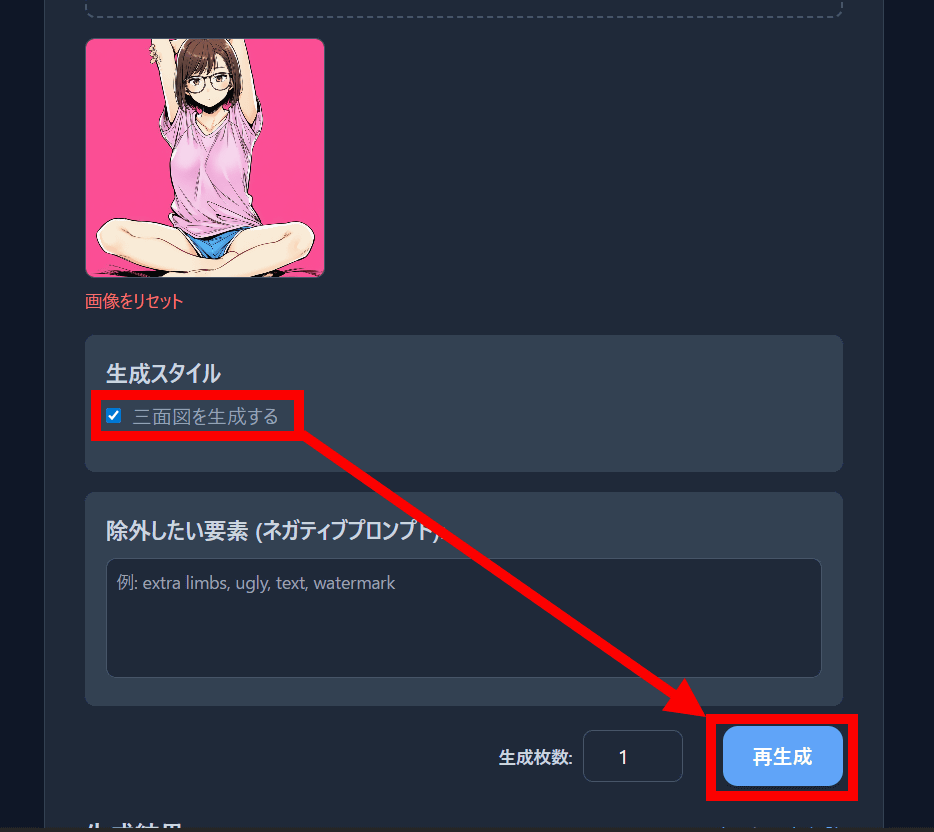
This time, check 'Generate three-dimensional drawings' in 'Generation style' and try generating it.
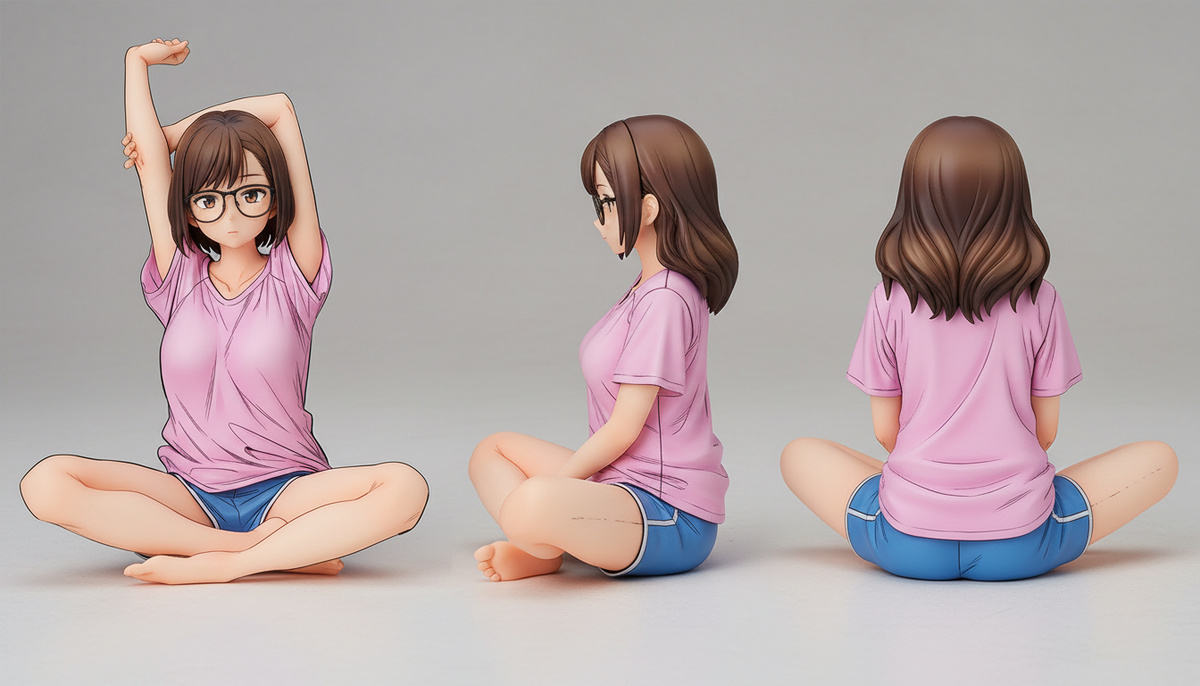
The generated three-dimensional drawings are shown below. The hand pose changes between the side view (center) and the back view (right), and the hair is slightly longer, but other than that there are no problems.
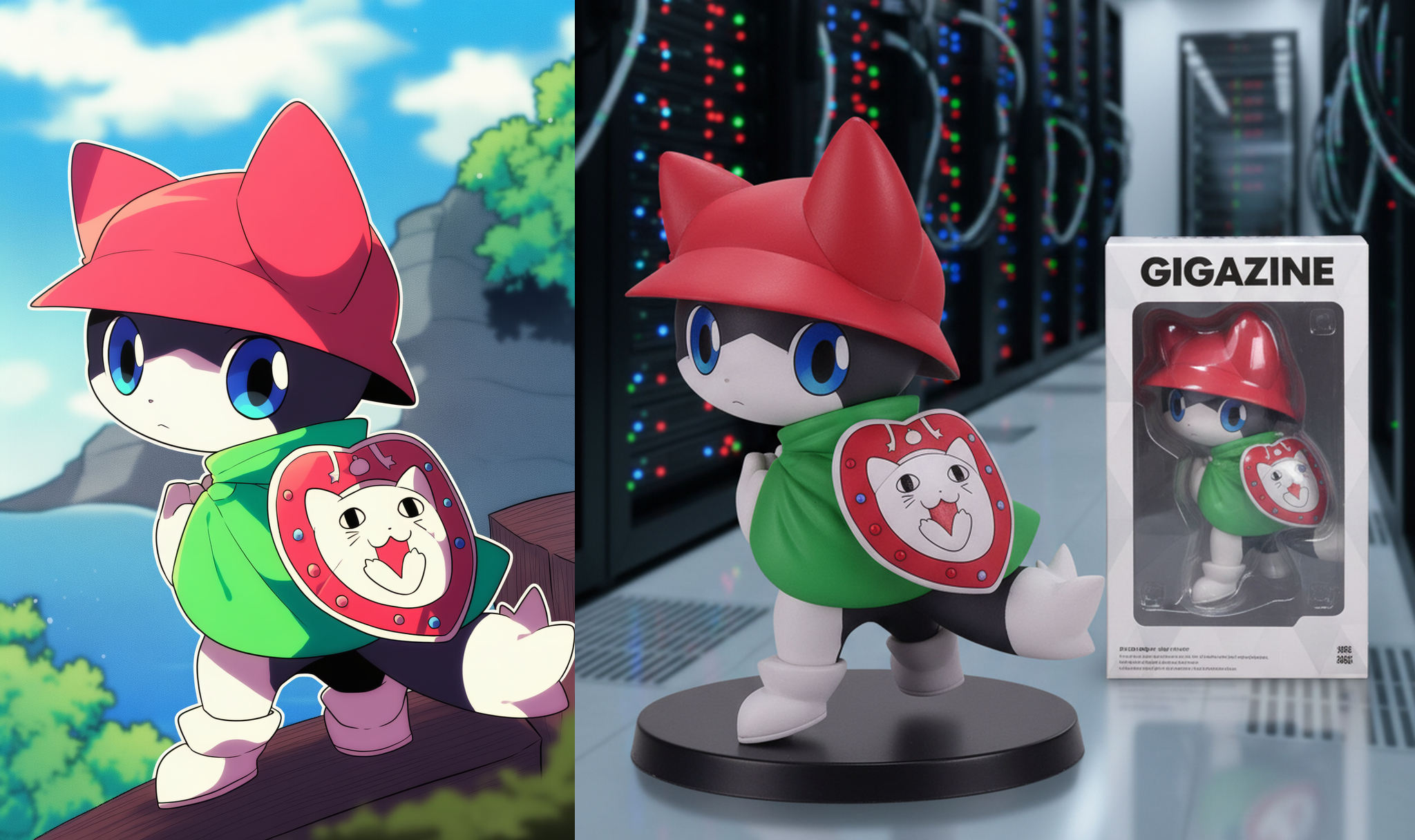
Below is an image of a figurine of another illustration (left). This is what it looks like when you set the prompt to set the background of the figurine to a 'server room.' It doesn't actually create the data needed to generate a figurine; it's just a way to fantasize about what it would look like if it were made into a figurine. However, the accuracy is quite high, and the image is generated with a texture that resembles something that actually exists, so it really inspires your imagination.
In addition, if the illustration does not show the whole body, the feet that are not shown are automatically generated and then turned into a figure.
Related Posts:
in Software, Web Service, Review, Posted by log1i_yk