Recreate the Yamanote Line ride experience with 'Yamanote,' which lets you recreate the station melodies and announcements of the Yamanote Line by specifying the departure station and direction of travel.
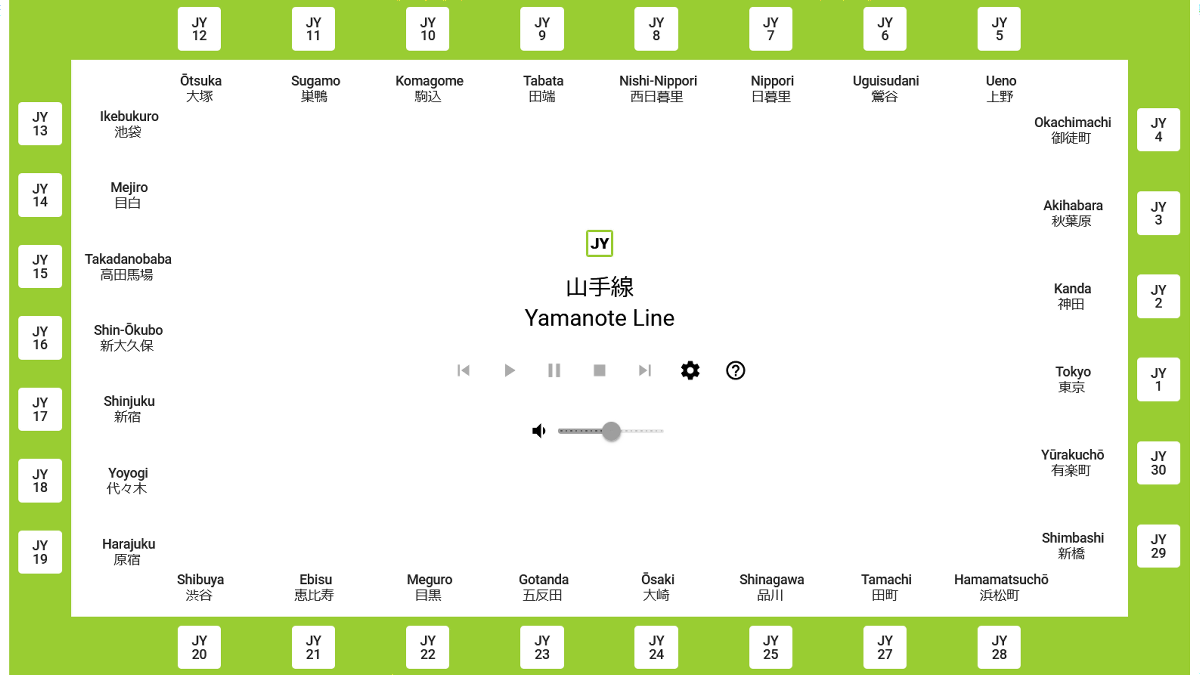
' Yamanote ' is a website that allows you to experience a virtual ride by specifying the departure station and direction of the Yamanote Line, recreating train sounds, station melodies, station announcements, etc. I was curious to see what kind of riding experience I could have on the Yamanote Line, so I actually tried it out.
Yamanote
When you access the above URL, the 'Yamanote' homepage will open.
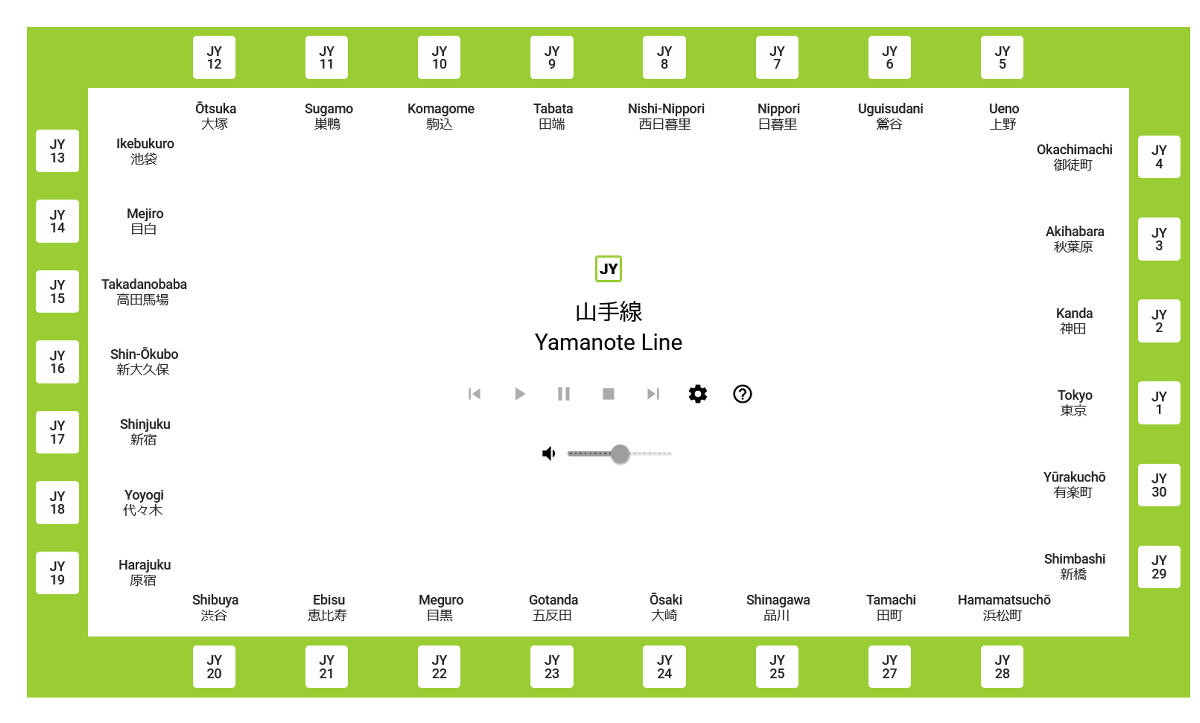
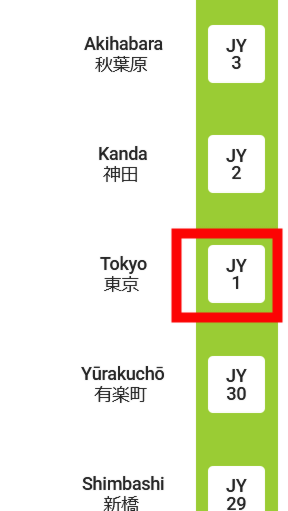
Yamanote allows you to select the departure station and direction of travel, allowing you to play train sounds, station melodies, etc. First, you need to select the departure station, so click 'Tokyo' this time.
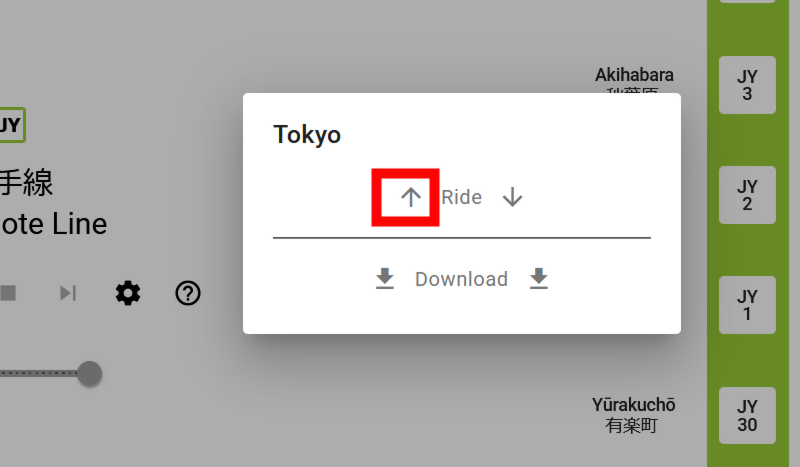
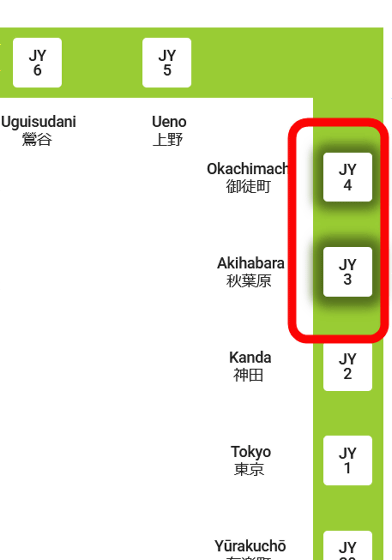
Then, the 'Ride' and 'Download' options, each with a two-way arrow, will appear. The arrows indicate the direction of the Yamanote Line. For Tokyo Station, shown on the right side of the route map, the upward arrow indicates the inner loop and the downward arrow indicates the outer loop. By clicking the arrows on the left and right of 'Ride,' you can experience the running sounds and station melodies that will be heard when riding in a train moving in the specified direction. By clicking the arrows on the left and right of 'Download,' you can download MP3 files of the station melodies that will be heard when riding in a train moving in the respective direction. This time, we will click the upward arrow to experience the sounds that will be heard when riding in a train moving in the inner loop (towards Ueno) from Tokyo Station.
Click the arrow to start playing the audio. Use the center button to control the volume, pause, and skip forward/backward.
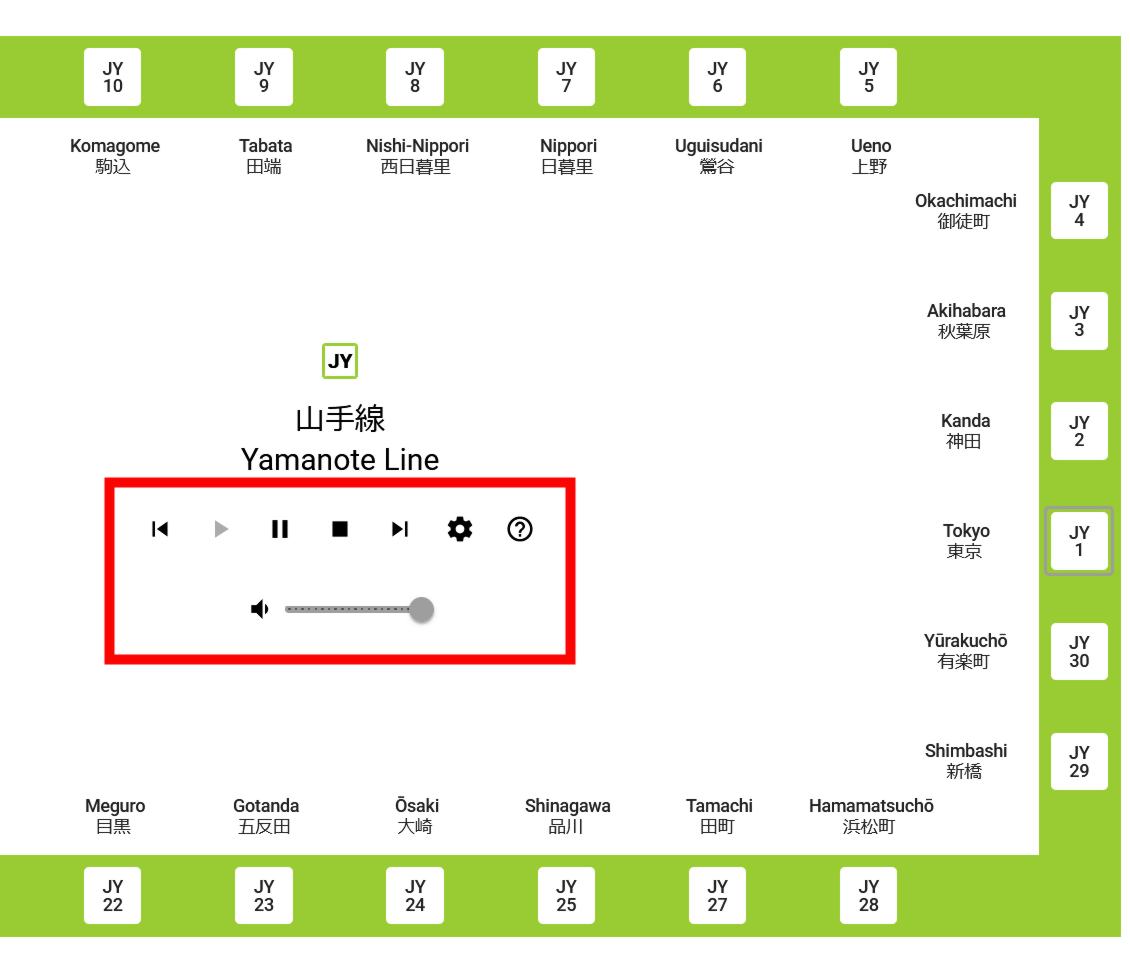
When I actually listened, I could hear not only the announcements and station melodies, but also the sound of the train doors opening and closing, the voices of passengers talking, and even the sound of footsteps as someone rushed to board the train.
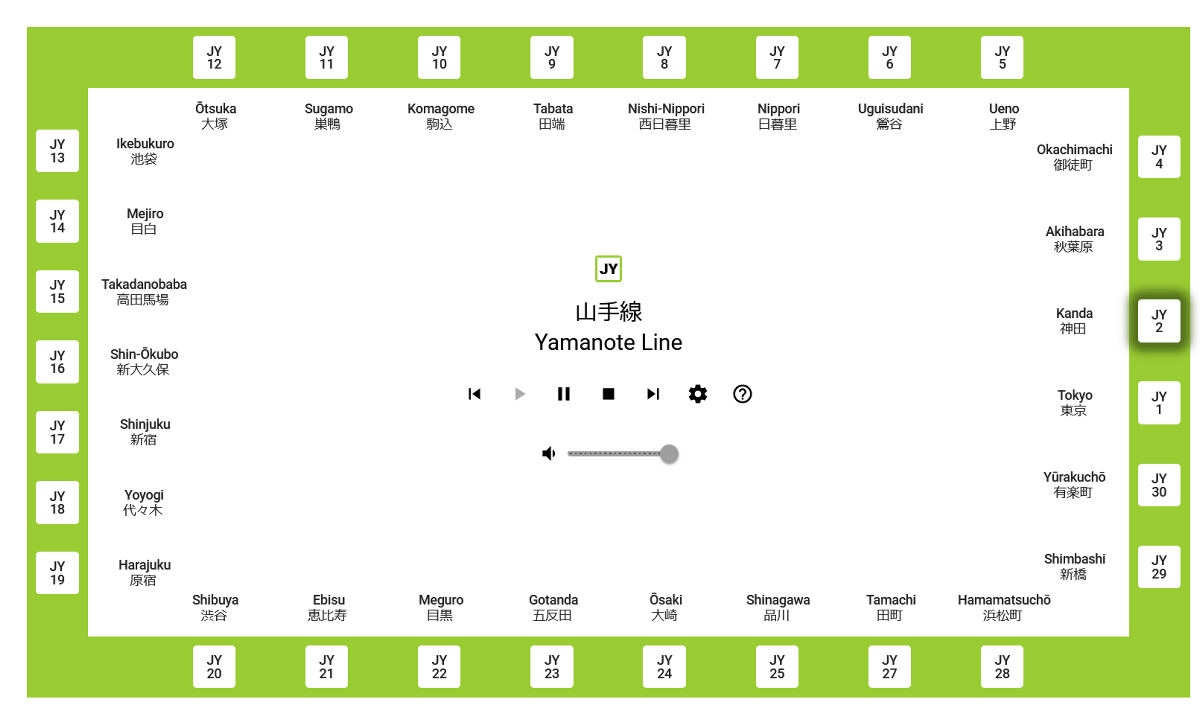
As the train travels between stations, the departure and arrival stations are indicated by a shadow. The train's running sounds are also realistic, including not only the sound of the train running on the tracks, but also the rattle of the train and the sound of the train cutting through the wind. While Yamanote isn't 100% accurate, it takes into account the distance between stations to make the travel time more realistic.
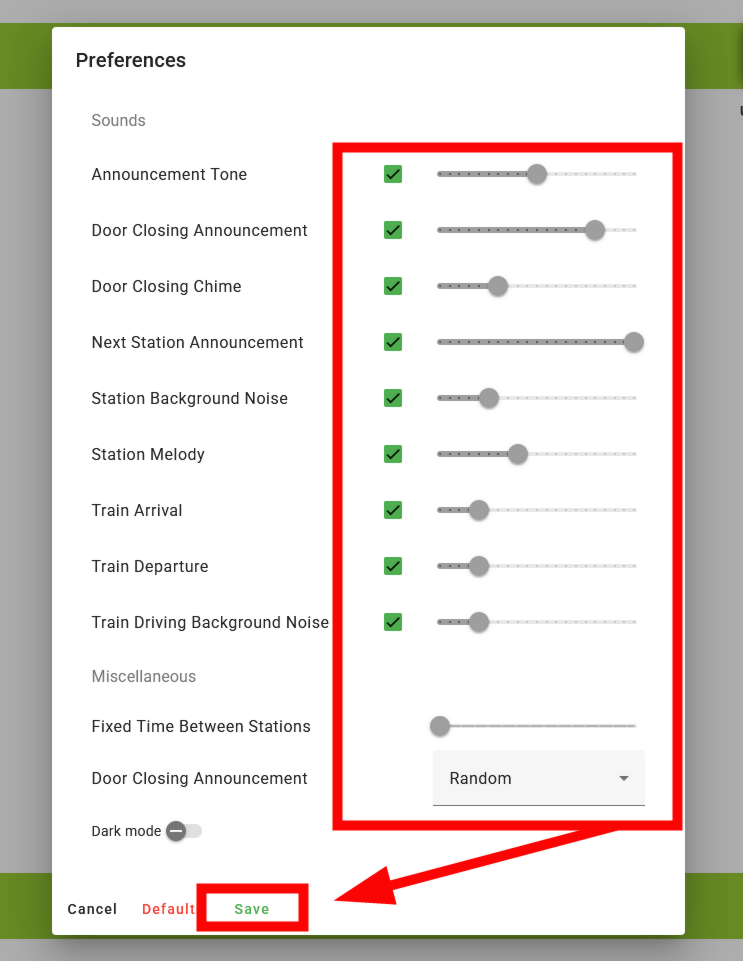
To change sound settings, click the gear button in the middle.
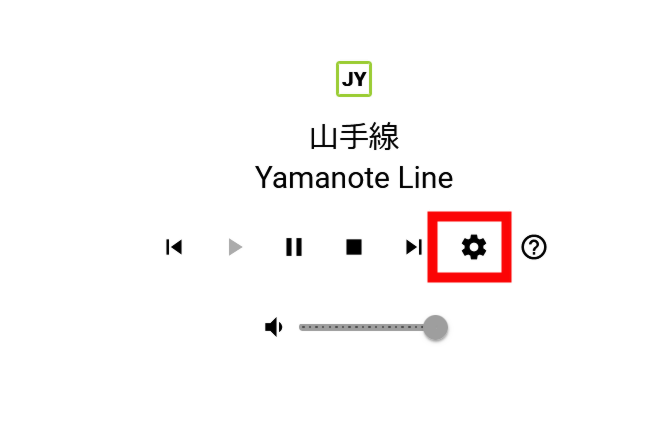
You can set a wide range of audio on/off and volume, such as 'Announcement Tone,' 'Door Closing Announcement,' 'Door Closing Chime,' 'Next Station Announcement,' 'Station Background Noise,' 'Station Melody,' 'Train Arrival,' 'Train Departure,' and 'Train Driving Background Noise.' After changing the settings, click 'Save' at the bottom. Note that if 'Train Driving Background Noise' is turned off in this setting, the running time between stations will be zero to avoid silence.
You can see how 'Yamanote' recreates the sound of riding on an outbound Yamanote Line train departing from Yurakucho Station in the embedded video below.
I tried riding the Yamanote Line with 'Yamanote,' which allows you to reproduce the station melodies and announcements of the Yamanote Line by specifying the departure station and direction of travel - YouTube
Related Posts:
in Video, Web Service, Review, Vehicle, Posted by log1h_ik