I played with pets using the 'VS Code Pets' extension that displays cute pets in Visual Studio Code
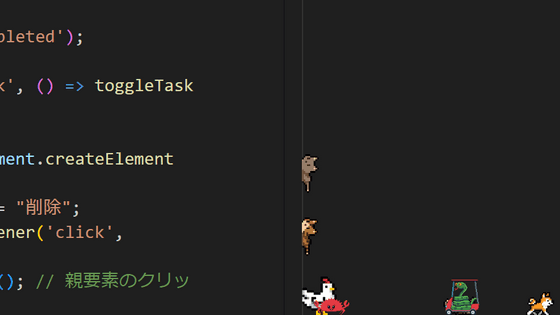
' VS Code Pets ' is an extension for Visual Studio Code that increases productivity by displaying various pets in the editor. I actually installed it and tried summoning the pets.
vscode-pets - Visual Studio Marketplace
https://marketplace.visualstudio.com/items?itemName=tonybaloney.vscode-pets
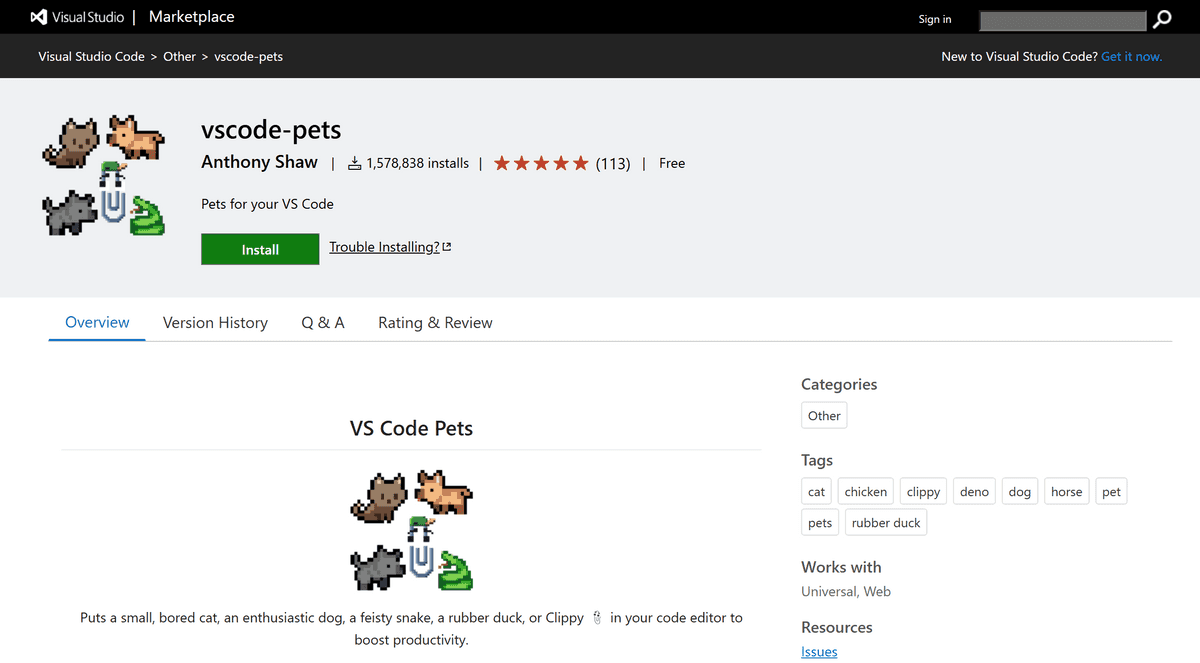
Launch Visual Studio Code, search for 'vscode-pets' in the 'Extensions' tab, click the extension you want, and click 'Install.'
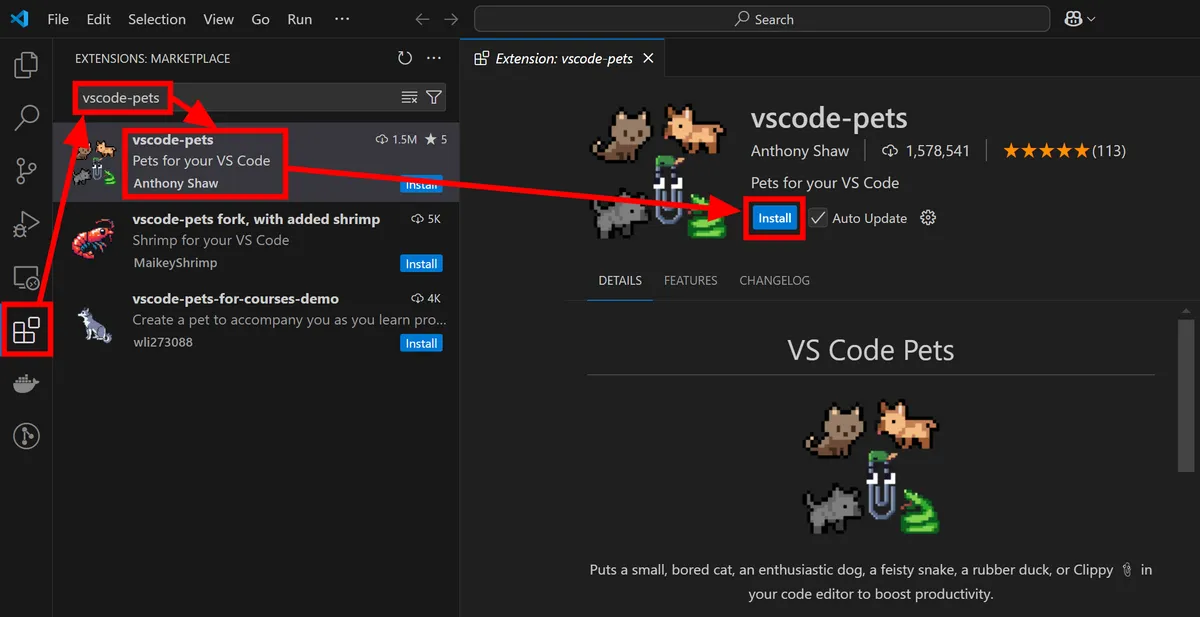
Once installed, a button with a squirrel mark will appear in the bottom right corner. Click it and a box called 'VS CODE PETS' will appear. There will be one cat placed in the beginning.
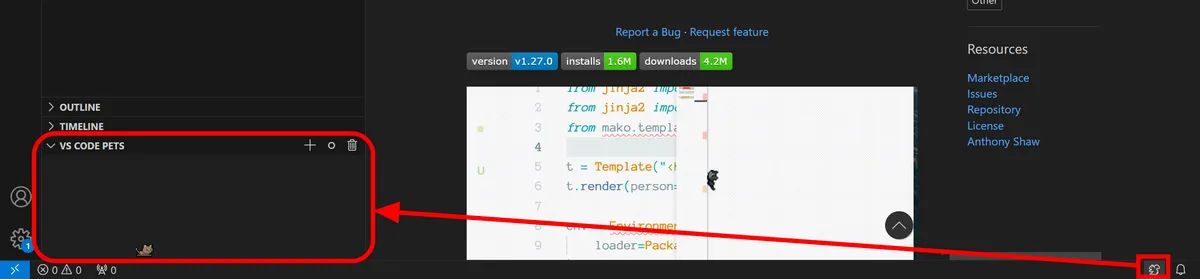
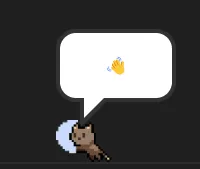
Just watching the cat strolling around is soothing, but if you move the mouse cursor over the cat, it will greet you with a speech bubble and play with you with its claw attacks.
You can add a pet by clicking the '+' button in the frame. At the time of writing, the following pets were available: Cat, Chicken,
Clippy
, Cockatiel, Crab, Dog, Deno , Fox, Horse, Mod , Mouse, Rock, Rubber Duck , Snake, Totoro, Turtle, and Zappy .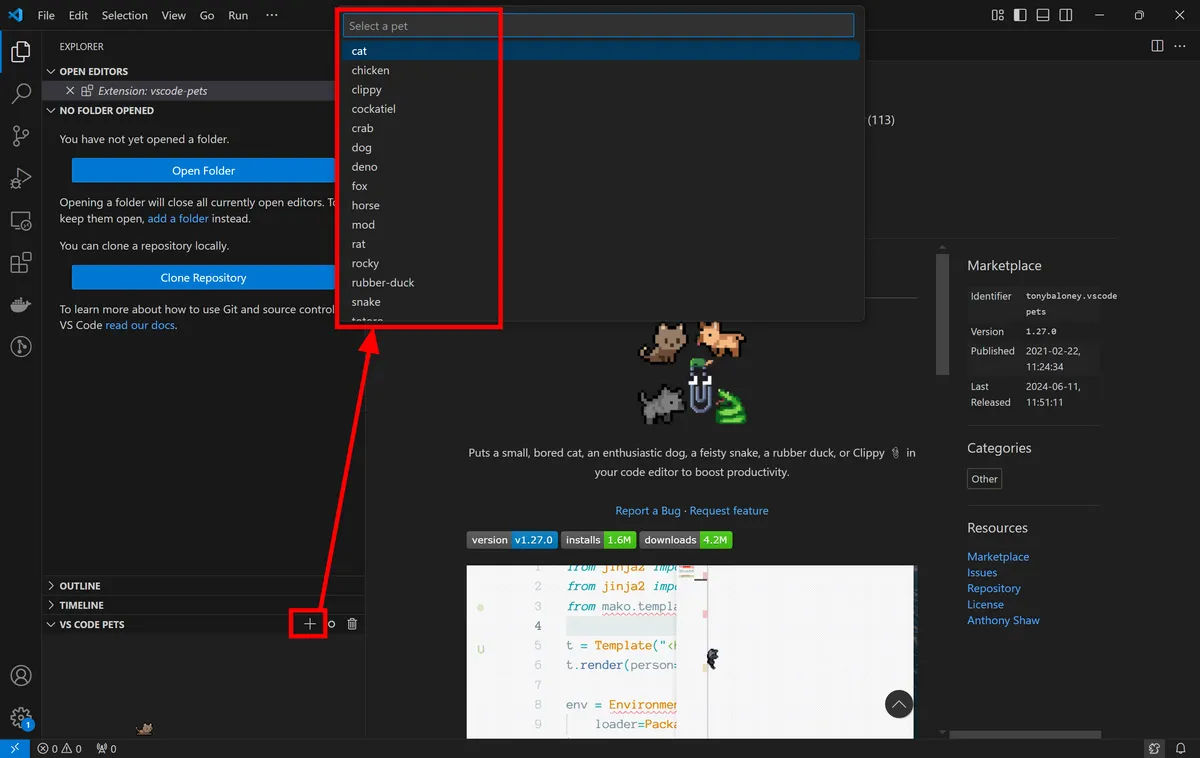
Depending on the type of pet, you can specify the color and size.
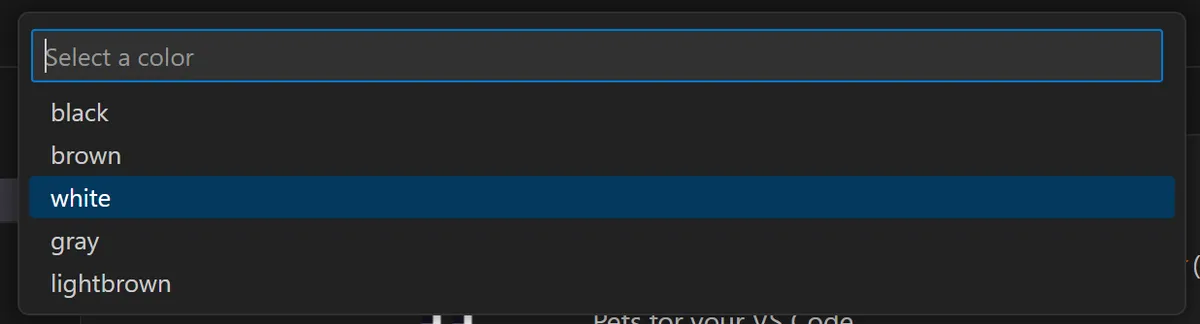
Once you give it a name, adding your pet is complete.

When you click the button with the circle mark, a ball will appear and you can watch your pets chase it.
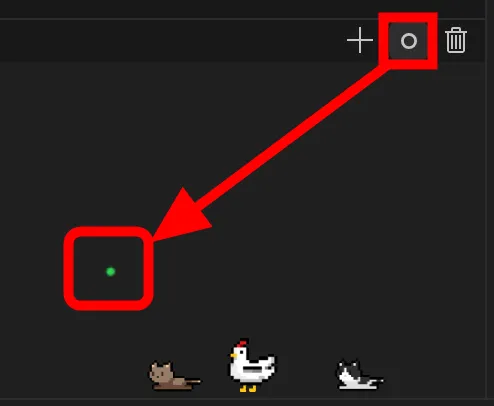
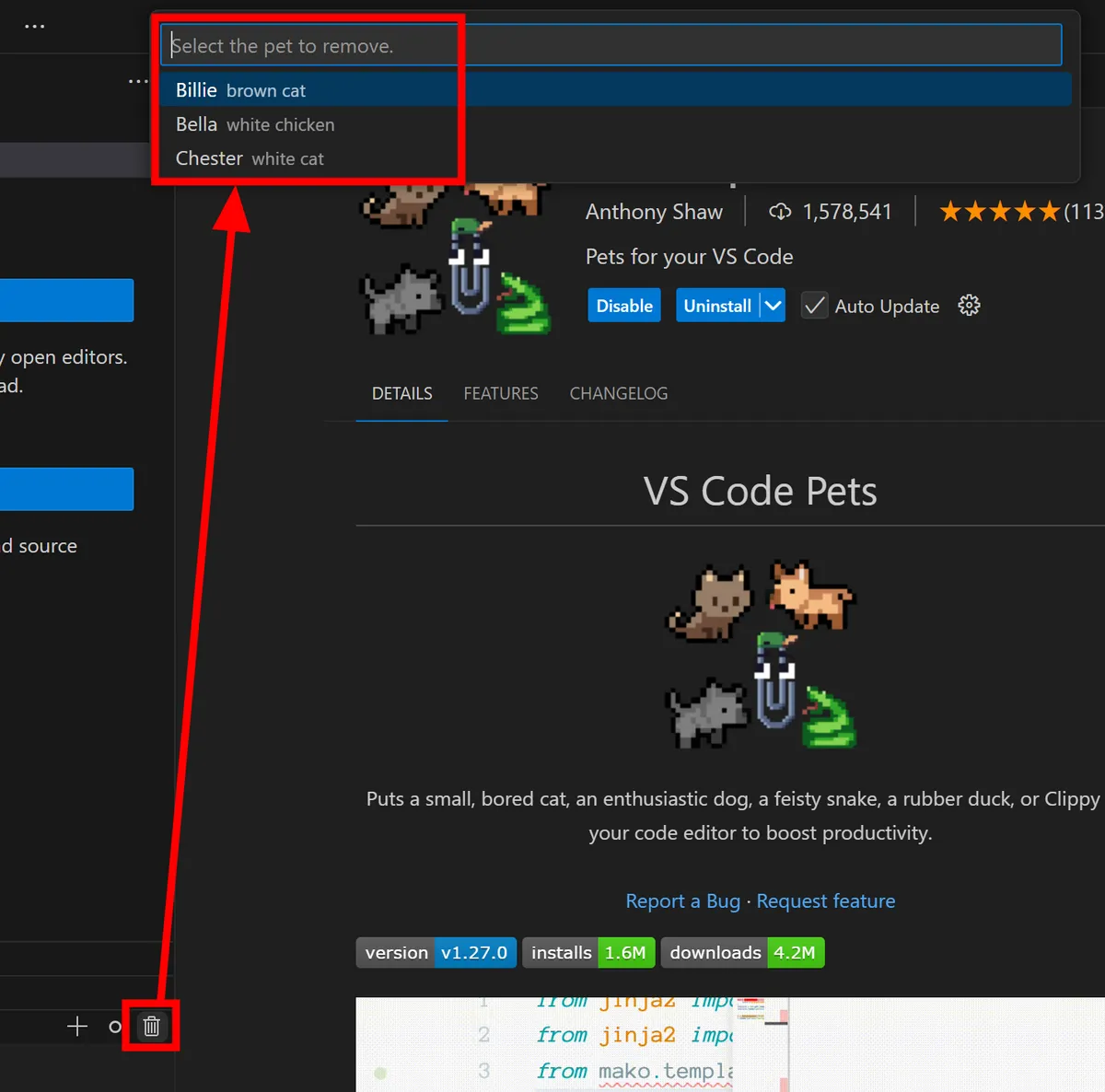
If you want to say goodbye to your pet, just click the trash can button on the far right.
Related Posts:







in Free Member, Software, Review, Posted by log1d_ts