'Edit Anything' review that transfers objects in an image to a different scene by entering a prompt
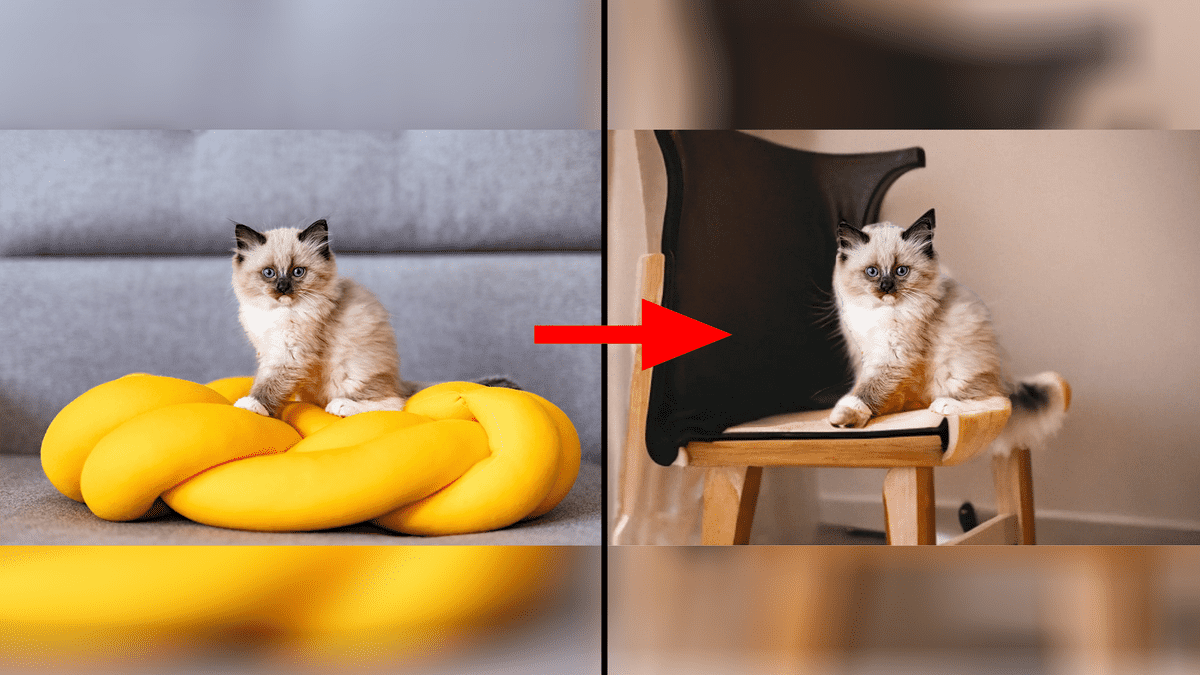
An image editing service called 'Edit Anything' has been released that allows you to replace the surrounding scenery with a different scene while leaving the appearance of the object in the image intact, such as changing an image of a 'cat in a church' into an image of a ' cat in an office.'So I tried it out.
Edit Anything | false-serverless
The top page of Edit Anything looks like this.
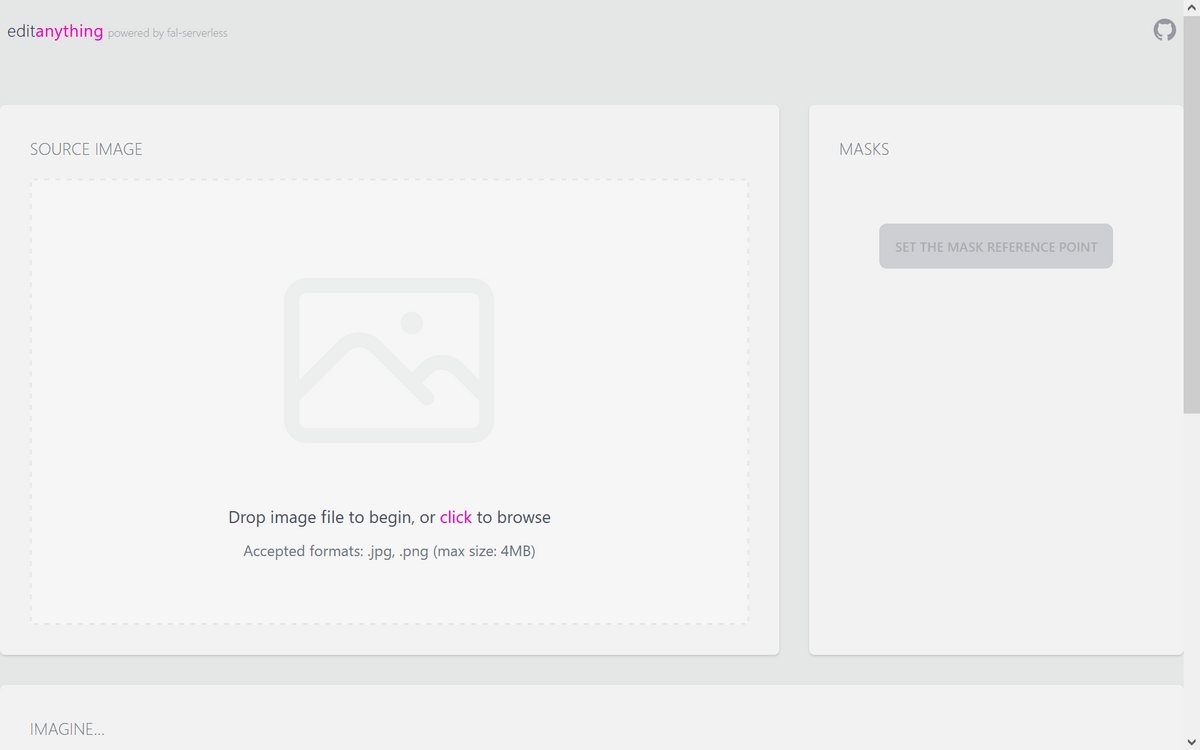
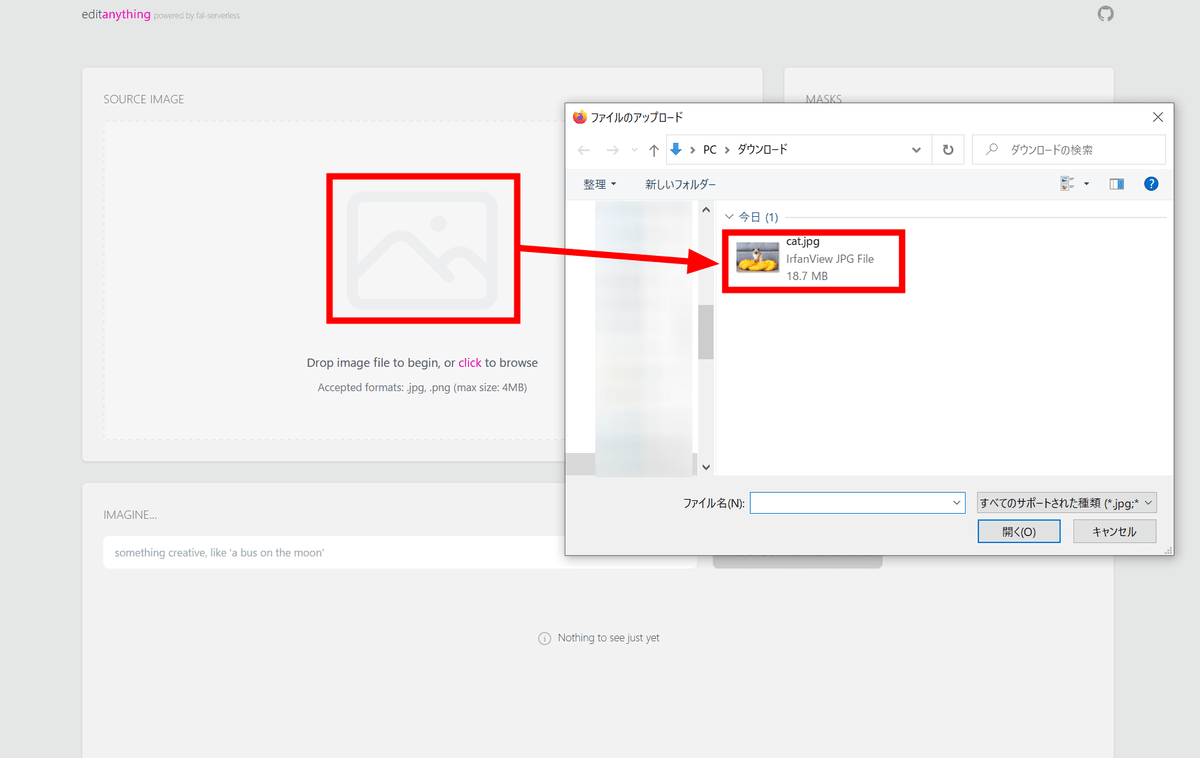
First, click the image icon to upload the image you want to edit.
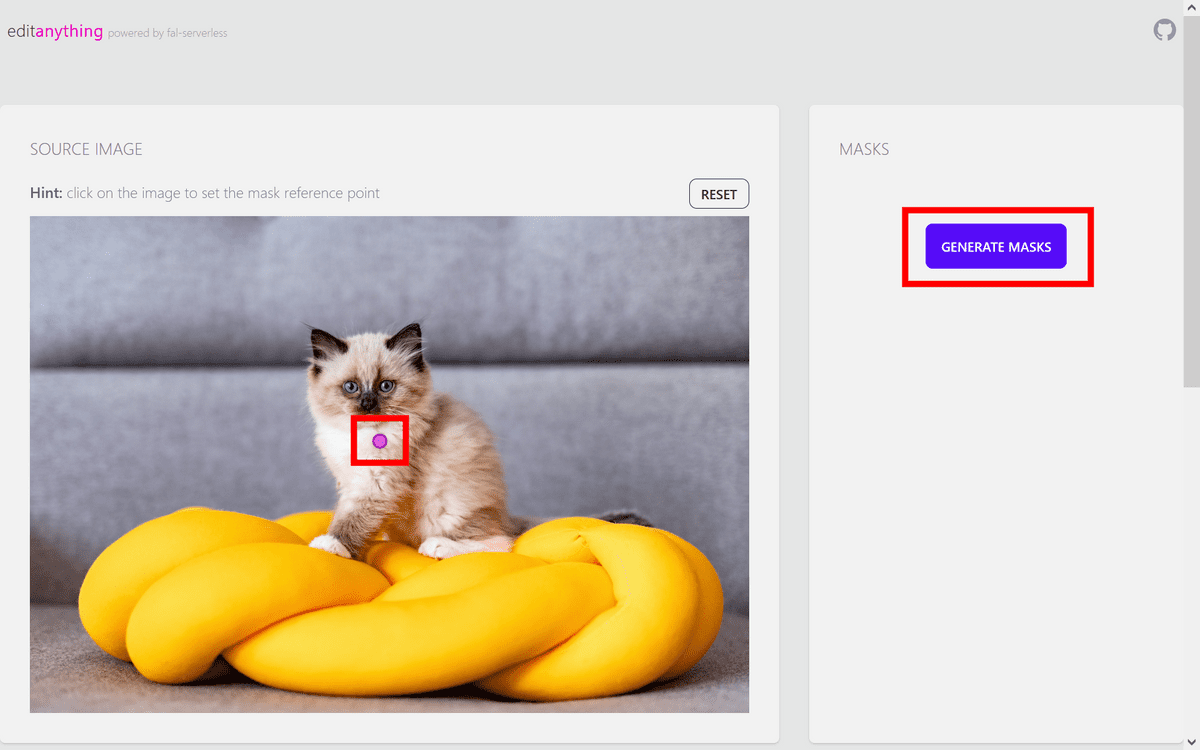
Next, click on the object you want to keep and click 'GENERATE MASKS'.
Edit Anything will recognize the object, highlight it in blue, and give you three options to choose from - click the one that correctly covers the entire object.
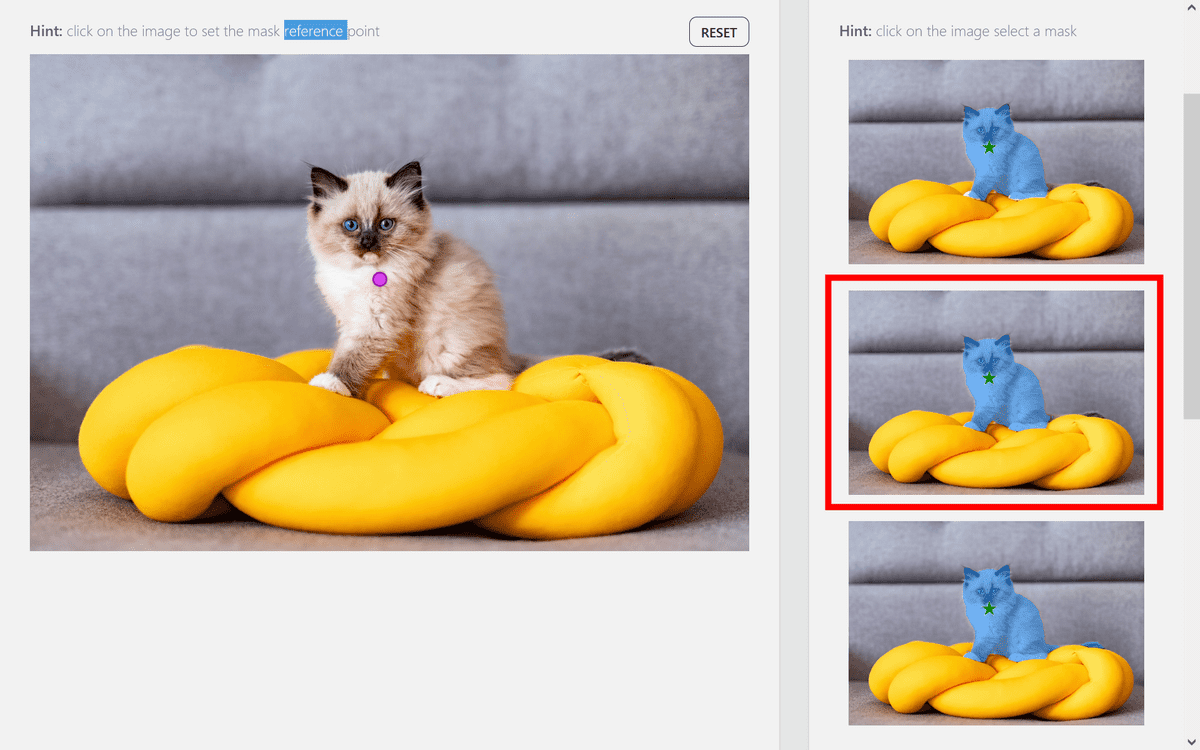
Scroll down the page and enter the appropriate prompt in the prompt field. Since I used an image of a cat sitting on a cushion, I entered 'a cat sitting on a chair' to replace it with an image of a cat sitting on a chair. Once you've finished entering the prompt, click 'GENERATE.'
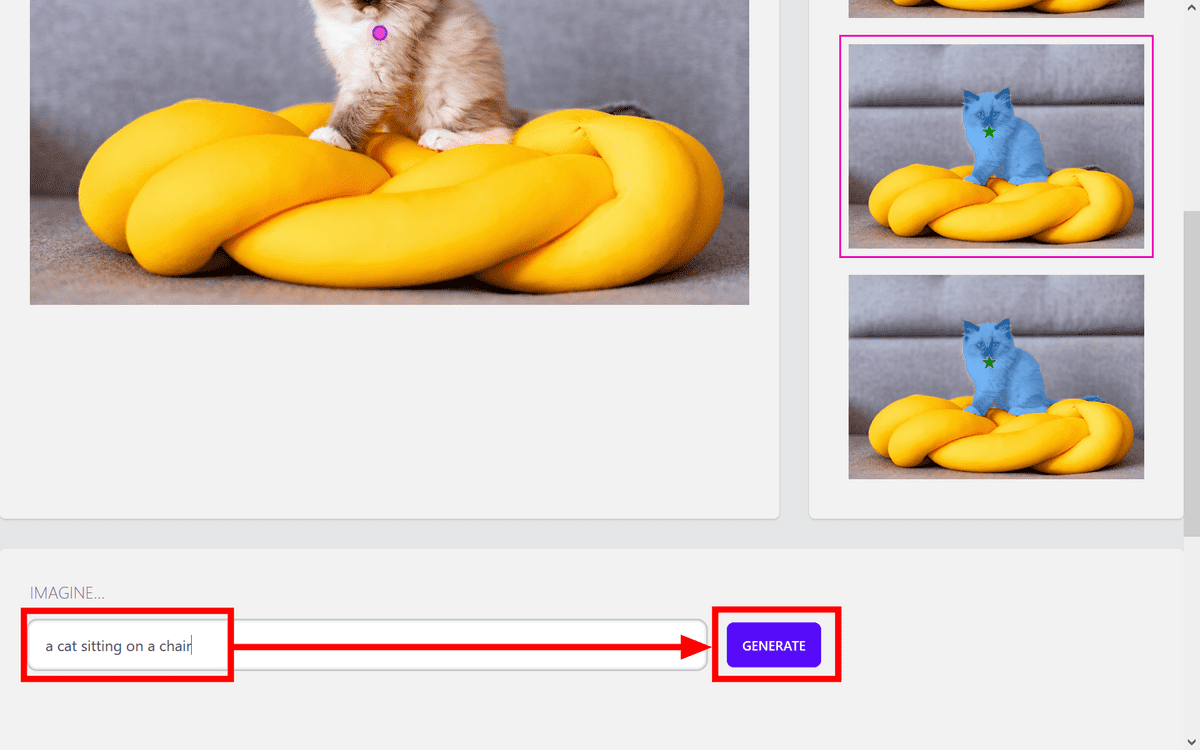
After a few seconds, the edited image will appear. The cat's appearance remains the same, but the cushion has been replaced with a chair. The surrounding scenery has also changed.
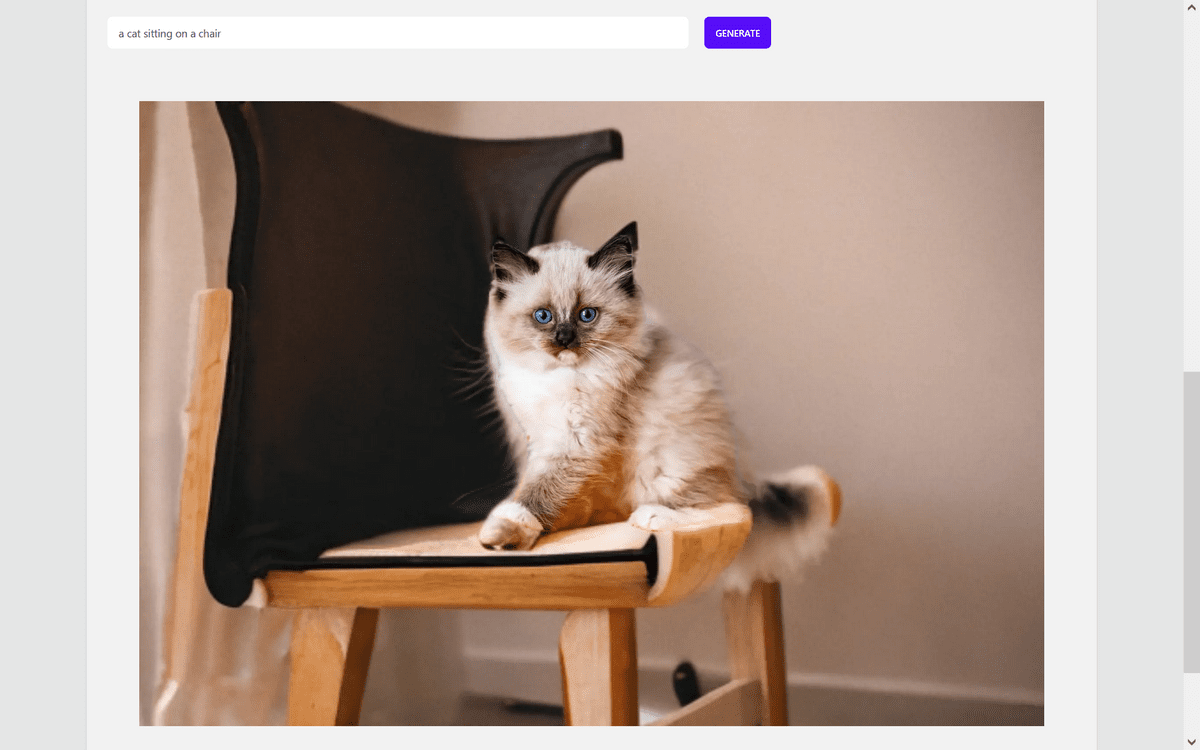
The prompt must be in English. When I tried entering the prompt 'A cat playing with a ball' in Japanese, no ball appeared, and instead an image of mysterious, jumbled kanji-like characters was displayed.
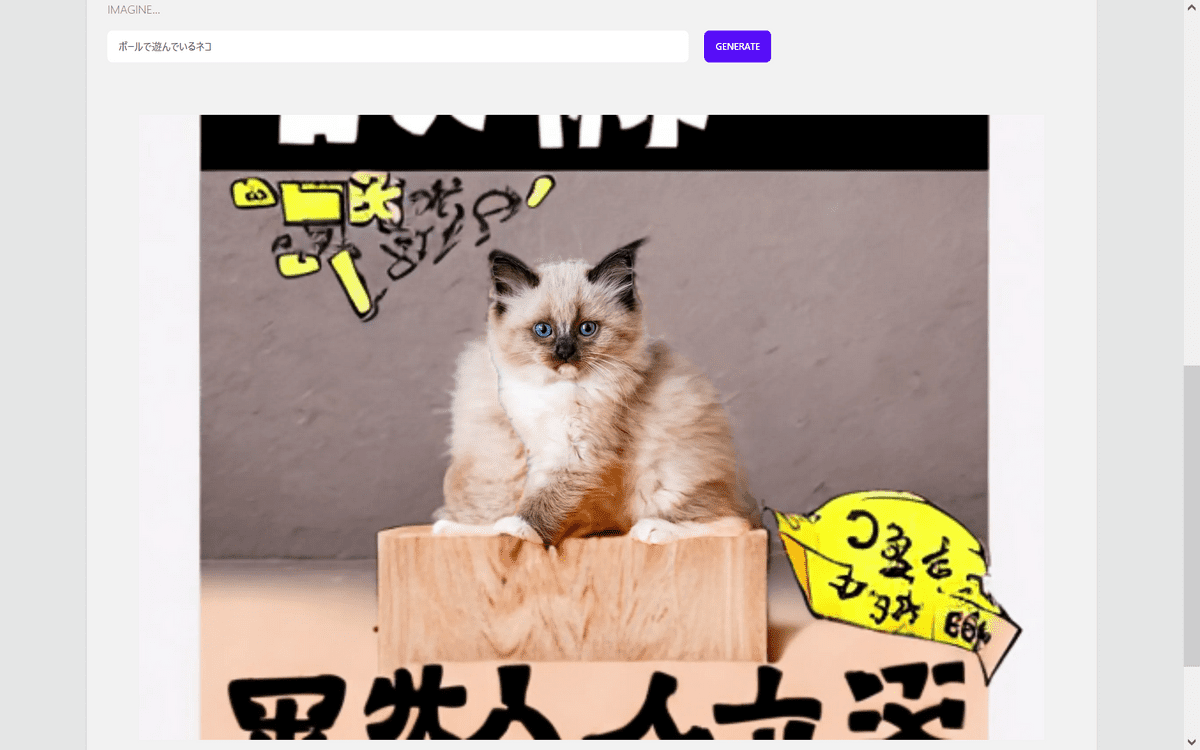
If we try typing the same prompt in English, we get the following result: The ball appears, but it's fused with the cat.
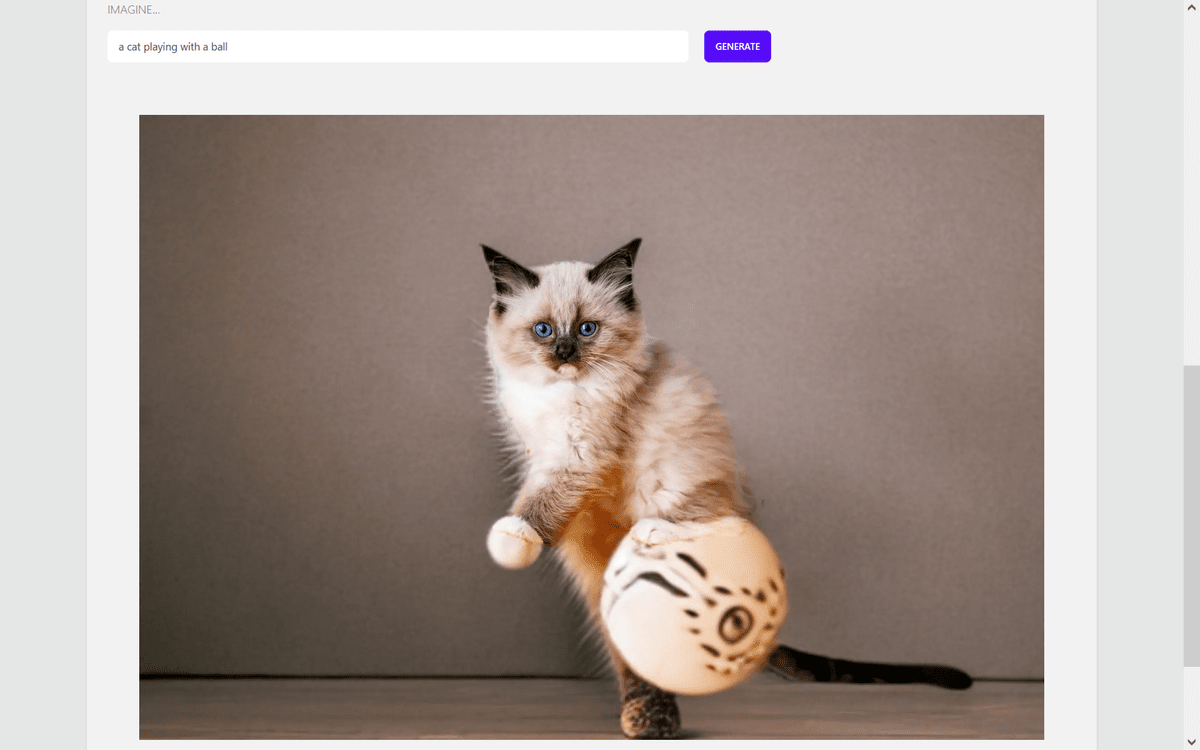
I tried a few other things too. Below is an image of a car parked in front of a building, edited with the prompt 'car on the seaside road.' The sea is a bit blurry, so it's hard to tell at first glance that it's actually the sea.

This time, we edited a photo of a dentist holding a tooth model and a toothbrush with the prompt 'a person holding a maracas in his hand,' replacing the tooth model with maracas.

Finally, I tried moving the plane on the runway into outer space with the prompt 'airplane flying in outer space.' It was a bit fancy, but the plane flying in outer space was generated correctly.

Related Posts:
in AI, Web Service, Review, Creation, Posted by log1p_kr