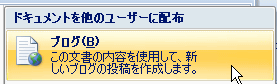
Windows Live Writer Beta Japanese version appeared, I actually tried using it
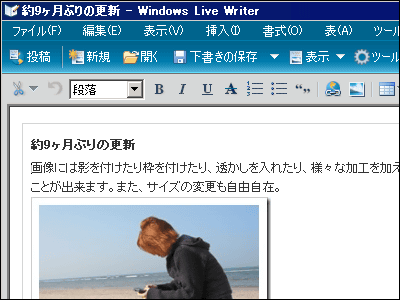
Since the beginning of the English version earlier it was a reputation as "updating blogs will be much easier"Windows Live WriterFinally, finally the Japanese version appeared. It is possible to edit and create articles as if they were watching like a word. You can update blogs that fully utilize photos, maps, tags, insert and edit tables, format content and hyperlinks. Moreover, since you can temporarily save the contents to be posted, it is possible to write halfway and write a continuation after once being absent and waiting for time again. In addition to Windows Live space, it is also available for other blog services that support Metaweblog API or RSD.
So, I actually tried using it.
Download from below.
Windows Live Writer Beta
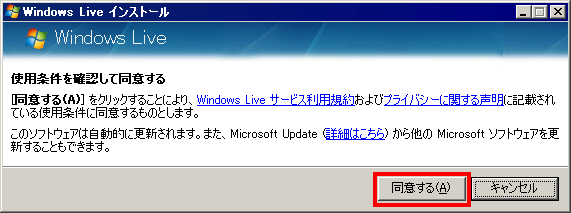
Click the "I agree" when you execute the downloaded file
Click "Install". However, if you do not want to use MSN as a home or do not want to use Live Search, leave it unchecked.

Installing ......

Click "Close" when installation is completed

Since the main unit automatically starts up, click "Next"
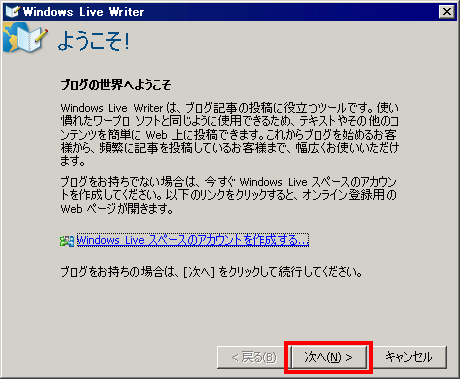
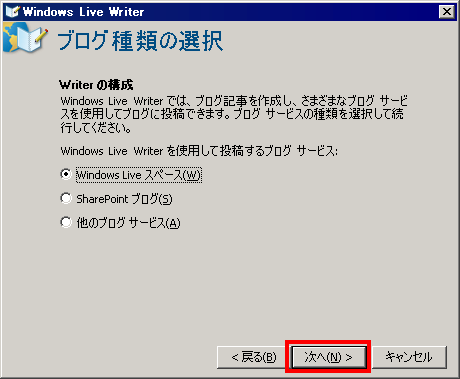
Since this time we have "Windows Live Space" we created last time, we can use it, but we can make it newly or use another existing blog. Click "Next".
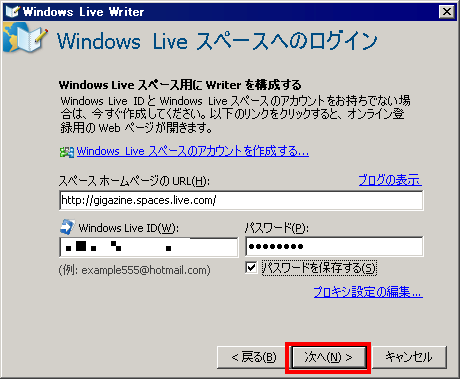
Space Enter URL of the homepage, Windows Live ID, then password and click "Next"
If you already have a blog, analyze its structure and automatically make necessary settings, or download and capture existing articles and save them. It is convenient because it also becomes a backup.
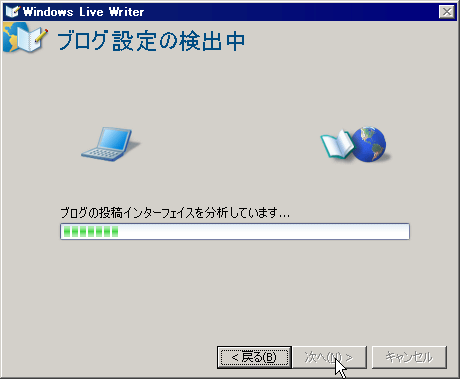
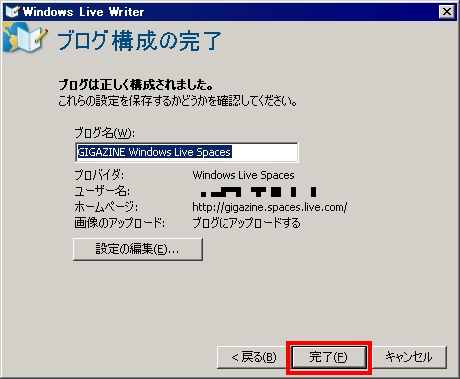
It will be like this if it can be taken in properly. Click "Done"
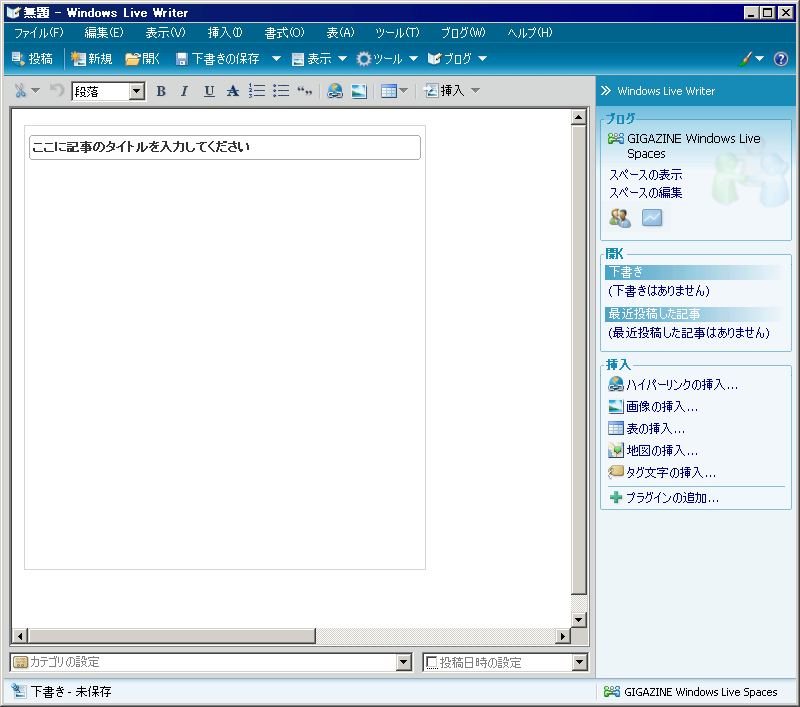
The initial screen looks something like this, you can operate it with a feeling like a word as an atmosphere
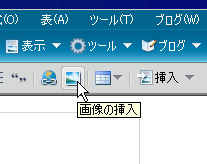
To insert an image, click the "Insert image" button
Just choose the image you want to use and choose "insert". All software and resize are done without permission.
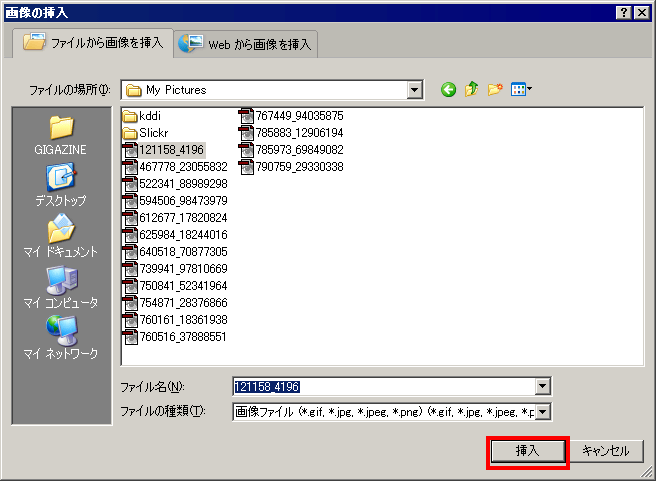
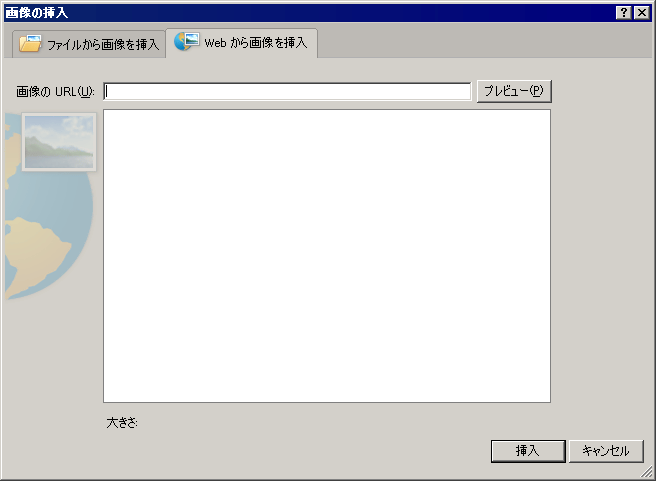
It is also possible to specify the address of the image on the web
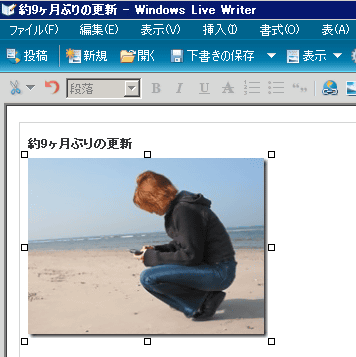
It will look like this when inserted
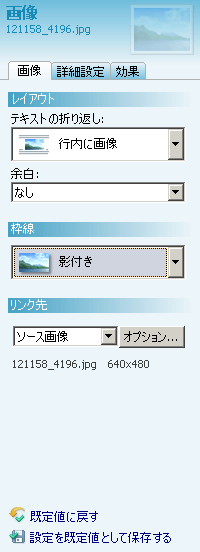
It is also possible to set the border and margin around the image
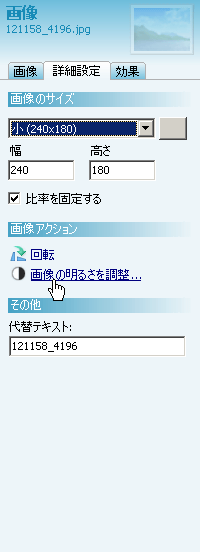
You can also adjust display size, brightness, rotate, etc.
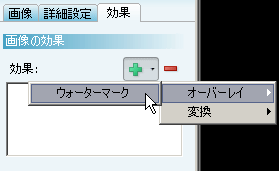
Also, if you choose "Watermark" from the "Effects" tab, you can insert watermark characters
When you enter a letter like this ... ...
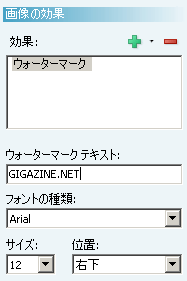
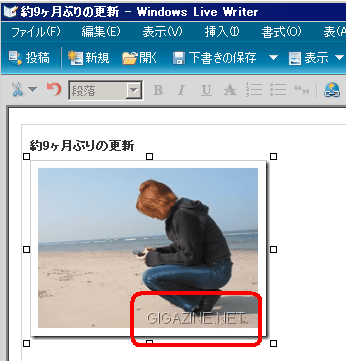
This will be displayed in any position
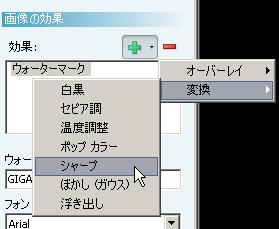
Furthermore, various effects such as black and white, sepia tone, temperature adjustment, pop color, sharpness, blurring, embossing etc. are also possible
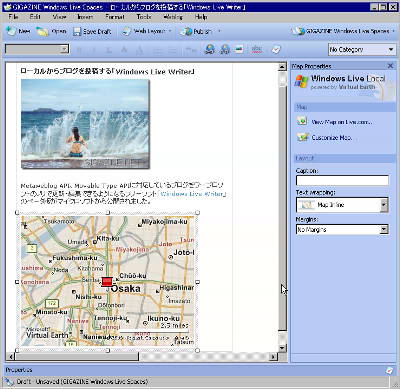
You can also insert a map, just select aerial photos and map images
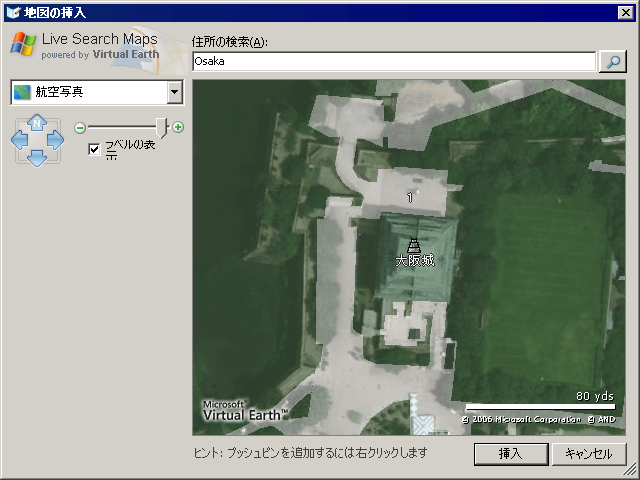
Where this is a map

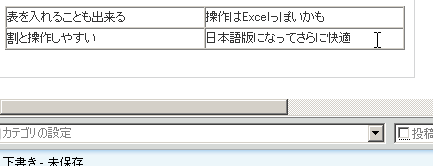
It is also possible to insert a table
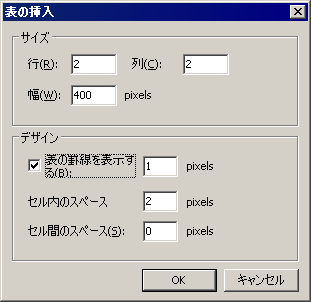
It will be like this
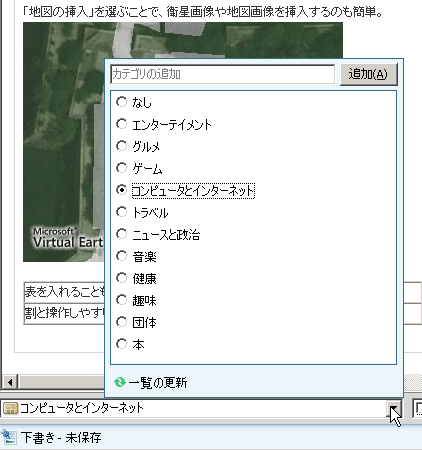
You can also specify the category from the bottom, just choose.
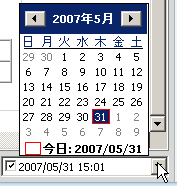
Date is the current date unless you do anything, but you can easily change it to the specified date and time
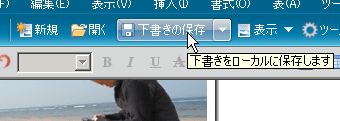
After creating an article like this, click "Save Draft" and save it. Since it can be saved in this way, it is safe to write it to write it in at a later time, to write down halfway and to take a rest.
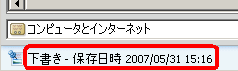
When saved, the saved date and time will be displayed in the status bar at the bottom
And when the article is completed click "post"
Posting ...... Let's wait for a while ...
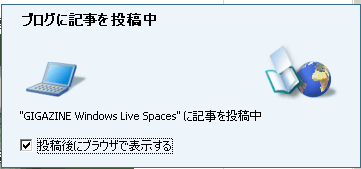
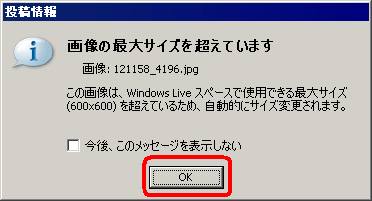
If it is larger than the maximum size of the image, it will be resized automatically at this stage, it is convenient
The actual example looks like the following.
GIGAZINE Windows Live Spaces
http://gigazine.spaces.live.com/
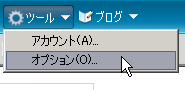
To make further detailed settings, select "Tools" → "Options"
It is safe even if you quit suddenly if you set "interval to automatically save drafts", setting is mandatory
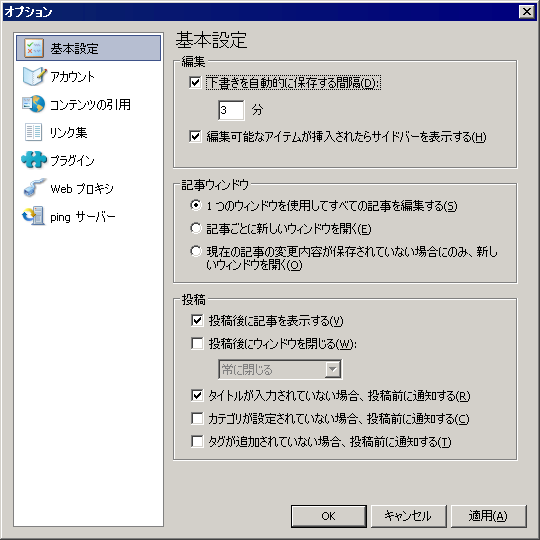
Because you can manage multiple accounts, people who have many blogs may be easier to manage
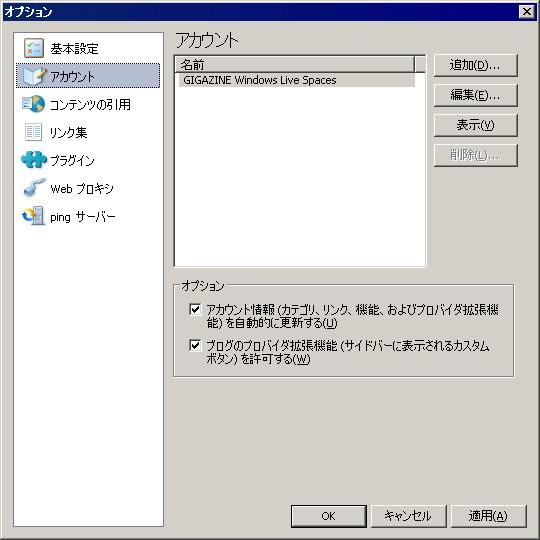
You can also quote

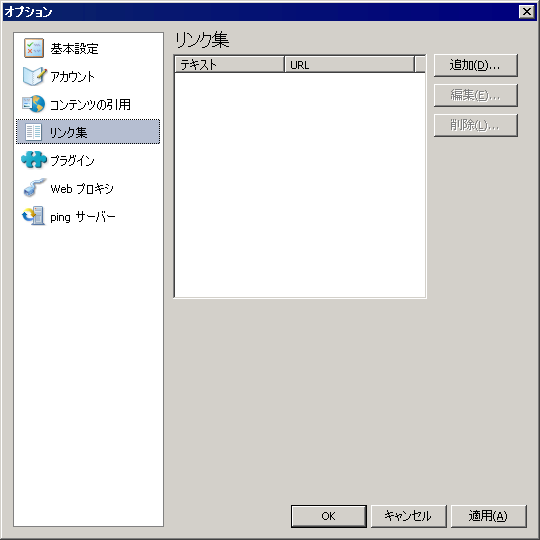
You can also create a collection of links
Also, if you introduce a plugin you can add various functions
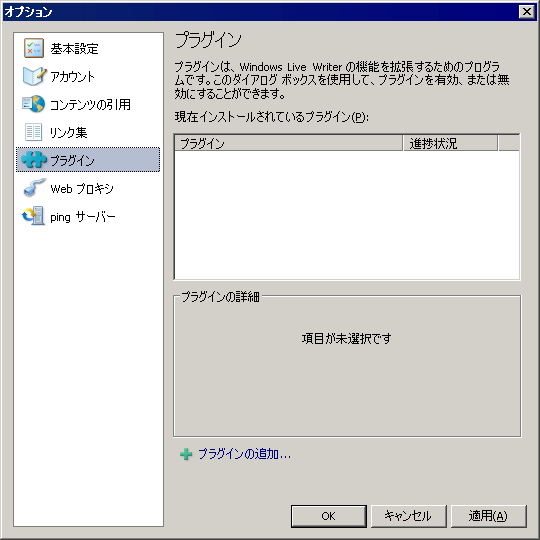
For the representative plug-in, the following article is detailed.
Various plug-ins for Windows Live Writer | caramel * vanilla
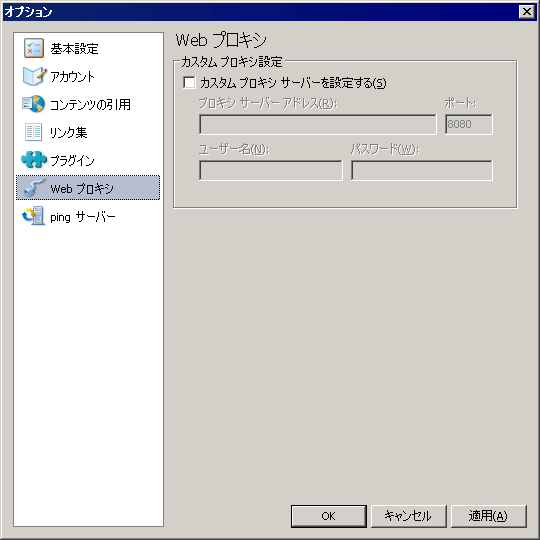
You can also set proxy settings so you can update from within the campus or inside the campus
And you can also decide where to send Ping

I think that it was understood that this was a very fulfilling function simply by looking at it, but after a long time I tried it and I was surprised at the lightness of its behavior. Is not it level to withstand routine use ...? It is said that this quality software is provided free ... ... I realized the power of Microsoft, this is amazing.
Related Posts: